Where to find n8n templates
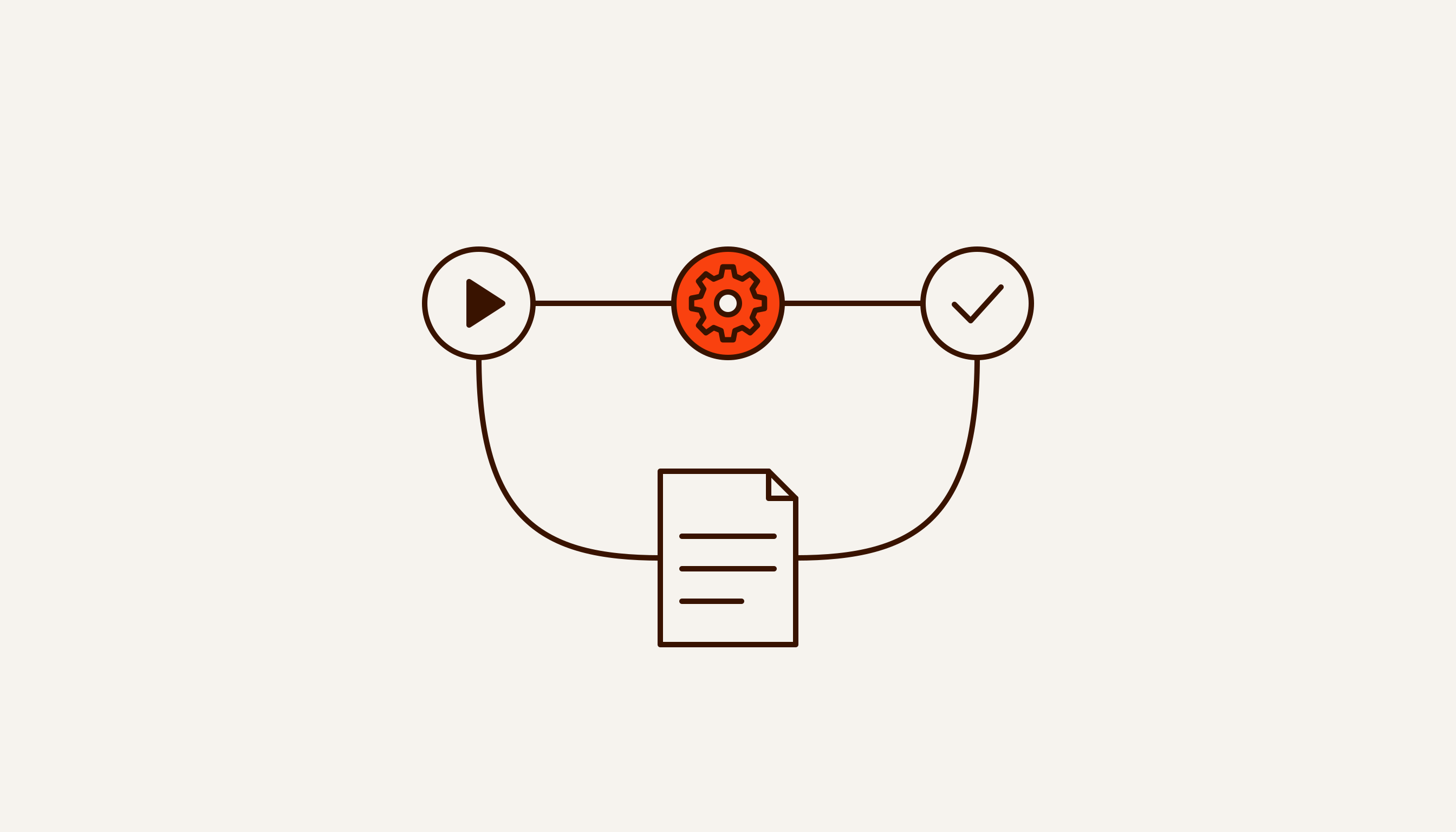
An n8n template is a ready-made workflow stored as JSON: a set of nodes and the connections between them. The main source is the official gallery at n8n.io/workflows. On 28 September 2026 it held 12,574 templates, and the number keeps changing. The Templates button inside the n8n editor leads to the same place (docs). What n8n is and how a workflow is put together is covered in a separate article.
Not every template is free. We went through the gallery’s public API and counted 1,293 templates with a price, about 10% of the total. A free template has a “Use for free” button on its page. A paid one says “Buy for $…”, and payment goes through the author’s link to an outside service such as Gumroad or Stripe.
Templates are built by n8n itself and by community members. The documentation notes that after import you may need to add your own credentials and adjust the settings.
Downloading an n8n template means getting a JSON file. n8n stores workflows as JSON, and in the editor there are three ways to import one: paste copied nodes straight into the editor, or use Import from File or Import from URL in the workflow menu. Templates from GitHub collections and Telegram channel archives go in the same way. For those collections, the only person answering for the content is whoever posted it.
If you self-host n8n, you can point the editor at your own template library with the N8N_TEMPLATES_HOST variable. Your team then browses your library instead of the public gallery.
Importing a template means running someone else’s code
A template looks like a diagram of boxes, but it behaves like a program. Two nodes deserve particular attention.
The Code node runs JavaScript or Python inside the workflow. You cannot tell what that code does from the diagram: you have to open the node and read it. The HTTP Request node sends a request to whatever address is written in it.
n8n itself treats these nodes with caution. Its built-in security audit reports “official risky nodes”, ones you can use to fetch and run any code on the host system. In the audit’s source code that list covers Code, HTTP Request, Execute Command, SSH and FTP.
Now the gallery numbers. According to the gallery’s own API on 28 September, a Code node appears in 7,219 of 12,574 templates, and HTTP Request in 6,421. That does not make the templates dangerous: you can build very little without these nodes. It does mean that most templates contain something worth reading before the first run.
The second risk is your credentials. Once you connect your Google, Telegram or CRM account to a template, data from those services flows through every node in the workflow. An HTTP Request pointing to an unfamiliar address at the end of the chain can send that data out, and in the interface it will look like any other step.
The third is other people’s secrets. The n8n docs warn that exported JSON keeps credential names and IDs, and that an HTTP Request node built from a cURL command may still hold authentication headers. A file downloaded from a forum can contain someone else’s token. A workflow you publish yourself can contain yours.
Endor Labs researchers put it this way: “Importing a prebuilt workflow inherits not only functionality, but also someone else’s security assumptions” (Endor Labs, January 2026).
Community nodes: what happened in January 2026
Besides the built-in nodes, n8n has community nodes. These are packages from the npm registry that add integrations n8n does not ship. Unverified packages can only be installed on a self-hosted instance; n8n cloud does not offer them. If a template needs one of these nodes, the workflow will only run once the package is installed.
On 9 January 2026 Endor Labs published an analysis of an attack through such packages. A package called n8n-nodes-hfgjf-irtuinvcm-lasdqewriit posed as a Google Ads integration. Once installed, it showed an ordinary credentials form, and the user entered OAuth access to their ad account. n8n stored those details encrypted, as it should. But when the workflow ran, the node received them already decrypted through n8n’s standard mechanism and sent them to the attackers’ server.
According to Endor Labs, the main package had 3,498 weekly downloads. The research lists nine malicious packages targeting n8n. As of 13 January, when the analysis was updated, one of them was still available on npm. The Hacker News, in a piece dated 12 January, reported eight packages; Endor Labs later confirmed a ninth to the publication.
Endor Labs explains why the attack worked in plain terms: “Community nodes run with the same level of access as n8n itself… There is no sandboxing or isolation between node code and the n8n runtime.” The n8n docs say the same in the section on risks: a community node has full access to the machine n8n runs on and to the data in your workflows.
n8n has two lines of defence. It vets some packages and shows them in the nodes panel as verified; these have to meet a set of data and system security requirements. And it keeps a blocklist: packages on it cannot be installed, including ones that are intentionally malicious.
How to turn off community node installs
On a self-hosted instance this is done with environment variables (full list):
N8N_COMMUNITY_PACKAGES_ENABLED=falseswitches community nodes off entirely, verified and unverified alike.N8N_UNVERIFIED_PACKAGES_ENABLED=falsekeeps only the packages n8n has verified.NODES_EXCLUDElists nodes nobody can use. By default it already includes Execute Command, which runs commands on the server (docs).
On n8n cloud, community nodes are switched off in the admin panel. On a self-hosted instance, only the owner or an admin can install packages from npm, and before installing, n8n asks them to tick “I understand the risks of installing unverified code from a public source.”
To check an instance that is already running, use the n8n audit command. The report shows risky nodes, installed community packages, and credentials that are not used in any workflow.
Checklist: five checks before you import a template
- Source. Is the template from the n8n gallery, or from a GitHub collection or a Telegram channel archive? In the second case, treat the file as unchecked and read all of it, not just the description.
- Nodes. Open every Code node and read it: what goes in and what comes out. In every HTTP Request, look at the address: whose domain it is and why anything should be sent there. Execute Command, SSH or FTP in a template for a small business is a reason to stop and find out why.
- Access. Compare the credentials the template asks for with the job it does. A workflow that posts a summary to Telegram has no business with write access to your mailbox. Endor Labs recommends separate service accounts with the least privileges needed, rather than connecting the owner’s main account.
- Packages. A node with a Package icon is a community node. Look the package up on npm and GitHub. Endor Labs lists the red flags: an empty description, a random name, few downloads, no documentation. The malicious package in their analysis had no README, and new versions came out one after another. If in doubt, keep
N8N_UNVERIFIED_PACKAGES_ENABLED=false. - First run. Run the template on a test instance, or at least on test data with a test bot. Afterwards, open the execution history and see which nodes ran and where the requests went. Endor Labs also advises watching outbound traffic from the n8n server, which makes calls to unfamiliar addresses visible.
Seven n8n workflow examples for a small business
Below are seven typical workflows for a small business. They are examples of processes, not our case studies. For each one we give a rough node count for a simple version, whether it needs a model, which metric to record before launch, and when you are better off without n8n. Node counts are our estimate; gallery templates often have noticeably more.
Record the “before” metric using the method from our article on what to automate first: how many times a week the step happens, how many minutes it takes, and how many people are involved. Multiply them and convert to hours per month. Write that number down before launch, or you will have nothing to compare against later.
| Workflow | Nodes | Model | “Before” metric |
|---|---|---|---|
| Form or Telegram enquiry to a sheet and a manager | 4–5 | Not needed | Minutes from enquiry to first reply |
| Messenger to CRM | 5–7 | Optional | Minutes to transfer one conversation |
| Morning summary | 5–8 | Optional | Hours a week spent compiling it by hand |
| Booking or payment reminder | 4–6 | Not needed | Share of no-shows or late payments |
| Parsing emails and PDFs | 5–7 | Needed | Minutes per document and data-entry error rate |
| Payment reconciliation | 5–6 | Not needed | Hours a month spent reconciling |
| Draft reply to a routine question | 5–7 | Needed | Time to first reply |
1. Form or Telegram enquiry to a sheet and a manager
The trigger is an n8n form, a webhook from your website, or a Telegram Trigger. One node then splits the answers into fields, Google Sheets adds a row, and Telegram sends the manager a card with the enquiry. No model needed.
“Before” metric: time from enquiry to first reply, and how many enquiries got no reply at all. What is actually known about response speed is covered in How long a lead lives.
If you are looking for n8n Telegram templates, start with this example. The gallery has about 1,500 templates with a Telegram node, and they share the same quirks. A bot can only have one webhook, so test and production runs overwrite each other, and n8n suggests creating a separate bot for testing. Your server’s address has to use HTTPS. The Telegram Trigger can be restricted to specific chats and users. For an internal bot, turn that on so the workflow ignores strangers.
Skip n8n if your form builder can already write answers to a spreadsheet and send a notification.
2. Messenger to CRM
A customer’s message has to become a contact and a deal: find the customer by phone number, create or update the record, set a task for the manager. A model helps when customers write free text. The Information Extractor node pulls fields out of text according to a schema you define: name, phone, what they want.
“Before” metric: how many minutes a manager spends transferring one conversation, and what share of the week’s conversations never made it into the CRM.
This is where people most often reach for a community node. n8n has built-in nodes for HubSpot and Pipedrive. For amoCRM and Bitrix24 we found no built-in nodes in the n8n docs, and the n8n page for Bitrix24 suggests using HTTP Request. With HTTP Request you can see every call to your CRM’s API. With someone else’s package you cannot, until you read its code.
Skip n8n if your CRM has its own connector for your messenger.
3. Morning summary
A Schedule Trigger at 8 a.m. pulls data from two or three sources: a sales sheet, the CRM, the mailbox. The figures are combined and sent as a Telegram message. A model can add a couple of sentences, but let nodes do the arithmetic, so the numbers can be checked.
“Before” metric: how many hours a week someone spends putting this report together by hand. How to choose the figures for the summary is covered in our article on report automation.
Skip n8n if all the data lives in one system and that system can already send a scheduled report.
4. Booking or payment reminder
Once an hour the workflow checks a spreadsheet or calendar, picks out tomorrow’s bookings and invoices, sends a reminder and marks it as sent. No model needed.
“Before” metric: the share of no-shows or late payments over the last four weeks. What is known about how much reminders help is in a separate article.
Telegram has a limit here: a bot can’t start a conversation. The customer has to start the bot first, for example when they book. Otherwise the reminder has to go by SMS or email.
Skip n8n if your booking system already sends reminders.
5. Parsing emails and PDFs
An email arrives, the Extract From File node pulls the text out of the PDF, and a model in Information Extractor splits it into fields: invoice number, amount, bank details, due date. The workflow then checks that every field is filled in and writes the result to a spreadsheet or your accounting system. Here the model is the main part of the job.
“Before” metric: minutes per document, documents per week, and the error rate of manual entry. Errors are easiest to count on a sample, such as the last 50 documents.
Be careful with permissions. A PDF from an outside sender is someone else’s text going into the model. If the same model also has access to your data and tools that can write or send, you have the lethal trifecta. Let the model only read and fill in fields, and leave writing to a separate node with clear rules.
Skip n8n if you get a handful of documents a week: the workflow may not pay for its own upkeep.
6. Payment reconciliation
The workflow takes a bank statement as a CSV or XLSX file, plus the sheet of issued invoices. The Compare Datasets node matches them by invoice number and amount. Mismatches, meaning payments with no invoice and invoices with no payment, go to the accountant as a list. No model needed: on the same data, reconciliation should give the same result every time.
“Before” metric: hours a month spent reconciling, and how many mismatches only surface at month end.
Skip n8n if your accounting software already imports statements and matches them to invoices.
7. Draft reply to a routine question
A customer writes in Telegram, a model drafts an answer from your list of questions and answers, and the manager gets the draft with approve and decline buttons. The n8n Telegram node has a Send and Wait for Response operation for this: the workflow pauses until a person taps a button, and only sends the reply once it is approved.
“Before” metric: time to first reply and the share of routine questions. For the second, take the last 100 messages and mark the ones that could have been answered from a ready list.
Skip n8n if routine questions are rare and the messenger’s own quick replies are enough.
What we don’t know
Templates submitted to the gallery wait for a review before publication: on the n8n forum a creator describes the “Under review” status, and an n8n moderator says it should take no more than two weeks. We found nothing in the n8n docs about what the review covers or whether security is part of it, so we claim neither way. How many n8n instances installed the malicious packages from the Endor Labs analysis is unknown: npm download counts are not the number of victims. We did not buy any paid templates and have not checked what is inside them.
Where we stand, honestly
The seven workflows above are examples of processes, not our case studies. We have not had a client n8n project yet, so there are no figures of ours in this article. We took the gallery numbers from its public API on 28 September 2026, and they will be different tomorrow.
We offer to build n8n workflows end to end and run them inside the client’s own environment: on their server, with their keys, with the code and access staying with them, and with the “before” metric written down before we start. How that works is described on our n8n setup page.
If your process runs through several systems and n8n is only one piece of it, start with the page on business automation. And if you would like someone outside the business to look at your process before you pick a template, describe it in the form on the home page. You get an analysis of one process within 48 hours, free and without a call.