One execution is one run
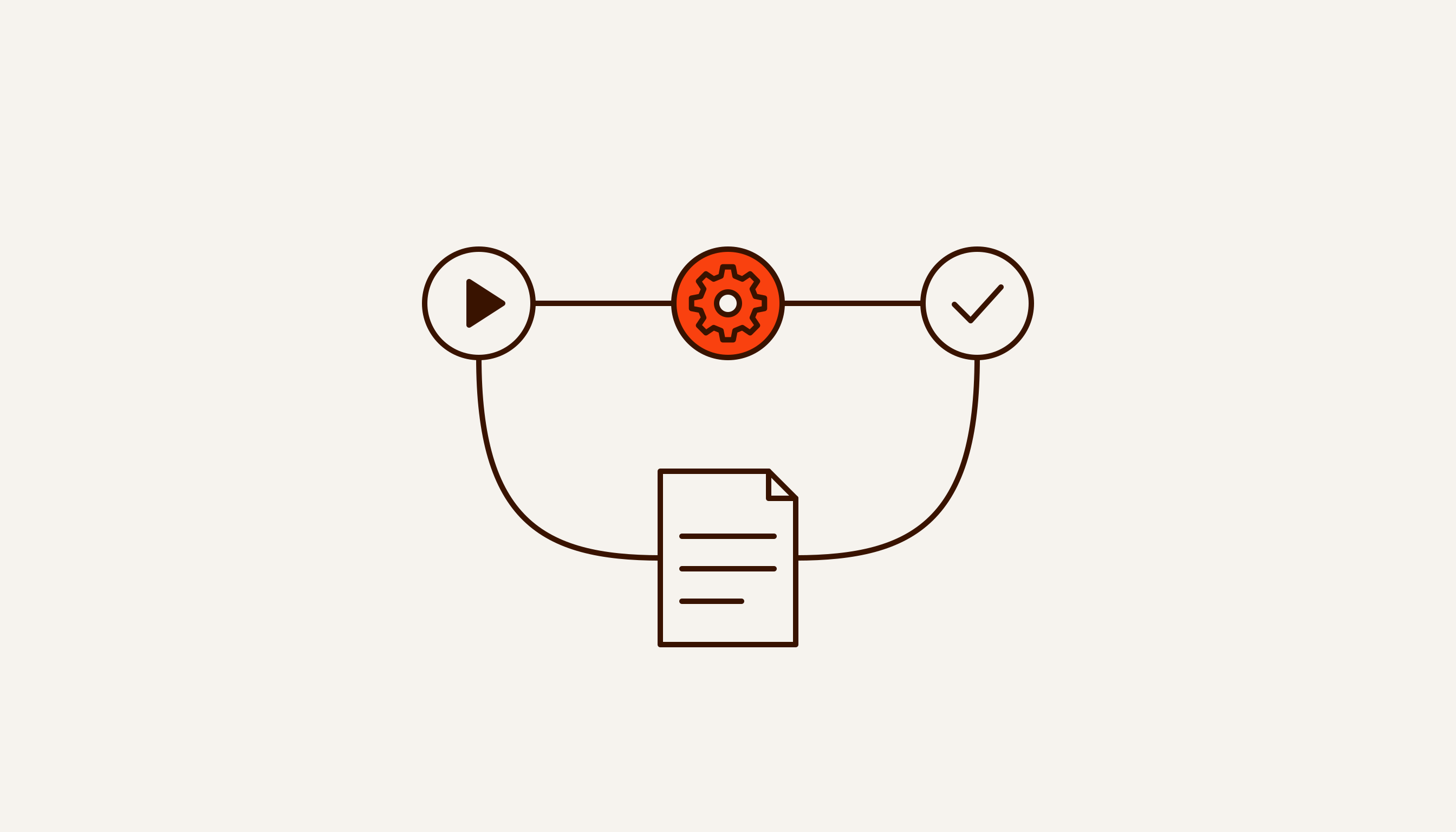
n8n charges for workflow runs. The number of steps and the volume of data do not change the bill. The pricing page says so directly: “An execution is a single run of your entire workflow. It doesn’t matter how many steps are in the workflow or how much data it processes.”
That changes what you need to count. A twenty-node workflow that pulls enquiries from a mailbox once an hour, sorts them into a spreadsheet and pings a manager is 24 executions a day. Not 480. If the same workflow fires on every incoming email, you pay per email.
So the first rule of the sum: look at how often the workflow fires and set its complexity aside. A workflow on a timer is predictable. One triggered by a webhook grows with inbound traffic and hits the limit fastest on your busiest days. The comparison with Make and Zapier is in a separate breakdown.
Plans as of 13 September 2026
The figures below come from the pricing page on the day of publication and assume annual billing. The toggle on the page promises a 17% saving for paying that way. We do not give monthly-billed prices: we did not see them, and working them back from 17% would be a guess.
- Starter — €20 a month, 2,500 executions, up to 5 concurrent. Runs in n8n’s cloud.
- Pro — €50 a month, 10,000 executions, up to 20 concurrent. Also cloud.
- Business — €667 a month, 40,000 executions. Labelled self-hosted on the page, meaning it runs on your server. It includes SSO (SAML, LDAP) and version control through Git.
- Enterprise — price on request, 200+ concurrent executions, in n8n’s cloud or on your own server.
Two more terms from the same page. Companies with fewer than 20 employees are invited to check whether they qualify for the Start-up Plan, which takes 50% off Business. Executions beyond the Business limit are sold in buckets: €4,000 for 300,000.
The most useful line on a plan card is the hosting label. The two cheaper plans mean your workflows run on n8n’s servers. Business means paying for features on a server you run yourself.
Community Edition: free, but for your own work
The free version is called Community Edition. You install it on your own server, the source code is on GitHub, and you pay n8n nothing for it. The condition sits in the limitations section of LICENSE.md: you may use or modify the software “only for your own internal business purposes or for non-commercial or personal use”. You may pass it on to others only free of charge and for non-commercial purposes.
The licence is called the Sustainable Use License and has applied since 17 March 2022. Together with the commercial n8n Enterprise License it makes up the model the project’s README calls fair-code. Files with “.ee.” in the name, or sitting in a folder with “.ee” in its name, are not covered by the free licence. They need the Enterprise License.
By the Open Source Initiative’s standard, this is not open source. Clause 6 of the Open Source Definition forbids a licence from restricting the field in which a program is used, and its example is precisely a ban on use in a business. The n8n licence restricts the purpose of use. The accurate description of n8n is “source code available, fair-code licence”. “Open source for anything” gets two things wrong: it is not open source, and not everything is allowed.
The licence does not define “internal business purposes”. For borderline cases n8n gives an address: license@n8n.io.
Contractor and client: who needs a licence
The licence cares about whose server it is and whose workflows run on it. The n8n Help Center walks through three cases.
- A contractor helps a client set up n8n on the client’s own infrastructure. The contractor needs no commercial licence.
- A contractor keeps clients’ workflows on its own instance. The Help Center’s answer: “If you intend to host and manage your clients’ workflows and credentials within your own internal n8n instance, an Enterprise license would be required.”
- A contractor builds n8n into its own product. That needs a separate white-labelled Embed licence.
A contractor’s paid services around n8n do not need a separate agreement either. In a post on the n8n blog dated 17 March 2022, Jan Oberhauser announced that under the new licence you can charge for consulting and support, such as building workflows or nodes for clients, without a separate licence agreement with n8n. Before that the project was distributed under Apache 2.0 with the Commons Clause, and the same post says that arrangement caused ambiguity and confusion.
Our setup is the first case, and it is how our n8n automation services work. We deploy workflows inside the client’s own perimeter — on the client’s server, with the client’s keys — and hand over the code and access. According to the n8n Help Center, we need no commercial licence for that. Going by the licence text, Community Edition is enough for the client as long as the workflows serve its own internal processes. If the client plans to sell access to n8n to its own customers, that is a different case, and the question should go to n8n before launch.
Paying for n8n from Russia
Since March 2022 n8n’s cloud has been closed to new customers from Russia. A post on the n8n blog dated 10 March 2022 says: “from March 7th, we have stopped accepting new cloud customers from Russia and Belarus”. Existing customers were given 60 days to move their instances.
The same post says access to the site, resources, the desktop app and the source code for self-hosting stays as it was. So the answer to “how do I pay” is short: Community Edition on your own server needs no payment to n8n. The licence terms are the same as for everyone else: your own internal work.
We found no later n8n statement changing that decision. We do not describe ways to pay for the cloud around the restriction.
Your own server: the licence is free, running it is not
Community Edition costs nothing, but someone has to look after the server it runs on. This is what stays with the owner.
Missing features. In its edition comparison n8n lists what Community Edition lacks: custom variables, environments, external secrets, external storage for binary data, log streaming, multi-main mode, projects, SSO via SAML and LDAP, sharing of workflows and credentials, and version control through Git. Registering with an email address, for free, adds folders, debugging in the editor and custom execution data. For a team of several people that means no built-in test and production environments, no sharing of workflows and credentials, and change history kept somewhere outside n8n.
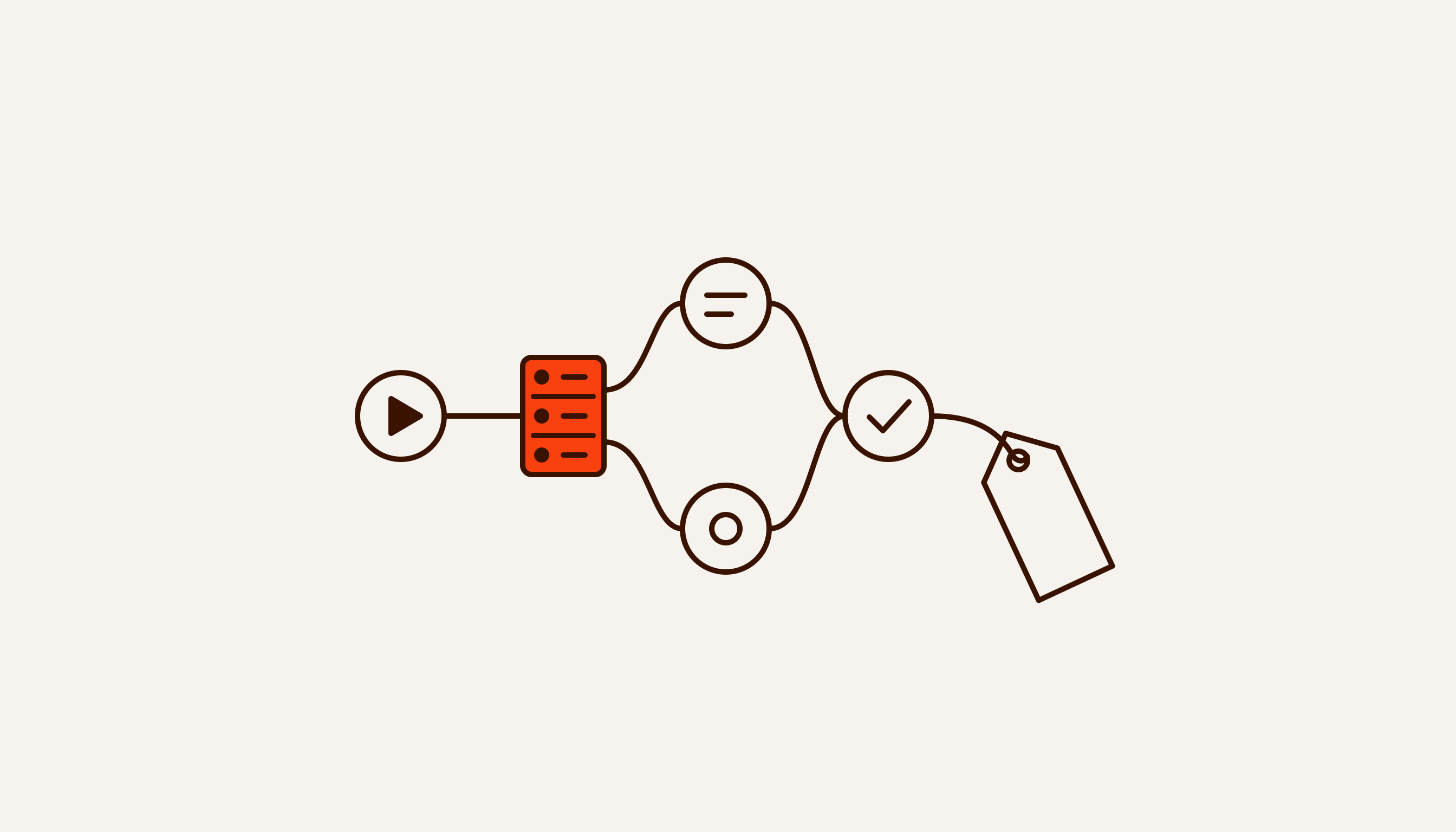
Load. When one process is no longer enough, n8n is switched to queue mode. According to the documentation, the main instance handles timers and webhooks and creates an execution without running it. The execution ID goes to a Redis message broker, and the next free worker picks the job up. Running this distributed setup on SQLite is not supported, so the database has to change. Multi-main mode is available only in self-hosted Enterprise, not in the cloud, and there every main instance connects to PostgreSQL and Redis.
Memory. The page on memory issues says n8n does not limit how much data a node fetches and processes. A heavy execution can fail with “JavaScript heap out of memory”. The advice on the same page: split data into batches, say 200 rows instead of 10,000, use the Code node sparingly, move parts into sub-workflows that return little data, and raise the memory limit with –max-old-space-size.
Updates and database backups also fall to whoever runs the server. We do not quote hosting prices: they depend on the provider and the load, and we have no measurements for specific workflows.
What we don’t know
Prices and limits are taken from the n8n pricing page on 13 September 2026 and can change on any day. The page also lists AI credit allowances, but we left them out: they change. We did not see monthly-billed prices.
The licence does not define “internal business purposes”. Where the line falls in your case is not something this article can settle: n8n suggests writing to license@n8n.io, and a lawyer can read it against your own contract. This is not legal advice.
We know n8n’s position on Russia from a March 2022 post. We found nothing later, which does not prove nothing exists. We have not checked whether a Business or Enterprise key for a self-hosted server can be bought from Russia.
Choosing between the cloud and your own server starts with a simple count: how often the process fires and who will run the server. If you would like that count done for you, describe one process: the breakdown arrives within 48 hours, free and with no intro call.