What is n8n, in plain words
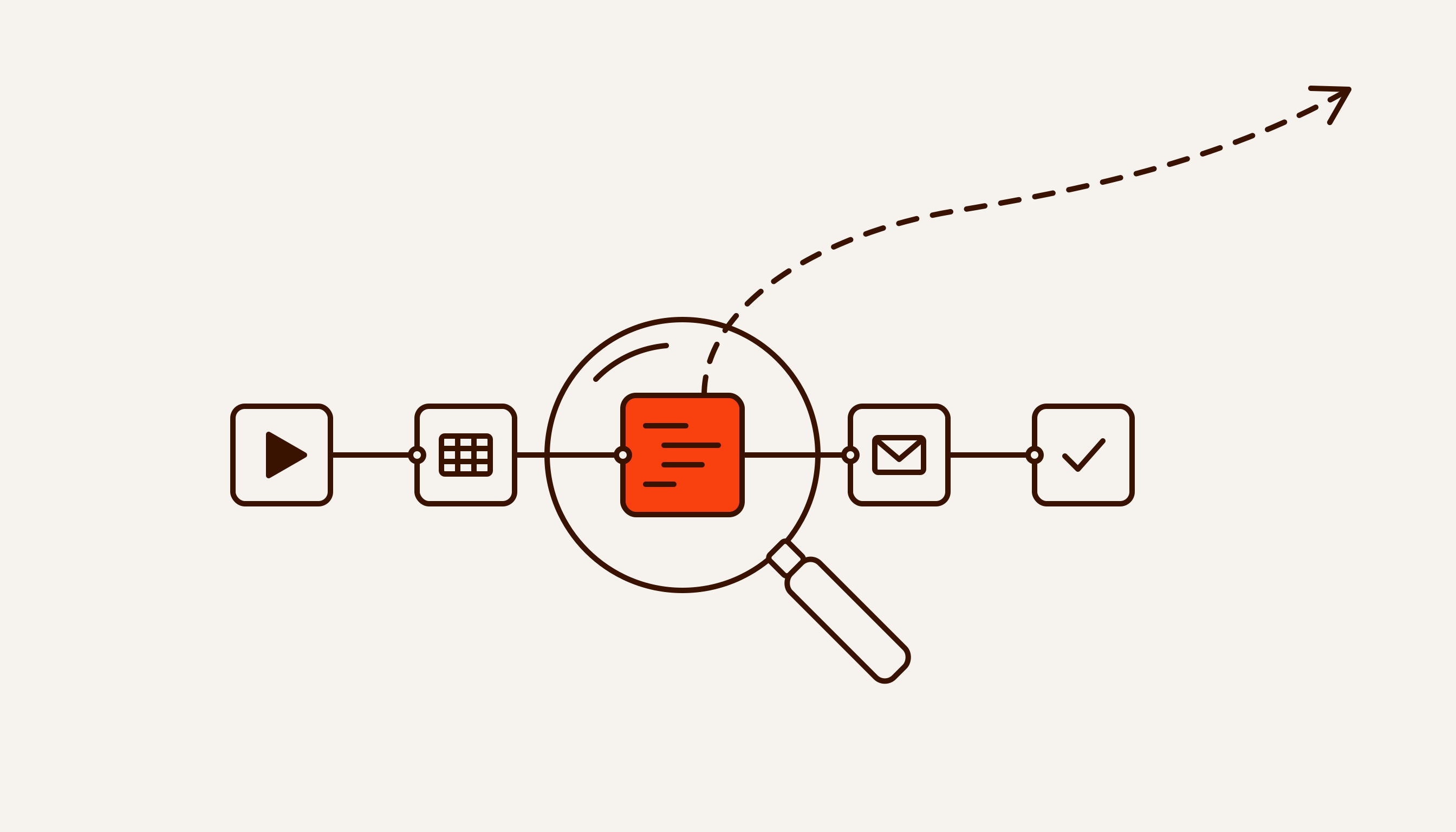
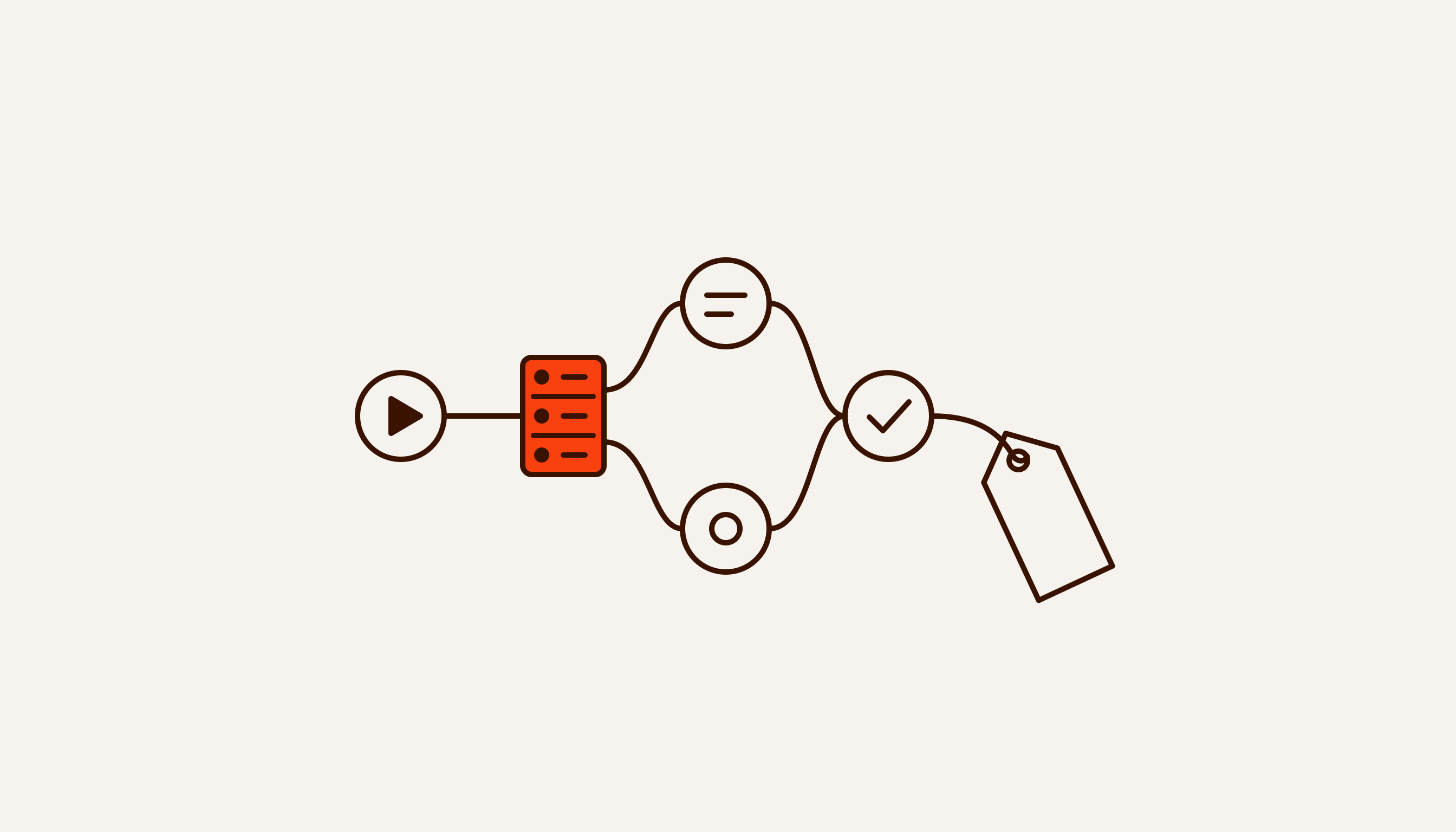
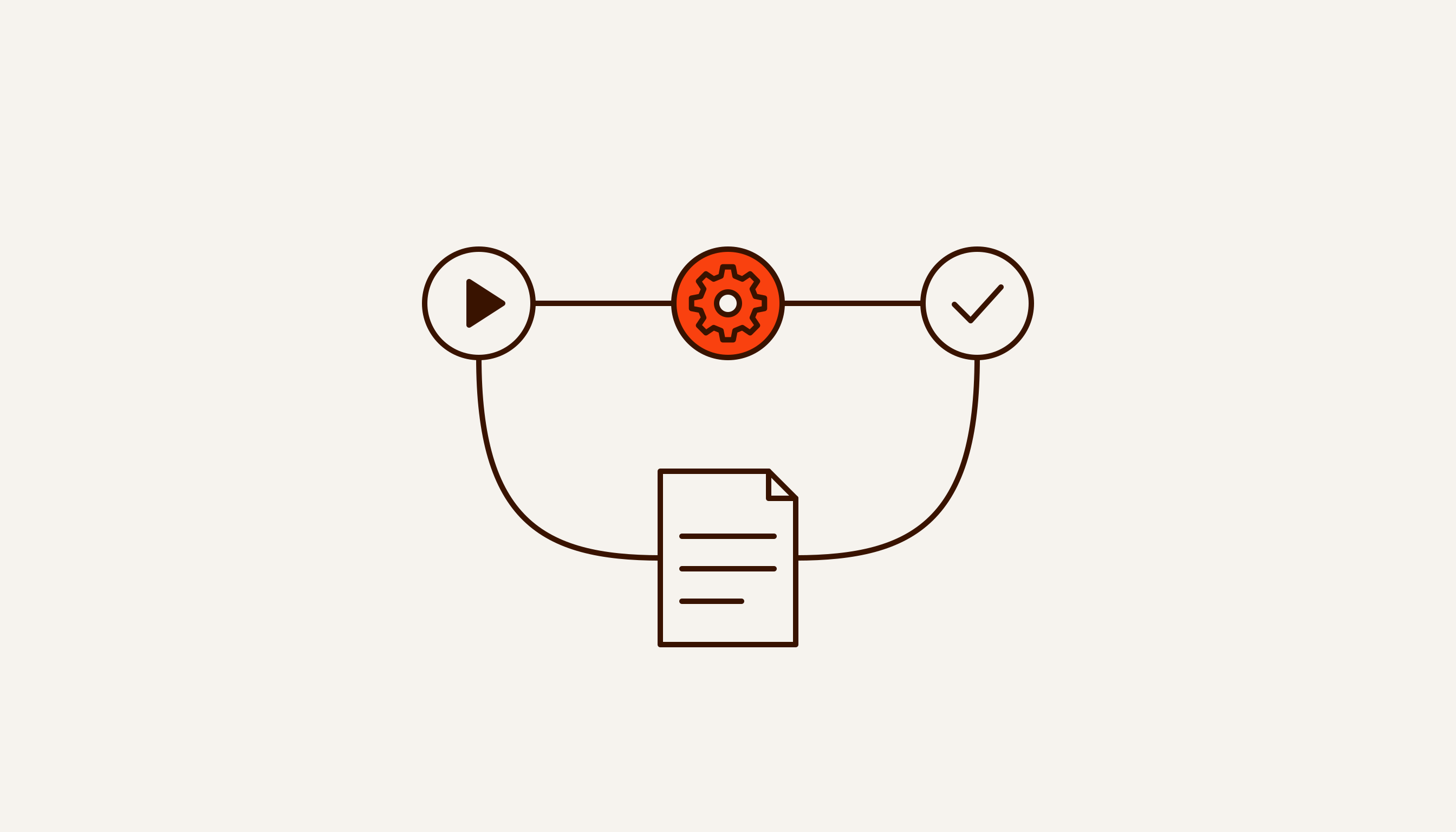
n8n is a workflow automation tool. On a canvas you connect blocks into a chain: something happens, the data is processed, an action is taken in another system. A form comes in on your website — n8n adds it to a spreadsheet, messages a manager on Telegram and creates a task in the CRM. Nobody touches it until something breaks.
In its README on GitHub, n8n describes itself as a visual canvas combined with custom code, running on your own server or in the cloud. For a business owner that means two things. Steps are built by clicking on a diagram, and where no ready-made block exists, someone writes code. And the workflows can live with you rather than with a middleman.
The name is short for “nodemation”. In the same README, founder and CEO Jan Oberhauser explains that “node-” refers to the editor’s Node-View and to Node.js, and “-mation” to automation. The word felt too long to type every time in the command line, so he settled on n8n, pronounced “n-eight-n”. The 8 also happens to match the number of letters between the first and last n in “nodemation”.
There is a German company behind the product. The GitHub repository was created in June 2019 and had more than 200,000 stars on 28 September 2026. In October 2025, n8n raised $180 million in a Series C at a $2.5 billion valuation (founder’s post). In May 2026, SAP invested, and the valuation rose to $5.2 billion. In that announcement, Oberhauser cites 1.7 million monthly active builders and more than 1,400 enterprise customers. The user and customer figures are the company’s own; we found no independent confirmation.
How n8n works: five terms worth knowing
Five terms are enough to read someone else’s workflow and follow what a contractor is telling you. n8n defines four of them in its key concept glossary; the fifth is covered in the documentation on executions.
Workflow. A set of nodes joined by lines that automates one process. A useful rule: one process, one workflow. “Website enquiry”, “Monday report”, “appointment reminder”.
Trigger. The first node, which decides when the workflow runs: on a schedule, on an incoming request (a webhook), on a new email or a new row in a sheet. Without a trigger, the workflow will not start on its own.
Node. One step: fetch data, change it, send it to a service, choose a branch. Popular services have ready-made nodes. Where none exists, the HTTP Request node lets n8n reach virtually any service with an API, and the Code node takes your own JavaScript or Python (both are covered in the official N8N102 course).
Execution. One run of a workflow, from trigger to last step. n8n keeps a list of executions, so you can see what data reached each node and where an error happened. The documentation splits executions into manual ones, when you test a workflow with a button, and production ones, started by the trigger. Only production executions count towards paid plan limits. Manual test runs do not.
Credentials. The logins, passwords, API keys and tokens n8n uses to get into your services. They are stored separately from the workflow, and n8n tests them when you save. On your own server, n8n encrypts them with a key it generates on first launch and saves in the ~/.n8n folder (documentation). Two practical conclusions follow. A backup means the database together with that folder, not the database alone. And credentials should be tied to company accounts, not to a contractor’s personal email.
Here is how it fits together. A form submission arrives at a webhook trigger. The next node checks that a phone number is filled in. The third writes a row to Google Sheets, the fourth sends the manager a Telegram message. That is one workflow of four nodes, and every submission is one execution.
Using it sounds just as simple. You build the workflow on the canvas and run it manually on test data, checking what each node outputs. When the result is right, you publish the workflow with the Publish button, and from then on the trigger runs it (documentation). The buttons are easy to learn. The hard part is deciding what happens with empty fields, duplicates and a service that is down, which is what the two-week plan below is for.
What is n8n AI?
AI in n8n is also a set of nodes. n8n connects to models from OpenAI, Anthropic, Google and other providers, and you can give them tools and memory (documentation). The main one is the AI Agent node. The model gets a task, can use tools — other nodes and services — and can remember the context of a conversation.
What matters for an owner: in n8n, the model is one step in a chain, not a separate product. The trigger, the checks and the write-back around it are ordinary automation and need testing like any other. What happens when an agent gets unrestricted access to data and the outside world is covered in our piece on what makes an AI agent dangerous.
One more detail about keys. On n8n Cloud’s Starter and Pro plans you can call supported models without your own API key, paying from a prepaid Gateway credits balance. The feature is not available on self-hosted n8n (documentation), where you need the provider’s key.
Is n8n free? Cloud or your own server
There are two options, and the documentation frames them exactly that way: either n8n runs the server, or you do.
Cloud. n8n handles hosting, updates and scaling. The free trial lasts 14 days, with Pro plan features and a limit of 1,000 executions. If you do not move to a paid plan by then, the trial expires and n8n deletes the workspace. You then have 90 days to download your workflows (documentation).
Your own server. The free Community Edition, with almost the complete feature set. The documentation is candid about the catch: “n8n recommends self-hosting for expert users. Mistakes can lead to data loss, security issues, and downtime” (n8n documentation). The same page says n8n releases a new minor version most weeks. Whoever runs the server does the updating.
The licence in one sentence. n8n’s licence FAQ says: “If workflows are only created or modified by you or people in your organization, you can use n8n under the Community license for free.” n8n does not call itself open source in the OSI sense: its model is fair-code. Cloud prices, what the free edition lacks and when a contractor needs a paid licence are in our breakdown of n8n pricing and licensing.
n8n vs a script, and vs Zapier or Make
A script is code a developer writes for one task. It can do what an n8n workflow does, often in fewer lines. The difference is what you can see and who can fix it. In n8n every step is a block on a diagram, every run has a history with the data going in and out, and credentials sit apart from the logic. A script can do all of that too, but someone has to write and maintain each piece. The two are not mutually exclusive: the Code node is a script inside a workflow.
Zapier and Make are tools of the same kind. There are two differences from n8n. The first is where it runs. n8n can be installed on your own server, while Make, on its own blog, describes itself as a cloud platform where you start building “without infrastructure overhead” (Make’s blog). The second is what you pay for. n8n counts runs of a whole workflow, Zapier counts successful actions, Make counts credits per module action. On long workflows that changes the bill several times over. We worked it through on one example in our n8n vs Make vs Zapier comparison.
What is n8n used for?
In short, n8n is for the places where a person moves data between systems by the same rules every time. The tasks usually fall into one of four groups.
- Moving data between systems: form → spreadsheet → CRM → messenger.
- Scheduled reports: pull figures from several sources and post a summary to a chat.
- Notifications and reminders: to a customer about an appointment, to a manager about an unanswered enquiry.
- AI steps inside a process: read an email, sort a request by topic, draft a reply for a person to check.
Where to find ready-made templates and what to check before importing one is covered in our piece on n8n templates and examples. Which process to start with is covered in a separate breakdown: count the hours first, pick the tool second.
When you don’t need n8n
Here is our own case. At first, enquiries from this website were handled by a workflow on n8n Cloud. The questionnaire sent its answers to a webhook, and the workflow parsed them, scored the enquiry’s priority and added a row to a table inside n8n. It ran on the free trial. The trial ended, and instead of saving the enquiry the webhook started returning an error.
We chose not to pay for the cloud for the sake of one form. Nor did we want to install and maintain our own n8n server for it. Since 24 August 2026, enquiries have been received by Google Apps Script — scripts that run inside a Google account. To accept data from the web, a script is published as a web app with a doPost function, which runs on every incoming POST request (Google’s documentation). Our script receives the questionnaire answers, calculates the same priority score and appends a row to a Google Sheet. There are no other services between the form and the sheet any more.
We did lose some things. There is no diagram now: the logic is JavaScript code, and only someone who reads it can change a weight in the scoring. Edits do not reach the website on their own. The public address is tied to a specific deployment version, so every change means publishing a new version (Google’s documentation). For one form, that is an acceptable price.
The example shows when a script is enough:
- one source and one destination: form → sheet, sheet → email;
- three or four steps that rarely change;
- someone on the team, or at your contractor, can read a couple of dozen lines of code;
- the volume fits the limits. In Apps Script a single execution can run for up to 6 minutes, and one user can have up to 30 executions running at once (Google’s quotas).
n8n starts paying off when there are three or more systems, dozens of steps, branches and retries, and the logic has to be visible to and editable by people who do not read code. Also when it matters to open any enquiry from yesterday and see what happened to it at every step.
Sometimes nothing needs automating at all: the process is easier to remove than to speed up. That is the argument in our piece on what Michael Hammer wrote in HBR in 1990.
How to learn n8n for free
The official training lives in the n8n Academy at learn.n8n.io. According to n8n, its four courses are free for everyone, and each one comes with a completion certificate and a badge (n8n’s education page). The times below are n8n’s own estimates from the course pages.
| Course | What it covers | Time |
|---|---|---|
| QS101 Quickstart | first workflows, data and errors, an AI agent for customer support | 3–5 hours |
| N8N101 Essentials | the canvas, nodes, executions, triggers, credentials, working with data | 2–4 hours |
| N8N102 Integrations | APIs, webhooks, branching, error handling, the Code node | 4–6 hours |
| N8N103 In Practice | AI agents, debugging, keeping workflows organised, getting them production-ready | 3–4 hours |
To pass you need 70% across quizzes, hands-on exercises and a final exam. In N8N101 and N8N102 the exercises use practice APIs hosted by the Academy, so no outside accounts are needed. The AI sections require an API key for some model. You also need n8n itself: a cloud trial or your own server.
If older tutorials point you to “Level 1” and “Level 2”, those were the earlier courses in n8n’s documentation. Their addresses now redirect to learn.n8n.io.
On language: the courses and the interface are in English. The interface language is set by the N8N_DEFAULT_LOCALE variable, which defaults to en, and anything untranslated is shown in English (documentation). On 28 September 2026 the official repository held only the English interface file, so a team that needs another language should plan for English.
A two-week plan on one real process
A course teaches the buttons; understanding comes from your own process. Here is a plan that fits into two weeks at an hour or two a day.
- Days 1–2. Pick a process that repeats every day and write it down step by step. Time how long it takes now.
- Days 3–5. Take QS101 or N8N101. By n8n’s estimate, that is two to five hours.
- Days 6–7. Build the workflow on test data: a trigger and three to five nodes. Run it manually and check what each node outputs.
- Days 8–10. Add what breaks in real life: empty fields, duplicates, a service that is down. Make sure errors reach you as a message. n8n has an Error Trigger node for this, covered in N8N102.
- Days 11–14. Publish the workflow and, until the end of the week, compare its output with what you would have done by hand. At the end, compare the time before and after.
If the workflow works and the time has dropped noticeably, you have a case for the next process. If not, you have spent two weeks, not a contractor’s budget.
Where we stand, honestly
We do not run n8n in production right now. Since 24 August 2026, enquiries from this website have been received by a Google Apps Script, as described above. We have not had a client n8n project yet, so there is not a single figure of our own about n8n in this piece.
What we do offer is n8n automation services. The workflow runs inside the client’s environment, on their server and with their keys, and the code and access stay with them. We start with the same question as this article: is n8n needed here at all. If a ready-made integration or a short script covers the process, we will say so.
If the question is wider than n8n and you need to work out what to automate and with what, that is our business automation service. You can get a free breakdown of one process through the questionnaire on the home page: the answer arrives within 48 hours, and no intro call is needed.