Three billing units
Comparing n8n, Make and Zapier by the monthly price of a plan tells you nothing. The price is tied to a unit, and the three platforms use different units. First you have to read what each of them actually counts.
n8n counts executions. Its pricing page (September 2026) defines one like this: “An execution is a single run of your entire workflow. It doesn’t matter how many steps are in the workflow or how much data it processes.” A three-node workflow and a thirty-node one each come to one execution per run.
Make counts credits. Until 27 August 2025 the unit was the operation, and at the switch operations were converted into credits one for one. The rule is on Make’s pricing page: “Each module action in your scenario, like adding a Google Sheet row or fetching Gmail account data, counts as one credit.” Features that run on Make’s own AI provider may use more than one credit.
Zapier counts tasks. From Zapier’s help centre: “A task is any successful action that runs in Zapier.” The same article gives an example: a Gmail trigger, a Dropbox upload and a Slack message make two tasks per run, so ten runs make twenty tasks.
n8n charges per run. Make and Zapier charge per step inside a run. Everything else in the comparison follows from that difference.
One workflow, three bills
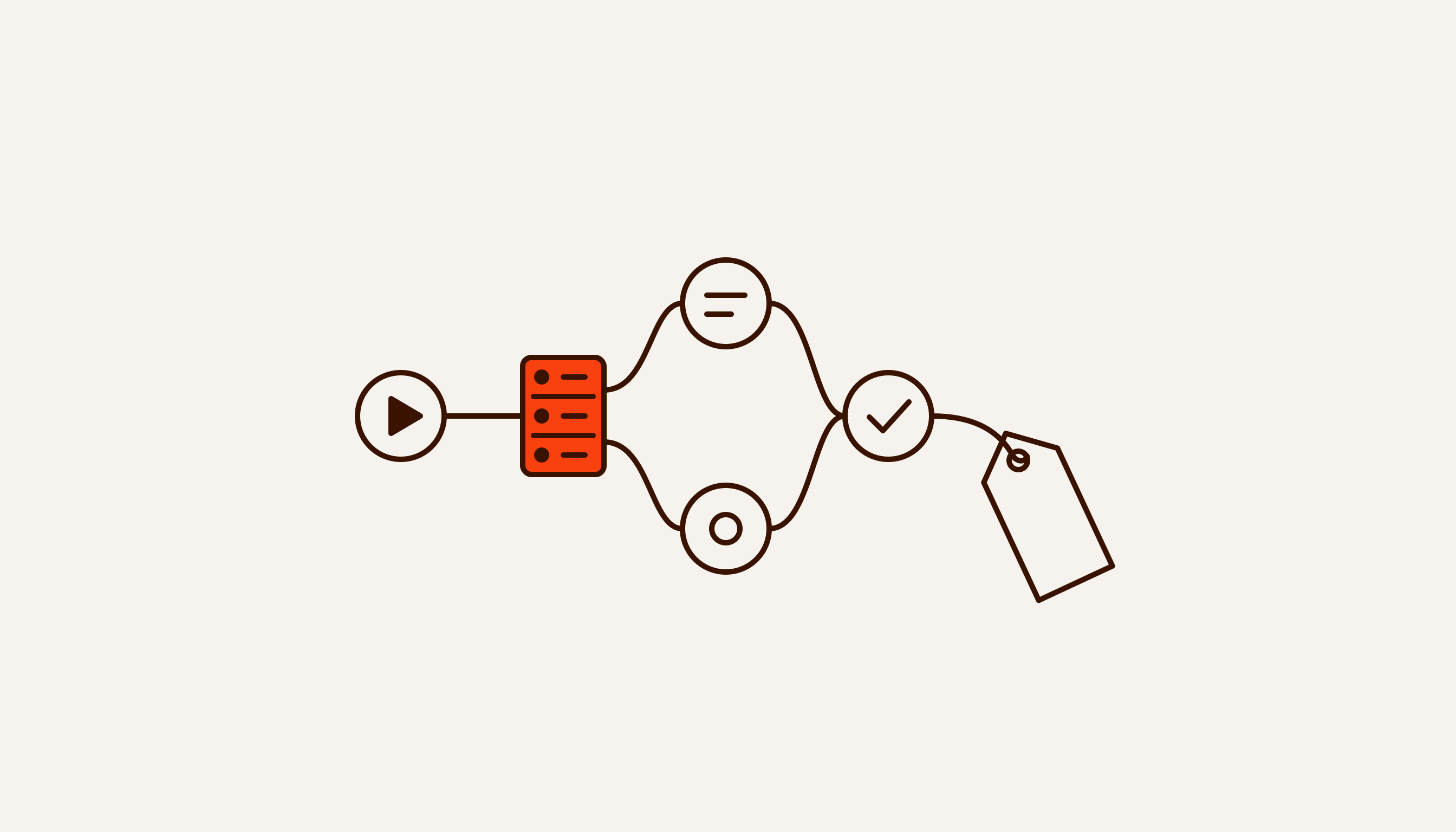
Take an ordinary enquiry workflow. The trigger is a website form submission arriving by webhook. Nine actions follow: add a row to Google Sheets, look the customer up in the CRM by phone number, create a contact, create a deal, set a task for the account manager, message them on Telegram, email the customer, add the address to a mailing list, and write the deal link back to the sheet.
1,000 enquiries a month, every step succeeds, no loops.
In n8n that is 1,000 executions. The number of steps inside does not touch the bill.
In Zapier the trigger is free and nine successful actions make nine tasks per run. Total: 9,000 tasks.
In Make nine actions are nine credits. The trigger counts as well: according to Make’s help article on operations, a trigger module uses one operation per check, however many bundles of data it returns, and an operation equals a credit. Total: about 10,000 credits.
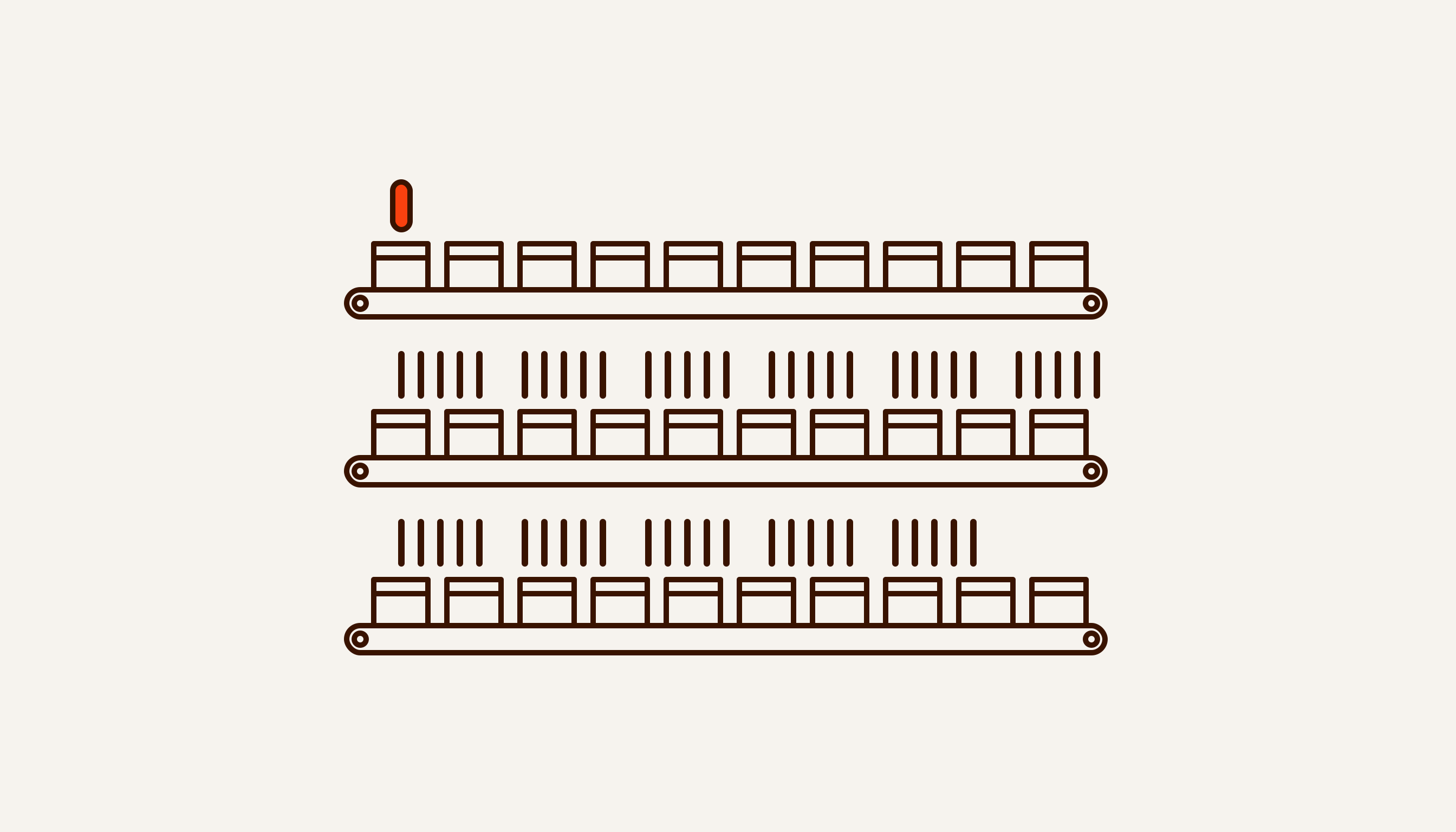
A nine- to tenfold gap has opened up before we have looked at a single price.
Filters, routers and loops
Real workflows rarely run in a straight line. Three constructs change the count, and each changes it differently.
Filters first. Say 300 of the 1,000 enquiries are spam, and a check sits straight after the trigger. Zapier does not count Filter or Paths steps, and steps that never run because of a filter do not count either. That leaves 700 × 9 = 6,300 tasks. In Make the modules behind a filter that stops the bundle do not run, so under the “a credit per module action” rule nothing is charged for them: 1,000 credits for the trigger plus 6,300 for actions, 7,300 in all. In n8n a spam enquiry still starts the workflow, and the count stays at 1,000. Here n8n’s cloud plan charges for a junk run on which Zapier spent no tasks at all.
Then branching. In Make the Router module and the error handlers (Rollback, Break, Resume, Commit, Ignore) use no credits. In Zapier Paths steps, errored steps and the utility apps are free: Formatter, Delay, Looping, Digest, Storage and a few others. What you pay for is the actions inside branches that actually ran. In n8n branches make no difference to the bill.
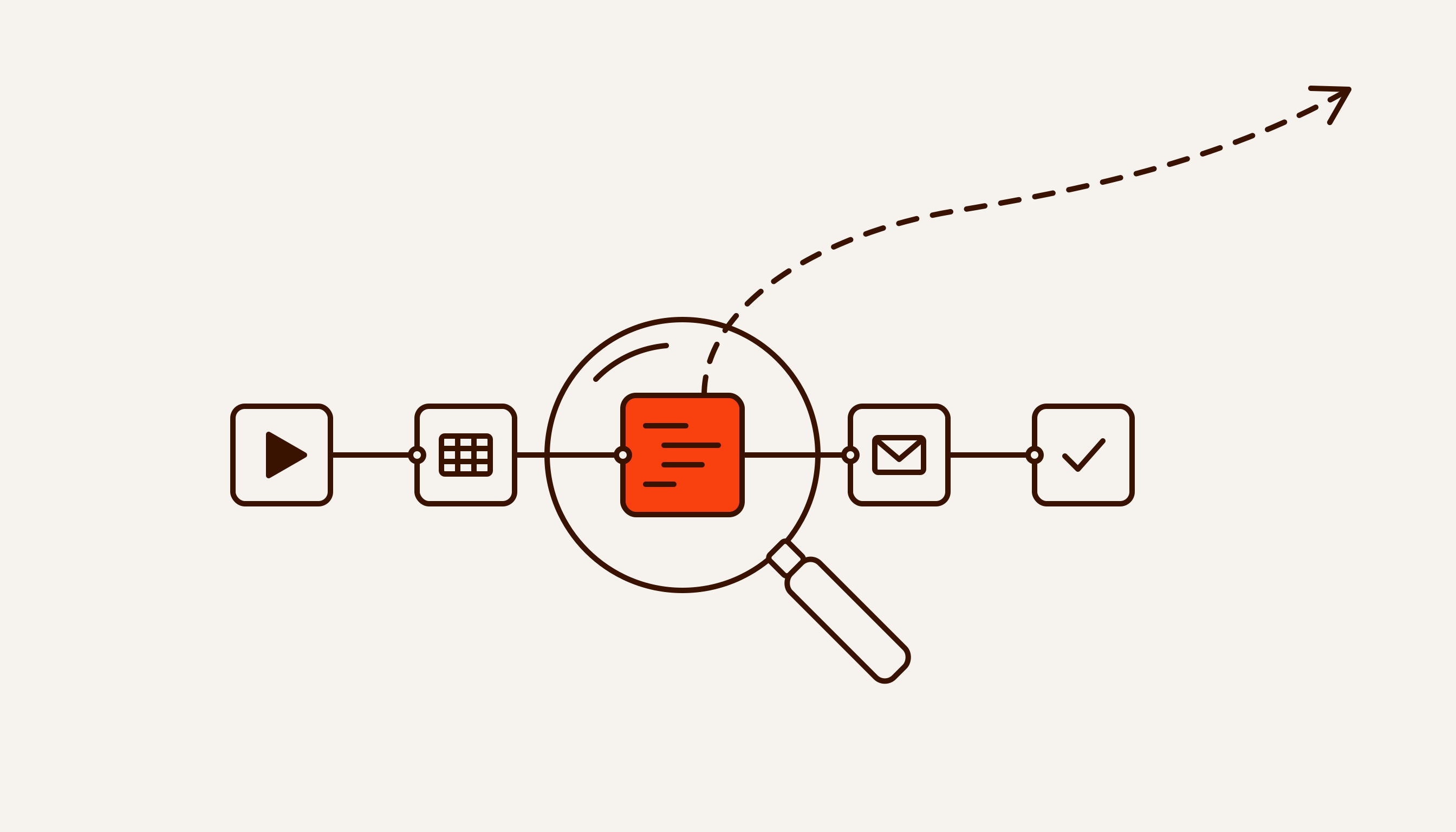
Loops are where the counts drift apart most. Say an enquiry lists five products and each needs its own row. In Zapier, “All actions after the looping step run for each iteration of the loop”, says its help article, and each successful run is a task. In Make a module handles each bundle separately: five bundles in, the module runs five times and uses five credits. In n8n it is still one execution.
A workflow that walks through lists gets more expensive in Make and Zapier as the data grows. In n8n the data puts more load on the server’s memory instead, and more on that below.
Prices as of 13 September 2026
n8n shows prices for annual billing, and the toggle on the page promises a 17% saving:
- Starter — €20 a month, 2,500 executions, up to 5 concurrent, n8n’s cloud;
- Pro — €50 a month, 10,000 executions, up to 20 concurrent, n8n’s cloud;
- Business — €667 a month, 40,000 executions, SSO, SAML and LDAP, version control through Git. The plan is labelled self-hosted: it is a licence for an instance on your own server, not a cloud plan. Under the Start-up Plan, companies with fewer than 20 employees can get 50% off Business;
- Enterprise — price on request, in n8n’s cloud or on your own server.
We did not see monthly-billed n8n prices on the page and will not work them out.
Zapier shows both. Free gives 100 tasks a month and two-step Zaps only. Professional is $19.99 billed annually or $29.99 monthly for 750 tasks. Team is $69 or $103.50 for 2,000 tasks.
Now apply that to our workflow. 1,000 executions fit into n8n Starter at €20. 9,000 tasks are 12 times the entry tier of Professional and 4.5 times Team. We have not checked what Zapier charges for a 9,000-task tier: look that figure up on Zapier’s pricing page for your own volume.
We do not give Make’s prices. When we checked them, we could not tell with certainty which figures were monthly and which assumed annual billing. A wrong price is worse than none.
If n8n runs on your own server, the sum includes the server, an administrator’s time and, for the locked features, a paid licence. More on that in our piece on n8n pricing and licensing.
Where n8n loses
We build workflows on n8n ourselves, so we have an interest here. That is why n8n’s weak points get their own section, taken from the platforms’ own documentation and pricing pages.
The first is SSO. Zapier includes SAML SSO from Team, at $69 a month billed annually. n8n offers SSO only from Business, at €667. If company policy says staff sign in to every system through a corporate account, the choice starts at $69 against €667 a month, and n8n adds a server of your own on top.
The second is what the free version leaves out. Community Edition has no separate environments for development and production, no external secrets, no sharing of workflows and credentials, no projects, no log streaming, no version control through Git and no SSO. Registering with an email address, for free, adds folders, debugging in the editor and custom execution data.
The third is memory. One execution is one execution however much data passes through, but a server’s memory is finite. n8n’s documentation page on memory issues puts it plainly: “n8n doesn’t restrict the amount of data each node can fetch and process.” A heavy run fails with a JavaScript heap out of memory error. n8n’s own advice is to split data into batches, say 200 rows instead of 10,000, and move parts of the work into sub-workflows.
The fourth is scale. When the runs pile up, self-hosted n8n is switched to queue mode. The main instance takes webhooks and timers and passes executions to Redis, where workers pick them up. This distributed setup is not supported on SQLite. Multi-main mode exists only in self-hosted Enterprise and is not available in n8n’s cloud. Someone has to set all this up and keep it running. With Zapier and Make, that person is on the platform’s payroll.
The fifth concerns customers in Russia. In March 2022 n8n announced that from 7 March it had stopped accepting new cloud customers from Russia and Belarus. The source code for self-hosting stayed available.
When to pick something other than n8n
The answer depends on runs per month, steps per workflow and whether you have someone to look after a server. Zapier or Make will be simpler, and at low volume no more expensive, in these cases:
- tens or hundreds of runs a month, and a short workflow;
- you need an uncommon SaaS integration: Zapier lists 9,000+ apps, and Make’s pricing page claims 3,000+;
- nobody in the company will update the server, watch its memory and restore the database after a failure;
- you need SSO and have no budget for n8n Business.
n8n makes sense when workflows are long, runs number in the thousands, the data contains lists, and the data has to stay on the company’s own server. We build that kind of workflow inside the client’s perimeter: the client’s server, the client’s keys, and the code and access stay with the client. That is how our n8n automation services work.
It is the same reasoning as in What to automate first: sometimes the right answer is not to build your own and to plug in something that already exists.
What we don’t know
Prices and limits were taken from the pricing pages on 13 September 2026. The platforms change them without notice, so check them again before you decide.
Make’s help centre does not separate scheduled triggers from instant webhooks, and does not say whether a check that finds nothing uses a credit. Nor does it say whether a filter between modules costs anything. That is why the Make figure says “about”.
The calculation holds for a workflow without loops. With loops, the Make and Zapier counts depend on the data: five products in an enquiry means five rows and five charges, fifty means fifty.
n8n’s own sources disagree on its number of integrations: 400+ in the repository description, 1500+ in the README. So we do not give one figure. n8n’s position on Russia comes from a 2022 announcement; we found no later statement that changes it.
Before choosing a platform you need two numbers: how many times a month the process runs and how many steps it has. That is what we count in the free breakdown of one process: the answer arrives within 48 hours, with no intro call.