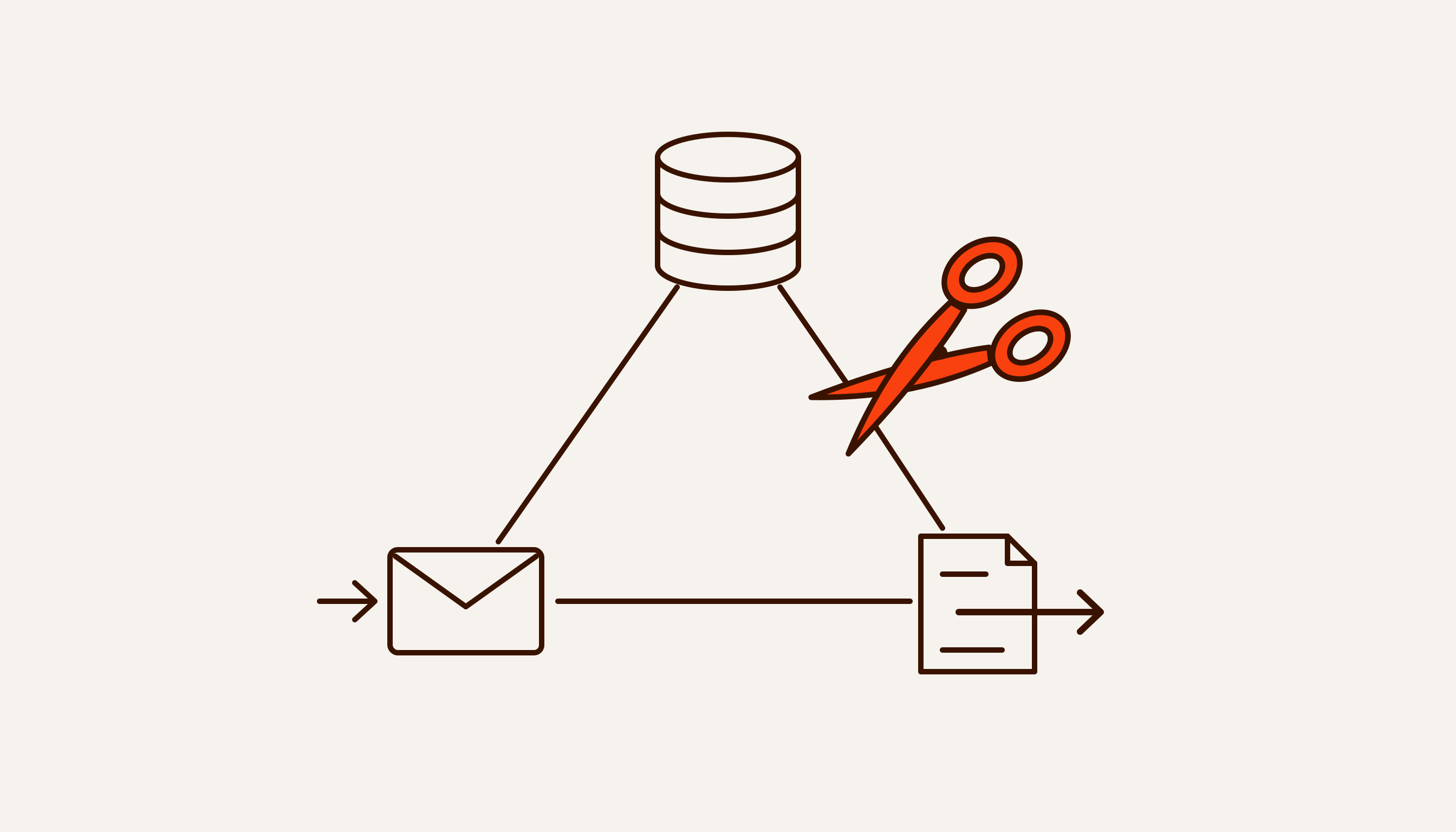
Unlike an ordinary bot, an AI agent acts inside your systems: it checks free slots, creates bookings, opens deals and assigns tasks to staff. For us, AI agent development starts with one process rather than a choice of model: where the agent will take hours off your people, which actions it can be trusted with, and where it has to stop.
Below: what kinds of AI agents for business exist, how an agent differs from a chatbot and a workflow, how it is built, what makes it risky and what it costs. In the demo on this page, a salon bot does what an agent does in its simplest form: books a client, quotes a price and hands an off-script question to a specialist along with the conversation.
What is an AI agent, in plain words
An AI agent is a language model that does not just answer but acts: it looks things up in the CRM, books the client, sets a task and hands the conversation to a person when a question goes beyond its limits.
In September 2025 the developer Simon Willison wrote that, in his view, the word “agent” finally has a definition agreed on widely enough to be useful: “An LLM agent runs tools in a loop to achieve a goal” (simonwillison.net). Word by word:
- tools are access rights: read the schedule, create a booking, find an order, send a message;
- loop means the agent takes a step, looks at the result and decides what to do next;
- goal is the stopping condition: the client is booked, the request is handed over, the question is closed.
An example. At 23:40 a client writes on Telegram: “Can I come tomorrow afternoon?” The agent checks free slots, offers 13:30, creates the booking once the client agrees and sets a reminder. If the next message asks about an allergy to a material, the agent does not answer it; it passes the question to a specialist with the conversation attached.
Agents are also called AI assistants or “AI employees”. The second name is misleading: an employee answers for their decisions, an agent does not. The company that deployed it answers for what it says — that is where a tribunal in Canada and a court in Germany landed (both cases).
AI agent vs chatbot vs workflow automation
A chatbot walks the client through a pre-drawn script, a workflow runs a fixed chain of steps, and an AI agent chooses its next step itself — which is why it needs limits the other two can do without.
Anthropic, the company behind the Claude models, draws the line like this: in a workflow, the model and tools follow paths written in code in advance; an agent directs its own process and decides which tools to use (Building effective agents, December 2024).
| What it can do |
Button chatbot |
Workflow (n8n) |
AI agent |
| Understands free text and voice |
No, only buttons and keywords |
Yes, if a model step is built into the chain |
Yes |
| Who picks the next step |
The script |
A diagram drawn in advance |
The model, within what is allowed |
| Actions in CRM, calendar, spreadsheet |
By script: a lead, a booking |
By diagram, always the same |
Picks from an approved list |
| Off-script question |
Dead end, unless a human handover is built in |
Goes down a predefined branch |
Recognises it and hands it to a person with the history |
| Predictable path |
Fully |
Fully |
Less so: needs minimal permissions and a log |
| When to choose it |
Menu, three-step booking, FAQs |
Moving data, reports, notifications |
Free-form conversation, many variants, actions in your systems |
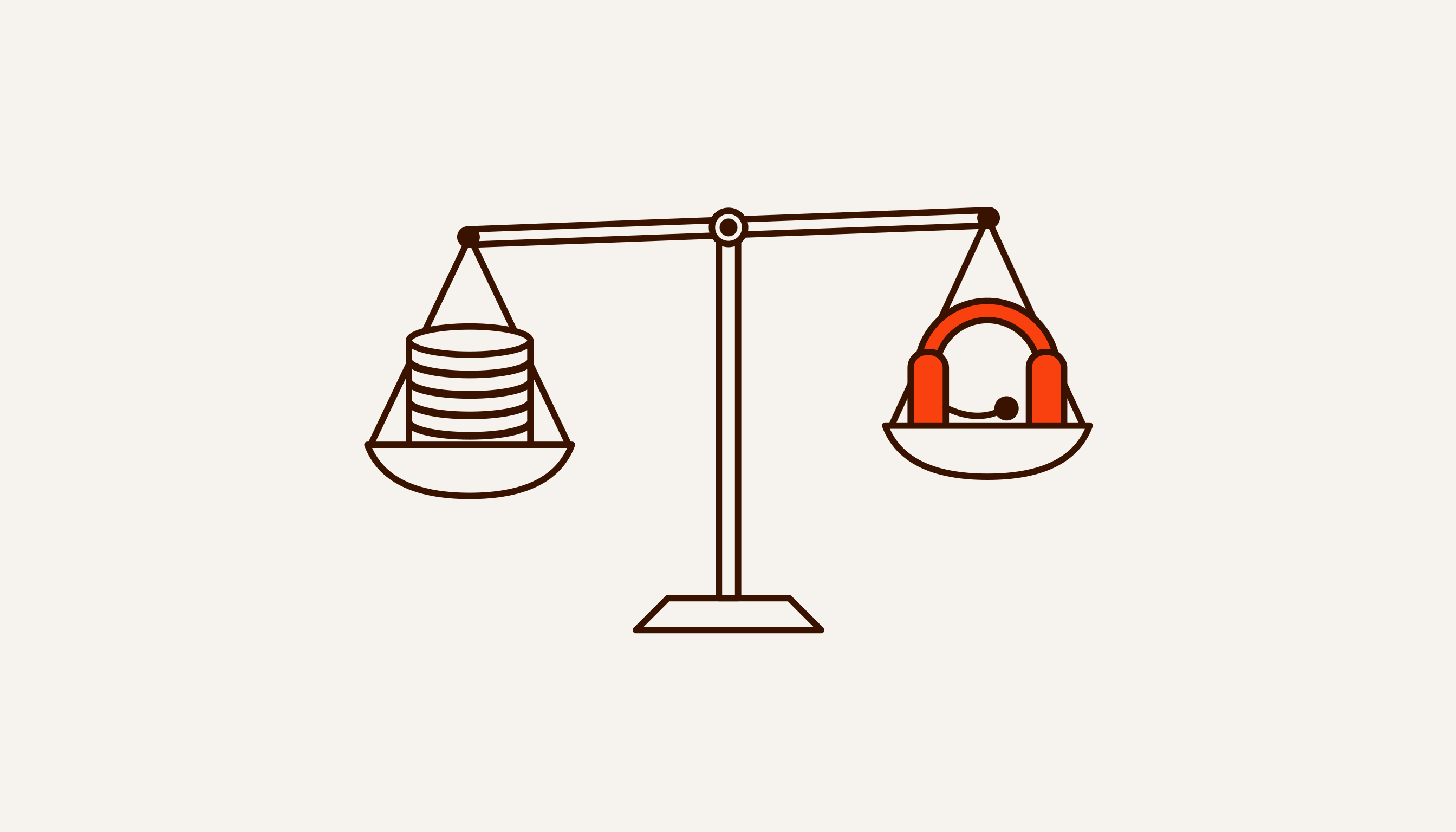
The honest answer to “which one?” is that a bot or a workflow is often enough. In the same article Anthropic advises looking for the simplest solution, adding complexity only when needed, and accepts that sometimes the right call is no agentic system at all. It also notes that an agent’s autonomy comes at the price of higher costs and errors that compound.
We think the same way. If the process fits into buttons and a short script, a chatbot will do. If the steps are always the same, we build a workflow in n8n. An agent is needed when clients write in free text and voice messages, conversations branch dozens of ways, and something has to happen in your systems along the way.
Often the best option is a hybrid: the workflow holds the fixed steps and the model sits in it as one link that reads the text. Other kinds of automation, and where AI agents fit among them, are covered on the business automation page.
Types of AI agents for business and what they do
By task, agents fall into six types: sales, support, client requests, process supervision, documents and an internal knowledge base.
AI sales agent
Answers a lead at once, including nights and weekends, asks questions from your script, qualifies the client and books a meeting, a viewing or a test drive. A hot lead goes to a manager as a ready card. How the agent fits into the funnel and the CRM, and which metrics to track, is on the sales automation page; for dealers tied to a manufacturer’s CRM, see car dealerships.
Support agent
Handles the routine: order status, address, terms. Complaints, refunds and anything not covered by approved answers go to a person.
Klarna is a telling case. In its first month, its AI assistant handled 2.3 million conversations, two-thirds of the company’s customer service chats. Fourteen months later the CEO admitted that cost had weighed too heavily and quality had dropped (our breakdown). That is why, in a support pilot, we put a quality measure next to speed — for example, the share of repeat enquiries.
Client request agent for accounting firms
Clients of an accounting firm write on Telegram: “issue an invoice”, “send the reconciliation statement” — in the evening and at the height of reporting season. The agent checks the counterparty, tax ID and amount, reads the attached contract and passes a complete request to the assigned accountant. It does not quote tax amounts: that is the accountant’s job. Details are on the accounting firms page.
Process supervisor agent
Watches not a single conversation but the whole process: who has which task, what is overdue, who needs a reminder, what to report to the manager. Our own system is an example. CorpVisor monitors the process of a manufacturing company in Samarkand: tasks by role, reminders, replies to clients, prepayments and debts after delivery, a morning summary for the manager.
Document agent
Reads emails, PDFs and photos of contracts, pulls out bank details, amounts and dates, checks them for completeness and puts them where they are expected: a spreadsheet, the CRM or 1C. A field the model is unsure about is better flagged for a person than guessed.
Internal knowledge-base assistant
Answers employees from your policies, price lists and instructions: what warranty this model has, how to process a return. A good first agent: it never sees clients, sends nothing outside, and an employee will catch its mistake before a client does.
We have no client case studies with numbers yet: the company has been operating since August 2026. So instead of other people’s logos we show our own systems and write the metric into the contract. Our second system is Valli. The Valli bot handles conversations with clients on Telegram and hands everything non-standard to a person — it is currently in pilot.
How an AI agent works
An AI agent has five parts: a model, tools, memory, rules and a human in the loop. The last four matter for reliability at least as much as the model does.
- The model reads the message and decides what to do. Examples are ChatGPT from OpenAI, Claude from Anthropic and Gemini from Google. We choose the model for the task and your clients’ language; the keys are yours.
- Tools are access to systems: read the schedule, create a deal in amoCRM or Bitrix24, write a row to Google Sheets, send a message to a chat. Each tool is a separate permission, and the list is written in advance.
- Memory is the client’s history: past messages, orders, agreements. The agent sees the history of the person it is talking to, not the whole base.
- Rules and tone set where prices and terms come from, what not to discuss, how to address the client and when to call a person. We write them as text and agree them with you before launch.
- A human in the loop receives off-script questions and confirms irreversible actions. When an employee joins the conversation, the agent should go quiet.
What the agent does not decide on its own
The agent does not decide anything that involves money or changes the client’s position: discounts, refunds, instalments, cancelling a deal, and medical or legal questions. There it collects the details and hands the conversation to a person.
It quotes prices and terms only from text you have approved; if the answer is not there, it says it will check. A clinic adds a stop-list of medical topics, agreed in writing before launch (how that works). For an accounting firm, tax amounts go on the stop-list.
This is not only caution. Article 7¹ of Uzbekistan’s Law “On Informatization”, added by Law ZRU-1115, bars relying solely on the conclusions of AI-based systems when legally significant decisions affecting a person’s rights and freedoms are made (lex.uz). What that means for a sales or support bot is covered in our breakdown of the AI law ZRU-1115.
AI agent risks and how we close them
The main risk of an AI agent is not a clumsy sentence but an action taken at someone else’s prompting: leaking data, promising too much, deleting a record. We close it with limits in code: minimal permissions, human confirmation for anything irreversible, an action log.
The developer Simon Willison described a “lethal trifecta”: an agent is dangerous when it has access to private data, exposure to untrusted content and the ability to communicate externally, all at once. He writes that with this combination an attacker can easily trick the agent into fetching private data and sending it to them (Willison’s post). A Telegram agent that can see your client base gets all three on day one: every incoming message is untrusted content, and every reply is a way out.
There are real cases. In 2023 a Chevrolet dealer’s bot in California, after two instructions from a user, agreed to a Tahoe for one dollar. In 2025 Replit’s agent deleted a production database during a code freeze, when nothing was supposed to change. Both are covered in our piece on the lethal trifecta.
OWASP’s list of risks for LLM applications calls this Excessive Agency. According to OWASP, the root cause is usually one or more of three things: excessive functionality, excessive permissions, excessive autonomy (OWASP LLM06:2025). Our measures follow from that:
- Minimal permissions. The agent gets only the access it cannot do the job without: this client’s history and the price list, not the whole base or your purchase prices. Read-only wherever possible.
- Actions from an allowlist. The model picks an action from an approved list; code checks it and carries it out. Anything unknown is not executed.
- A person confirms anything irreversible. Discounts, refunds, cancellations, deletions and broadcasts to the base happen only after an employee presses a button. OWASP recommends the same: high-impact actions need a person’s approval first.
- An action log. What the agent did, in response to which message and with what result, goes into a log you can open. We find mistakes in the log, not in a client’s complaint.
- Nothing goes out without a rule. The agent writes only to the current chat and to your staff. Addresses, payment links and bank details come from settings; the model does not make them up.
We know of no complete protection against attacks hidden in message text (prompt injection), and we do not promise one. Limits narrow what can be stolen and where it can be sent; they do not make the model invulnerable.
An AI agent in Uzbek and Russian
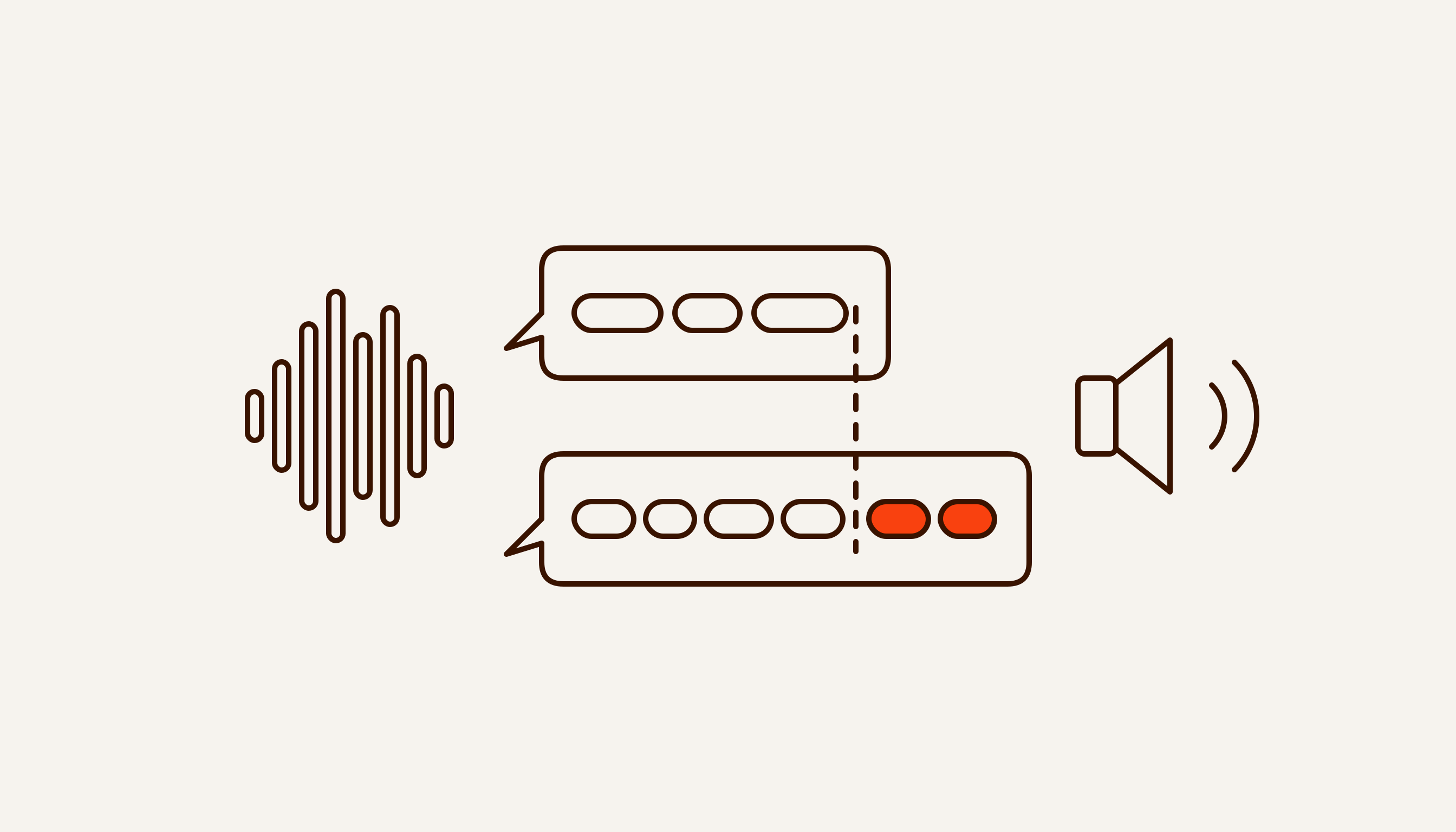
The agent replies to the client in their language — Russian, Uzbek in Latin or Cyrillic script, or English — and understands voice messages.
What matters here:
- Two scripts. If the client writes in Latin script, the reply is in Latin; in Cyrillic, it is in Cyrillic. Switching scripts mid-conversation looks like an error.
- Mixed speech. A client may start in Russian, continue in Uzbek and drop Russian words into an Uzbek sentence. The agent has to understand such messages rather than ask the client to rephrase.
- Voice messages. Some clients do not type, they talk. The agent transcribes the voice message and answers the substance.
- Tone. Formal or informal, official or neighbourly, with or without “aka” and “opa” — we agree it before launch. The wording is approved by one of your people who talks to clients.
We test Uzbek answers before launch on your real messages, not on a translation of a Russian script. You can see how it looks in the demo on the car dealerships page: the second scenario there is in Uzbek.
How to create an AI agent for your business: five steps
An agent is built in five steps: choose one process, describe the scenarios and limits, connect the systems, run a two-week pilot with a metric, and hand the agent over into your environment.
- Choose one process. Not “implement AI” but “night-time Telegram enquiries wait until morning for an answer”. The process should repeat often, and its data should already be digital. The method is in What to automate first. For us this step is the audit: 48 hours, free, no intro call. You get back a map: what to take off your people, in what order, at what cost.
- Describe scenarios and limits. Frequent questions from real conversations with the right answer to each, the list of actions the agent may take, a stop-list of topics, the point at which it calls a person. What exactly goes to the model is written into the spec, and sensitive fields can be left out.
- Connect the systems. CRM, calendar, 1C, Google Sheets or Excel, Telegram, WhatsApp, Instagram, website, telephony — with minimal permissions. We work on top of your systems, not instead of them.
- Pilot — 2 weeks. One process in production. The baseline metric is written down before the start: for example, time to a substantive reply, or the share of enquiries that end in a booking. If we miss the metric, the stage is not paid.
- Handover. Code, access and documentation are yours, and the agent lives in your environment. Support is by subscription, or you run it yourself.
That is how we build custom AI agents. The overall plan, from choosing a process to handover, is in our step-by-step automation guide; where a model pays off and how to choose one is on the AI implementation page.
How much does AI agent development cost
An agent for one process starts at $1,200 to launch plus $300 a month, with a 2-week timeline; the final price depends on the number of integrations and data sources.
An agent that reads a price list and answers in one channel sits near the lower end. One that writes to the CRM, calendar and 1C and pulls data from several channels costs more.
One process end to end is the Pipeline package: up to three integrations, 2 weeks. Three or four connected processes with your own dashboard and team training is the Shop floor package: from $6,500 plus $700 a month, 4 weeks. Your own model on your data is the Custom package. The full packages and timelines are in the pricing block below. The monthly fee covers monitoring, fixes when data sources break, and changes.
The model itself is not included: you pay the provider directly, at its rates, with your key. How much that comes to each month depends on the number of conversations and the model you choose.
Prices are per project, not per hour. In Uzbekistan you can pay in UZS at the Central Bank rate on the invoice date. There are no discounts: if the budget is smaller, we narrow the scope. In August 2026 Uzbekistan’s President announced that half of enterprises’ AI implementation costs would be reimbursed, but as of late September the payment procedure has not been published — what is known is in 50% of AI costs reimbursed.
AI agents for small business: when they make sense
For a small business, an AI agent makes sense when clients write a lot, in free text and outside working hours, and the conversation ends in an action — a booking, a reservation, an order. Otherwise a ready-made bot or a simple workflow is usually enough.
An agent makes sense if:
- there are more messages than one person can handle, and a noticeable share arrive in the evening and at weekends;
- questions repeat but are worded differently each time, often as voice messages and in two languages;
- almost every conversation has to end with an action in your systems.
Something ready-made will do if:
- there are five to ten questions and they are always the same — a button menu or an auto-reply will cope;
- all you need is online booking — an off-the-shelf booking service will do;
- the process is about to change — automating it now means paying twice.
If the job can be done with a ready integration or an off-the-shelf model in two days, we will say so: there is no point paying us for development. And we do not take on work where success cannot be measured.
For a salon, a clinic or a Telegram shop, a sensible first agent is booking plus answers from the price list, as in the demo on this page. Describe your process in the quiz or message us on Telegram: within 48 hours we will tell you whether you need an agent or a bot is enough.