Whether Tilda or WordPress is better depends on who will run the site. For a landing page or a simple business-card site whose text you want to edit yourself, without a developer, pick a website builder: Tilda, Webflow or Wix. For a blog or a catalogue built on plugins, where you want the freedom to move to another host at any time, WordPress fits, but someone has to keep it updated. A coded site is for when speed, custom animation and full control matter and you have a developer at hand. Our own site is built that way, with Astro, and below we are frank about what that costs us.
Prices and terms below were taken from the official pages on 1 October 2026. Where we convert to Uzbek sum, we use the Central Bank rate for the same day: 1 USD = 11,808.76 sum.
A note for readers outside the region: Tilda is a website builder that is common in Uzbekistan. In real-user data for visitors from Uzbekistan, HTTP Archive sees 793 sites on Tilda next to 5,821 on WordPress (details below).
Builder, CMS or code: what is the difference
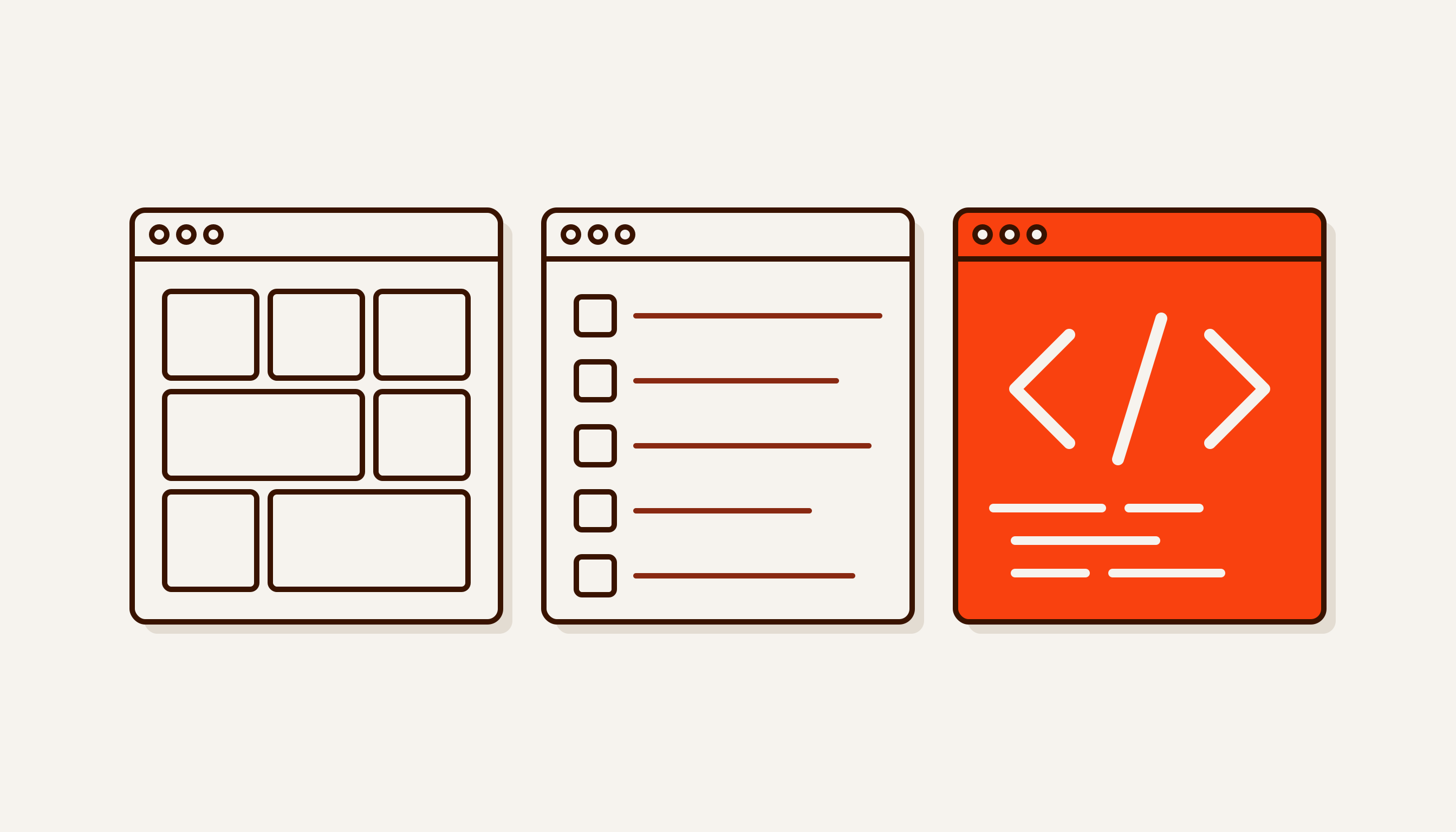
A website builder (Tilda, Webflow, Wix) is a subscription service. You assemble the site from ready-made blocks in the browser; hosting and engine updates are the platform’s job, and you pay a subscription.
A CMS (WordPress) is software you install on your own hosting. WordPress itself is free and released under the GPLv2 licence. The host needs PHP and MySQL or MariaDB (WordPress requirements). Plugins and themes add almost any feature, but keeping them updated is on you.
A coded site is one a developer writes by hand or builds with a static site generator such as Astro. The output is a set of ready files you can host anywhere. Our site is built with Astro, which is MIT-licensed, and served by Cloudflare, where requests to static assets are free and unlimited.
Comparison: Tilda, Webflow, Wix, WordPress and code
| Tilda | Webflow / Wix | WordPress | Coded site | |
|---|---|---|---|---|
| Free start | Yes: one site, core blocks | Webflow: webflow.io address, 2 pages. Wix: free plan, no card needed | WordPress is free; you need hosting and a domain | The framework is free; you pay for the work |
| Per month | Personal: $10 billed yearly, $15 monthly | Webflow Basic: $15 billed yearly, $25 monthly. Wix prices vary by country | Hosting, domain, paid plugins. WordPress.com from $4 billed yearly | A domain; static hosting can cost $0 |
| Can you take the site with you | Code export on Business only, with limits | Webflow: HTML/CSS export without CMS items. Wix: no | Yes, all of it: files and database | Yes, the code is yours |
| Mobile speed* | 48% | Webflow 71%, Wix 81% | 49% | Astro 71% |
| SEO | Sitemap and robots.txt generated automatically | Settings in the editor | Almost anything, via plugins | Anything, but by a developer’s hand |
| Security | The platform’s job | The platform’s job | Yours: core, theme, plugins | No admin panel or plugins to patch |
| Editing text | Yourself, in the editor | Yourself, in the editor | Yourself, in the admin | Through a developer or an added admin panel |
* Share of sites on the platform that pass the Core Web Vitals assessment on mobile. Real Chrome user data for August 2026 from the HTTP Archive technology report. More on this below.
Tilda or WordPress: which is better
A Tilda website: pros and cons
The pros are a quick launch and a low barrier to entry. A landing page is assembled from ready-made blocks and you edit the text yourself. Tilda generates the sitemap and robots.txt automatically. The platform takes care of updates. Tilda also has AI: its Vibe Block builds individual blocks from a chat description and, according to Tilda, is available on every plan.
The cons are dependence on the subscription and the platform. Code export is available only on the Business plans. Before exporting you must specify the domain, and hosting the code on any other domain is prohibited. The product catalogue and news feeds are not exported, and forms keep working after export only while the subscription is active. So you can take a Tilda site with you only in part.
Tilda pricing
On the English pricing page, Personal (one site, custom domain) costs $10 a month billed yearly (about 118,000 sum) or $15 month to month. Business (five sites and code export) is $20 and $25. The Russian pricing page lists prices in roubles: 500 and 1,000 roubles a month billed yearly. The “Made on Tilda” label can be switched off only on yearly billing. Tilda says it accepts cards from any bank. From Uzbekistan the payment goes abroad, so check with your bank in advance that your card works with foreign online merchants.
Tilda or Webflow
Webflow is closer to a designer’s tool: more freedom in layout and animation, but a steeper learning curve. On its pricing page, the free Starter plan gives you a webflow.io address, 2 static pages and 50 form submissions. Basic is $15 a month billed yearly, and Premium, with the CMS, is $25. Code export comes with the paid Core workspace plan, from $19 a month, and CMS items are not exported. If the site will be run by a marketer without design experience, Tilda will be easier for them.
Wix does not let the site go at all: according to Wix’s help centre, a Wix site must run on Wix’s servers. Wix prices depend on the country, and its plans page states that dollar prices are shown for reference only.
Building a site on WordPress: what you will do yourself
WordPress is the most widespread system: W3Techs finds it on 40.2% of all websites and on 58.7% of sites with a known CMS (1 October 2026). That is why there is a ready solution for almost any task, and developers are easier to find.
The flip side is security. According to Patchstack’s report, 11,334 new vulnerabilities were found in the WordPress ecosystem in 2025, 42% more than a year earlier. 91% were in plugins and 9% in themes; the core had 6, all low priority. 46% of vulnerabilities had no fix by the time they were disclosed. The rule that follows is simple: the fewer plugins, the better, and someone has to update them regularly. If you have no such person, look at WordPress.com: managed hosting with no separate hosting bill, plugins on every paid plan, and the Personal plan at $4 a month billed yearly.
Speed: what real-visitor data shows
HTTP Archive takes the Chrome User Experience Report (CrUX), which is data from real visitors, and calculates what share of sites on each technology passes the Core Web Vitals assessment. A site passes when loading, responsiveness and layout stability are “good” for at least 75% of visits. August 2026, mobile, worldwide: Wix 81%, Webflow 71%, Astro 71%, WordPress 49%, Tilda 48% (report).
Restrict the data to visitors from Uzbekistan and the numbers drop: 37% of 5,821 WordPress sites pass, and 19% of 793 Tilda sites. For Wix, Webflow and Astro the Uzbek sample is too small to draw conclusions.
Two caveats. First, this is correlation, not a verdict on the platform. Speed depends on the theme, plugins, images and hosting, and very different kinds of sites are built on each platform. Second, “coded” does not mean “fast”. Speed appears only if it is planned from the start. How to check your own site is covered in our article on page speed.
Who owns the site, and can you take it with you
This is the key question, and it is rarely asked before launch.
- Wix: the whole site stays on the platform. Leaving means rebuilding.
- Tilda: export exists on Business, but the catalogue and feeds do not move, and forms depend on the subscription.
- Webflow: HTML and CSS export, CMS items do not.
- WordPress and code: the files and database are yours and can move to any host.
Check the domain separately. Register it in your own name, not your contractor’s. In Uzbekistan, .uz domains are registered through the official registrars listed by the zone administrator, all of them local companies.
A coded site: when it is worth it
We build sites in code because we work with motion: parallax, scroll-driven scenes, 3D. Some of this can be done in a builder, but in code we decide ourselves how much each scene weighs on a phone. The sites we have built are made this way: aicapitalfactory.com, estiq.aicapitalfactory.com and suv-ai.online.
The approach has a cost. Changing a line of text is not as simple: a developer makes the edit, or a separate admin panel is connected to the site. We settle this during the brief. And a coded site costs more up front than a builder subscription.
What suits whom
- A landing page for ads or a business-card site you edit yourself: Tilda or Wix. A sound choice; no need to pay extra for code.
- A design-led site with animation: Webflow.
- A blog, lots of articles, a plugin-based catalogue, your own hosting: WordPress, plus a person who keeps it updated.
- Custom scenes and animation, mobile speed, three languages, leads going straight into a CRM: a coded site.
If you are torn between a landing page and a full website, start with Landing page or website. AI builders that promise a site in a minute get their own breakdown in Building a website with AI.
What to do next
Answer three questions: who will change the text, what will be on the site a year from now, and are you happy to depend on a subscription. If the answers point to a builder, go with a builder. If they point to code, see our website development page. Our “Start” package begins at 4.9 million sum (about $415) and a company website at 12.9 million sum (about $1,092); all packages are in the price list (PDF, Russian). We give an exact price after a free brief. What websites cost on the Samarkand and Tashkent market is covered in How much does a website cost.