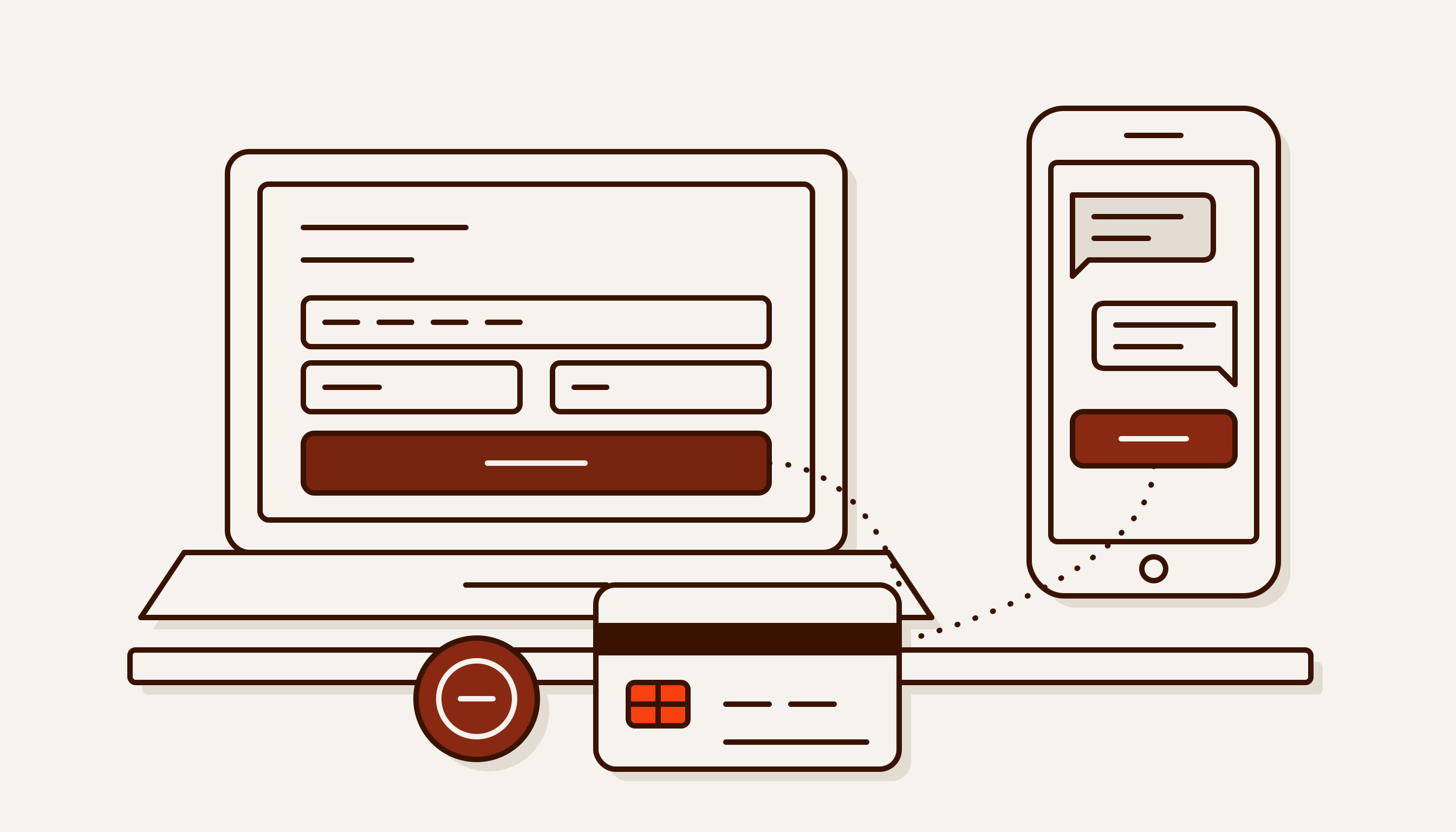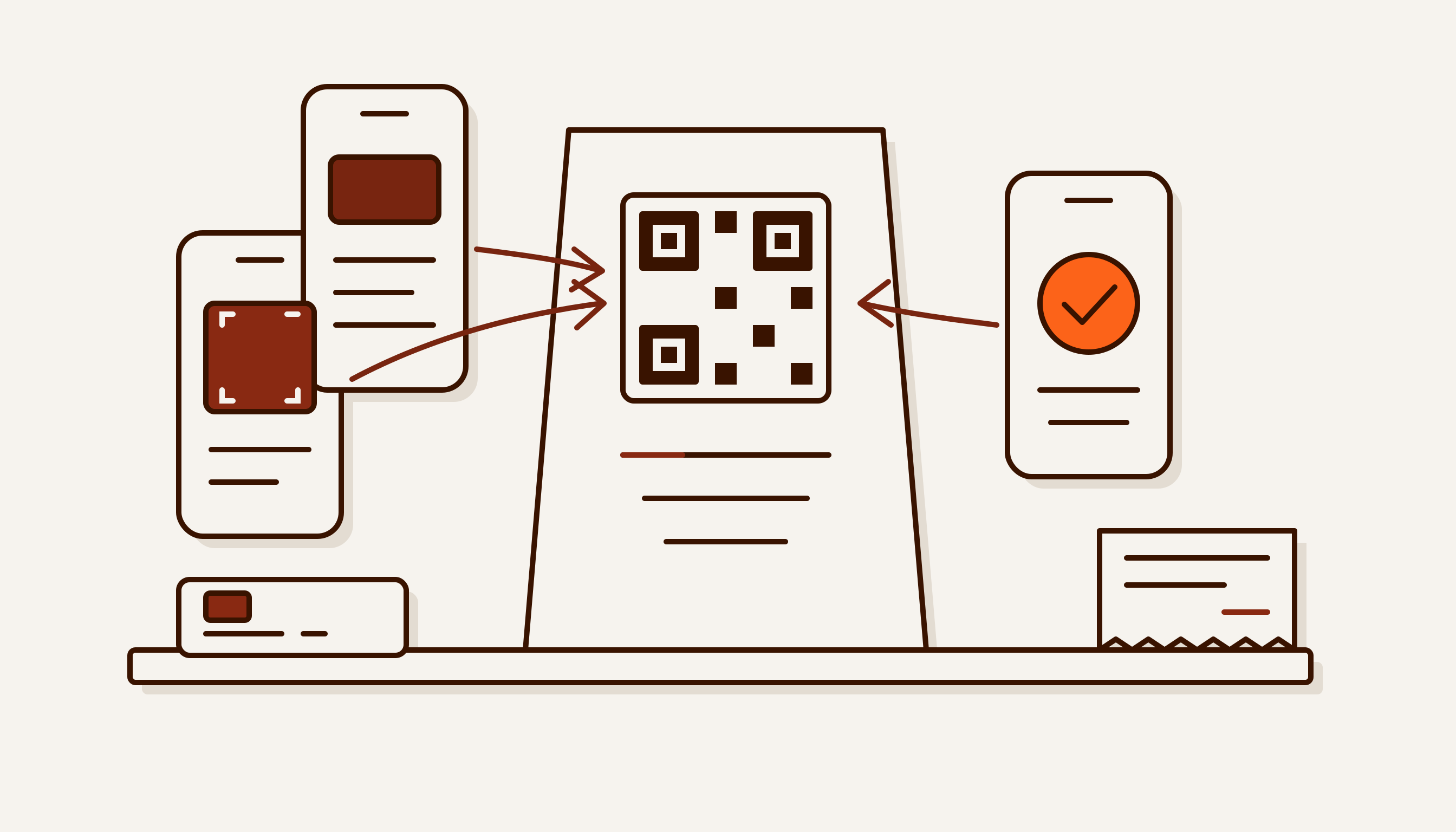
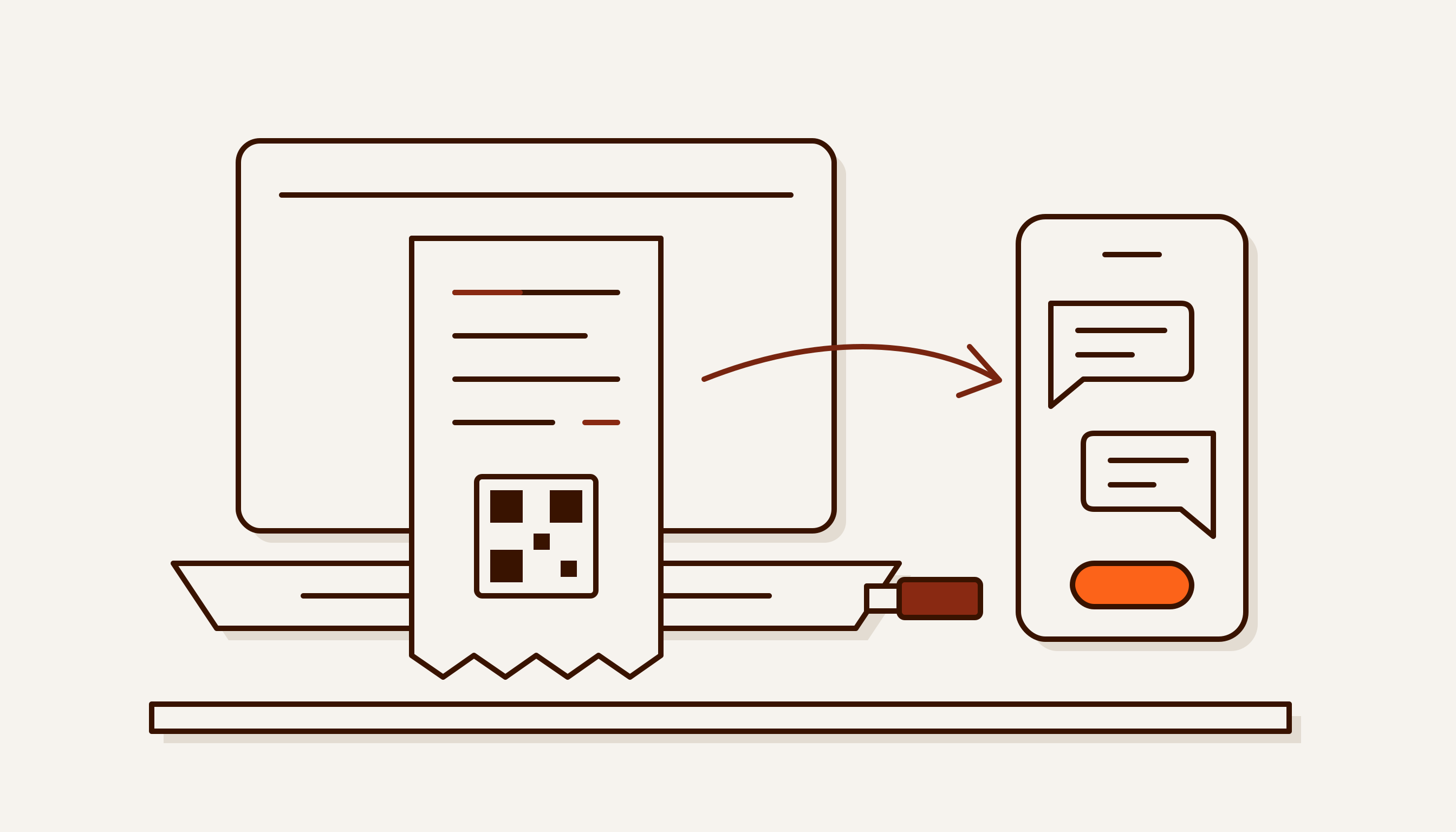
What you need depends on how you take payment:
| How you sell | What you need |
|---|---|
| Shop, café or salon with a cashier | A virtual cash register if the checkout already has a computer or smartphone. An online cash register (online-KKM, a device that sends receipts to the tax authority itself) if you need a separate device |
| Online shop, Telegram shop, payment via Payme or Click | Payme or Click issues the receipt if the bot or website sends them the order items. Otherwise, your own virtual cash register. The caveats are in the Telegram shop section |
| Card-to-card transfer, cash to the courier | Your own virtual cash register; you send the receipt yourself |
| Only invoices to companies, paid to your bank account | No cash register needed: these are not payments from individuals, and the e-invoice (ESF) applies instead |
Everything below was checked on 10 November 2026 against Cabinet of Ministers Resolution No. 943 in its current version (the official text is in Uzbek), the Tax Code, the registers of the fiscal data operator, and the Payme and Click documentation. “The Regulation” below means Annex 1 to the Resolution.
How a virtual cash register differs from an online cash register
There is one difference: an online cash register is a separate device, and a virtual cash register is software on your computer or phone. Their duties are the same: work with a fiscal module, send every receipt to the operator in real time, and print the receipt or send it electronically (para 2 of the Regulation). Tax legislation calls both of them cash register equipment (para 3).
Two terms you will need from here on:
- Fiscal module — a secure device from the operator that signs every receipt. Since January 2026 the Regulation also covers a virtual fiscal module: a number assigned by the operator with an electronic signature certificate linked to it. Your technical service centre (TSC) will tell you which of the two you will get.
- Fiscal data operator — the Scientific Information Centre “Yangi Texnologiyalar” under the Tax Committee. The Regulation names this centre as the operator. It receives receipts from all cash registers and stores them for five years (para 48).
Who must have a cash register and what it must do
The Regulation applies to all legal entities, sole proprietors and family businesses that take money from individuals (para 1). They must issue a receipt for every payment (para 30). We found two exceptions: remote and hard-to-reach settlements on the annual list, to which Presidential Decree No. UP-5813 does not apply the schedule for switching to online cash registers (para 4), and sales through vending machines (para 3 of the Resolution). The self-employed are not named in para 1. If you are self-employed, get a written answer from the tax authority before you buy a cash register.
If a customer in your shop pays via Payme, Click or a card terminal, a receipt from your own register is still required (para 6 of the Regulation).
What the software must be able to do is listed in para 6 of the technical requirements (Annex 2):
- it does not work without a fiscal module, and one module serves one cash register;
- after 48 hours without a connection the register is blocked. The first receipt issued offline must reach the operator within those 48 hours (para 31 of the Regulation as amended in 2026);
- it accepts payment by bank card and by QR code and is connected to the single QR code system run by the banks. This requirement was added by Resolution No. 393 of 20 July 2026; some of its provisions have applied since 22 October;
- it works with a 2D scanner and does not let you issue a receipt for goods subject to mandatory labelling without the labelling code.
These are requirements for the software, not a shopping list. Ask the TSC which equipment you actually need (a scanner, a terminal) before you sign the contract.
What a virtual cash register costs in November 2026
| Cost item | Amount | Source of the figure |
|---|---|---|
| Registering the register with the tax authorities | 0 | para 20 of the Regulation |
| Basic software from the Tax Committee | 0 | para 5: goods receipt, receipts, sending to the operator, Z-report (shift total), offline mode, product list, reports |
| Fiscal module and operator services | one base calculation value (BCV, БРВ) a year, currently 440,000 soʻm | para 55, payment details on ofd.uz, amount as per Buxgalter.uz of 05.10.2026 |
| Contract with a technical service centre (TSC) | as per the contract | the state sets no tariff; you pay only for services actually provided (para 9) |
| Commercial software | 100,000 to 200,000 soʻm a month | websites of two vendors, see below |
The minimum per year is 440,000 soʻm plus TSC services. With commercial software at 100,000–200,000 soʻm a month, the total is 1.64 to 2.84 million soʻm a year. Ask the vendor before you sign whether TSC servicing is included in the subscription. We did not find TSC prices in the public domain: request them from two or three centres in the TSC register, which had 46 entries as of 10.11.2026.
You pay the operator through a bank, on my.soliq.uz or in the Soliq app. The payment must state the TIN or PINFL of the module owner: according to Buxgalter.uz, the payment will not be credited without it. If a payment is overdue, the operator has no right to stop servicing you for that reason (para 55).
To find out where to get the free basic software, ask the State Unitary Enterprise “Soliq Servis”; its phone number in the TSC register is (71) 202-32-82. It services the operator’s own software, “Virtual kassa V 2.02”, which is first in the register of virtual cash registers; the user guide is linked there too.
Commercial software charges a subscription for stock records, QR payments and support. Two prices from vendor websites as of 10.11.2026: Mobil Kassa, “from 100,000 soʻm a month”, runs on an Android smartphone; the Rahmat virtual cash register (listed in the register as “Micros24”, RAHMAT TECH LLC) is 200,000 soʻm a month in the “Pricing” section, while the menu of the same website shows 123,600. We have not compared these programs and do not recommend them: we took two from the register that publish a price.
How to set up a virtual cash register: five steps
The procedure is the same in Tashkent and in the regions.
- Choose software from the register. The register of virtual cash registers is kept by the operator; as of 10.11.2026 it lists 40 programs. If the software is not in the register, registration will be refused. Check the requirements before you choose: some programs need only an Android smartphone, others need a Windows computer and a free USB port for the fiscal module.
- Sign a contract with a TSC. You may not use the register without one (para 8 of the technical requirements). You choose the TSC yourself (para 8 of the Regulation). The Regulation does not say at what stage to pay the 440,000 soʻm to the operator: ask the TSC when you sign.
- File an application through the TSC before your first sale, electronically or on paper (para 16). Attach a copy of the lease or the cadastral document for the premises, a copy of the TSC contract and the map coordinates of the outlet. Asking for anything beyond this is prohibited (para 17). The Regulation does not describe how to state the address if you sell from home and have no retail outlet. Put this question to the TSC before you sign the contract.
- Wait for registration. Up to 12 working hours in total: the TSC enters the data into the system within 4, and the tax authority reviews it within 8 (para 18). There are only three grounds for refusal: incomplete documents, confirmed discrepancies in the data, or a register that is not in the state register (para 21). You are told about a refusal within one working day, with the reason stated (para 22), and you can apply again (para 23).
- Receive the register ready for use. The TSC must hand over the register with the fiscal module installed within one working day of your request (para 10).
Before your first sale, enter your goods with their IKPU codes. IKPU is the product and service identification code (MXIK in Uzbek) from the single national catalogue at tasnif.soliq.uz. A register whose receipts carry no codes from this catalogue may not be used (para 3 of the Regulation).
If the outlet moves, you file an application with the TSC within three working days (para 25). If the register breaks down, tell the TSC (para 32). Until a backup one is installed, write out receipts from a receipt book registered with the tax authority, and then enter those sales into the register within one working day (para 33).
The receipt when a customer pays in a Telegram shop
You need one receipt. If the payment system issued it and it carries your TIN, you do not issue your own. If the customer paid by card-to-card transfer or in cash, or the payment system did not issue a receipt, you issue it in your own register. The chatbot does not handle the fiscal receipt itself: it only passes the order data to wherever the receipt is created.
The Regulation has no direct clause on distance selling. It requires a receipt from your own register when a purchase “on the spot” is paid through a payment system (para 6 of the Regulation, para 2 of Annex 1a), and separately when payment is made by the single QR code run by the banks. If you accept QR payments, ask the payment system whether the payment goes through the single QR code: for such payments a receipt from your own register is mandatory. The “one receipt with your TIN” rule comes from a Buxgalter.uz analysis of 25 July 2022, that is, before the 2026 amendments. If in doubt, get a written answer from your TSC or the tax authority.
Payment via Payme or Click with fiscalisation. The Resolution calls such systems a “Marketplace”. This is not a trading platform like Uzum. It is a settlement system that is connected to the operator, receives a fiscal sign from it (a code confirming the receipt has been accepted) and sends the customer a link to the electronic receipt: to their phone, email or personal account (paras 3 and 8 of Annex 1a). Both Payme and Click are in the operator’s register of Marketplaces. The payment system is responsible for the data it sends to the operator (para 5 of Annex 1a), while you are responsible for a complete receipt and for getting it to the customer (para 4 of the Regulation).
The payment system takes the receipt contents from you. Forward this table to your bot developer. The developer needs three things from you for each product: the IKPU code, the package code (according to the Payme documentation, it is shown in the IKPU details in the catalogue) and the VAT rate. For Click, also your TIN or PINFL.
| Payme Business | Click | |
|---|---|---|
| Where the items are sent | the detail object in the CheckPerformTransaction response |
the submit_items request |
| Required item fields | title, price, count, code (IKPU), package_code, vat_percent |
Name, SPIC (IKPU, 17 characters), PackageCode, Price, Amount, VAT, VATPercent, CommissionInfo (TIN or PINFL) |
| Unit for amounts | tiyin (the amount in soʻm multiplied by 100) | tiyin |
| How to tell the receipt was created | the SetFiscalData method: it delivers the fiscal sign and a link to the receipt. The method is optional; the bot developer implements it |
the ofd_data request returns a link to the receipt |
Sources: Payme, CheckPerformTransaction, Payme, SetFiscalData, Click, fiscalisation.
The Payme documentation describes the items as mandatory for fiscalisation. If your bot sends only the amount, ask the developer where the receipt comes from in that case. The check is simple: pay for a test order and open the receipt. If your TIN is in the principal line (the seller on whose behalf the payment system made the settlement), no second receipt is needed. If there is no receipt or the TIN is someone else’s, issue one in your own register and write to the payment system’s support.
Payment via Click, but you issue the receipt yourself. Click has the submit_qrcode request for this: you issue the receipt in your own virtual cash register and send Click a link to it. This is convenient if you already keep stock records in the cash register software. We did not find such a request in the Payme documentation.
Card-to-card transfer or cash to the courier. Here the payment system will not create a receipt. You create it in your own virtual cash register and send it to the customer as a link or print it. The Tax Committee’s software will do as well: para 6 of the technical requirements expressly allows online sellers to send receipts through it. For delivery, the settlement address on the receipt is the legal address of the business that delivers the goods (para 7 of the Regulation). The Regulation does not say which payment method to select in the register for a card-to-card transfer: para 7 lists cash, bank cards, QR code and mixed. Check with the TSC before your first sale.
Prepayment. Para 7 has an “advance” receipt type for it. The Regulation does not describe whether payment in the bot before delivery counts as an advance, or which receipt to issue on shipment. Ask the TSC.
Which terms of sale the bot must show the customer before payment is covered in our article on Telegram shops and Law No. ZRU-792.
What a receipt must contain
A sales receipt without a QR code and a fiscal sign is invalid (para 5 of Decree No. UP-5813). The exception is receipts of the “advance”, “instalment” and “credit” types: under the Regulation itself they do not carry these details. The full list of details is in para 7. The seller fills in or checks the following:
- the seller’s name and TIN or PINFL, and the settlement address;
- the name of the product or service, the unit of measurement from the catalogue, the quantity and the price;
- the VAT rate and amount for each item and the total VAT;
- the labelling code, if the product is subject to labelling;
- the payment method: cash, bank cards, payment by QR code or mixed;
- the payment type: sale, refund, advance, instalment, credit.
The register adds the receipt number, the fiscal module number, the fiscal sign, the date and the QR code itself. When money is returned, a refund receipt is issued (para 38).
A paper receipt is not mandatory: the definition of a cash register allows both printing and sending it electronically. If you print, the tape must be at least 55 mm wide, the letters at least 2 mm high and the QR code at least 30×30 mm (para 7 of the Regulation). A customer can verify any receipt by its QR code in the “Receipt check” service on the operator’s website, ofd.uz.
Fines under Article 221 of the Tax Code
Fines for cash register violations range from 5 to 20 million soʻm. Selling without a register or without a receipt costs 5 million. The amounts are from Article 221 in the version in force from 1 January 2026:
| Violation | Fine |
|---|---|
| Selling without a cash register where one is mandatory, or without issuing a receipt; refusing to accept payment by terminal or QR code | 5 million soʻm |
| Using a register that is not registered with the tax authorities | 7 million soʻm |
| Accepting payment through a terminal or QR code registered to another taxpayer | 20 million soʻm |
| Using a register that does not meet the technical requirements | 20 million soʻm |
The third row concerns anyone who takes payment to the QR code or terminal of a relative or an acquaintance who is a sole proprietor.
What to do if your register is removed from the state register
Software can be removed from the register if it does not meet the technical requirements. The manufacturer first gets 10 days to fix the problem, and then a decision is made. The operator notifies users through their personal account within three days. From the date of removal, a business has 15 days to replace the register. After that, using it means a fine of 20 million soʻm (paras 19–22 of Annex 4, part 4 of Article 221 of the Tax Code).
An example as of 10 November 2026. It was described by Buxgalter.uz on 4 November: according to a Tax Committee mailing, the “E-POS” virtual cash register was removed from the register on 30 October. The 15 days from that date expire on 14 November 2026. On 7 November, according to the publication, E-POS LLC was also removed from the TSC register; on 10 November it is not in the TSC register on ofd.uz. Yet on the same day the register of virtual cash registers still listed two programs by the developer, “E-POS Cashdesk” and “E-Pos Mobile”. We do not know why the entries remained. If you use E-POS, go by the notice in your taxpayer personal account and start looking for new software and a new TSC right away.
For everyone else: once a week, check the notices in your personal account and look for your software and your TSC in the registers. The replacement period is 15 days from the date of removal, and the notice may arrive on the third day.
Quick answers
Do I need a separate computer? A separate one, no. But the programs have different requirements: check them before you pay (step 1).
One register for the shop and the Telegram bot — is that allowed? The Regulation does not prohibit it. But one fiscal module serves one register, and the register is registered to the address of the outlet. Agree a setup with two sales channels with the TSC.
Is a transfer confirmation from a banking app a receipt? No. A fiscal receipt is issued only by a cash register or a payment system from the register; it carries a QR code and a fiscal sign.
Where we stand, honestly
We do not sell cash registers, register them with the tax authority, or act as a TSC. We build chatbots for Telegram: the bot takes requests and bookings, answers frequent questions and hands the conversation to a manager with the chat history. A bot costs from $300 and takes 2 weeks to build. From the second month there is a subscription of 700,000 soʻm a month, which covers up to 1,000 customers. Linking the bot to a CRM or 1C is the “Pipeline” package, from $1,200 plus $300 a month.
Sending product items to Payme or Click for a fiscal receipt is a separate task. It is not included in the “from $300” bot price; we quote it after a review. We have no client case studies with numbers yet. If you sell in Telegram and are not sure where your customer’s receipt comes from, describe how you take payment now in the quiz on the home page: the first review is free, with an answer within 48 hours.