What you need depends on who you are:
| Who you are | What you need | Legal basis |
|---|---|---|
| An LLC or other legal entity: shop, café, salon, services | A UzQR unified code from your bank, from 1 July 2026 | Decree UP-246, cl. 3(b) |
| A sole proprietor (IP) or self-employed person | A special QR code generated on a payment organisation’s digital platform, from 1 January 2026 | Resolution PP-247, cl. 7(a) |
| Already taking payment via Payme, Click or Uzum QR | Keep them. The unified code is added on top, it does not replace them | Clarifications by the Central Bank and the Tax Committee |
| Selling only to companies, paid by bank transfer under a contract | The decree covers all legal entities in retail and services and does not exclude these sales. But a contract payment goes to your account, not through a QR code, and it is documented with an electronic invoice (ESF). If in doubt, ask your bank | UP-246, cl. 3(b) |
Checked on 18 November 2026 against lex.uz and cbu.uz. Fees and bank practice come from the Central Bank’s explanations in the press; the links sit next to the numbers. Laws are quoted from the official texts (Uzbek or Russian); the English wording is ours.
What UzQR is and how it differs from Payme or Click QR codes
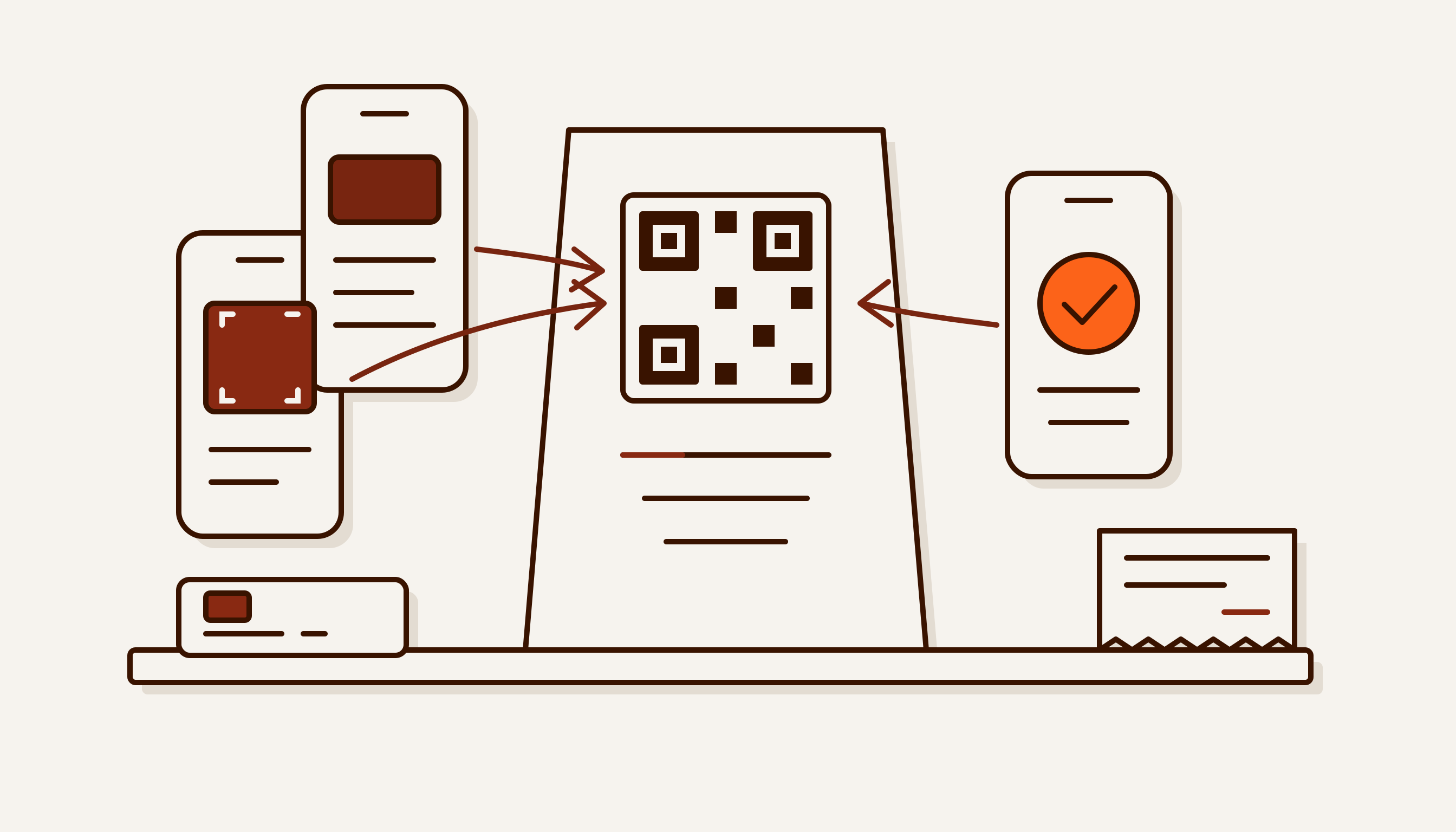
To pay through a Payme, Click or bank QR code, the customer has to open that particular app. The unified code can be read by the app of any bank or payment organisation connected to the system. The customer opens their own app, scans the code, sees the recipient’s name and the amount, and confirms. If the app charges a fee, it must show it before payment (cl. 27–28 of Central Bank rules No. 3817).
The system is run by an operator; according to a Central Bank official, that is MUNIS (Spot, 29.07.2026). The code is issued by your acquiring bank, the bank that holds your account. A payment organisation can also sign up a seller, but the account is still kept by a bank (cl. 1 of the rules).
There are two kinds of code (cl. 3 of the rules):
- Static: permanent, printed on a stand or shown on a screen. It holds your payment details; the customer types in the amount. The cash register does not know about such a payment: the cashier checks it by eye and rings up the receipt manually.
- Dynamic: the cash register or terminal creates it for each purchase. The amount is already in the code, and the code has a one-time ID and an expiry time. Once it expires, it cannot be paid (cl. 32).
A limitation the Central Bank mentioned at the end of July 2026: UzQR works only with UZCARD and HUMO cards (Spot, 29.07.2026). A foreign visitor with a Visa card cannot pay through it, so offer another option, such as a card terminal.
Who must use it, and what exactly
Legal entities. Presidential Decree UP-246 of 10 December 2025 (cl. 3(b)) makes accepting payments through the unified QR code mandatory for all legal entities in retail and services from 1 July 2026. If a company does not accept payment through the code, the decree treats it as a breach of trading rules. The decree does not exempt small companies or low turnover. According to the Central Bank, more than 265,000 legal entities had connected to UzQR by the end of July 2026 (Spot, 29.07.2026).
Sole proprietors and the self-employed. They need not the bank-issued UzQR but a special QR code generated on a payment organisation’s digital platform. This has been a retail trading requirement since 1 January 2026. Without the code, the tax authority treats you as working without a cash register or card terminal (PP-247, cl. 7(a)). How to get such a code and what withdrawals cost is covered in our article on the self-employed. The Central Bank rules let sole proprietors and the self-employed accept UzQR payments too (cl. 1), but the decree obliges only legal entities. Whether UzQR replaces the platform’s special code for a sole proprietor, the documents do not say. Keep the special code either way.
Other payment methods stay. The Tax Committee explained that businesses use QR codes of registered payment organisations, cards and cash at their own choice, and that tax officers may not interfere in the choice of payment method (Spot, 04.07.2026). The Central Bank called pressure on entrepreneurs over this unlawful (Kun.uz, 03.07.2026). If someone tells you to take down a Click or Payme stand, that demand has no legal basis. The Tax Committee asked businesses to report such cases to its hotline, +998 71 244-98-98.
How to get the unified QR code: five steps
- Choose a bank. The code is tied to the bank that holds your current account. If another bank charges less, you will have to open an account there. Moving your main account to another bank terminates the acquiring agreement (cl. 19 of the rules). If you have no account yet, it is opened together with the QR setup. At Ipak Yuli Bank, for example, opening one takes up to one business day (bank’s website).
- Apply and sign an acquiring agreement. Each bank has its own list of documents, so ask in advance. The agreement can be signed on paper or electronically, and it states the fee (cl. 12 of the rules). The bank enters a four-digit MCC code for your type of business: check in the agreement that it matches what you do. If your type of business changes, tell the bank within three banking days (cl. 16).
- Receive the static code, printed or as a file (cl. 14). The stand goes at the till, where customers can see it.
- Log in to your personal account at uzqr.uz. There you register stands and see every payment in real time (Central Bank notice of 01.07.2026). The UzQR helpline is 1835.
- If you have a cash register, connect a dynamic code. The procedure from the Central Bank guide, as summarised by buxgalter.uz: log in to uzqr.uz with your digital signature (EDS) → “QR management” → create a dynamic code → “API management” → create a key and link it to the code. The key is shown only once, so save it straight away. Then your technical service centre (TSC) enters the key into the cash register, and you make a test payment.
Once the code is up, check three things: a payment from an employee’s phone goes through, the name in the app matches your company name, and the money reaches your account. According to the Central Bank, money usually arrives within one business day (Spot, 29.07.2026).
What it costs
Connection is free. A fee is charged on each payment, and only the seller pays it. The official fee is 0.65% of the amount. According to the Central Bank’s explanation as reported by Spot, it splits like this (Spot, 23.06.2026; Kun.uz gives a slightly different split with the same total):
| Who gets it | Share |
|---|---|
| System operator | 0.20% |
| App used to scan the code | 0.15% |
| UZCARD or HUMO payment system | 0.10% |
| Seller’s bank | 0.10% |
| Bank that issued the card | 0.05% |
| Payer’s bank | 0.05% |
Your bank sets the final rate. Ipak Yuli Bank announced 0.25% (Spot, 29.07.2026), and according to Kun.uz, bank rates range from 0.25% to 0.65%. How banks go below 0.65%, the Central Bank has not explained. You pay the rate in your acquiring agreement, and the bank must give at least 15 days’ notice before changing it (cl. 17 of the rules). For comparison, according to the same Central Bank explanation (Spot, 23.06.2026), the QR services TezQR, Payme, Click, Uzum and Rahmat charge businesses 1% to 3%.
A hypothetical example: a café takes 60 million soʻm a month through QR. At 0.65% the fee is 390,000 soʻm, at 0.25% it is 150,000 soʻm, and at 1.5% with another service it is 900,000 soʻm.
The official fee does not charge the customer anything.
The receipt when a customer pays by unified QR code
In spring and summer 2026, accountants argued about whether a cash register receipt is needed for a payment through a static code. A static code does not pass a transaction number to the cash register, so there was nothing to link the payment to a receipt (buxgalter.uz, 13.04.2026).
Cabinet of Ministers Resolution No. 943, as amended by Resolution No. 393 of 20 July 2026, settles the question. The direct wording, that a cash register receipt must be issued for payments through the unified QR code, is in Appendix 1a, cl. 2. That appendix is the regulation on electronic receipts via marketplaces and payment organisations. For an ordinary shop, the same conclusion follows from two other provisions of the same version:
- the receipt now has a separate payment method, “payment by QR code”, alongside cash, card and mixed payment (Appendix 1, cl. 7, in force from 22 October 2026);
- online cash registers and virtual cash registers must be connected to the banks’ unified QR code system and to electronic payment systems (Appendix 2, cl. 3 and 6).
In practice, then, a UzQR payment is handled like a card payment: a receipt from your own cash register with the payment method “by QR code”. A dynamic code is the most convenient: the cash register creates it with the amount and receives the payment confirmation itself. Ask your TSC how your cash register model does this, as the resolution does not spell it out. What else a receipt must contain and what a cash register costs is in our article on virtual cash registers.
Labelled goods are harder: the receipt must carry the product’s marking code, and a static QR code passes nothing to the cash register. Ask your TSC to switch the register to a dynamic code. Until then you can offer the customer a card, but refusing a QR payment is risky: refusing to accept payment is a separate offence (Article 221(1) of the Tax Code).
Fines
The amounts are from Article 221 of the Tax Code as amended by Law No. ZRU-1108, in force since 1 January 2026:
| Offence | Fine |
|---|---|
| Trading without a cash register, card terminal or payment platform special QR code where they are mandatory; selling without a receipt; refusing payment through a terminal or such a QR code | 5 mln soʻm |
| Using a cash register not registered with the tax authority | 7 mln soʻm |
| Taking payment through a terminal or special QR code registered to another taxpayer | 20 mln soʻm |
For sole proprietors and the self-employed it is clear: no special QR code means 5 million, a relative’s or friend’s code means 20 million. For legal entities it is less clear. Article 221 refers to QR codes from payment organisations’ digital platforms and does not name the bank-issued UzQR directly. The decree calls the absence of the unified code a breach of trading rules, but we found no separate fine for it in the documents. One thing is clear: if a customer paid by QR and you issued no receipt, that is a sale without a receipt, 5 million soʻm under Article 221(1).
Where we fit in, honestly
We are not a bank or a payment organisation: we do not issue QR codes, and we do not sell or register cash registers. We build chatbots for Telegram: the bot takes orders and bookings, answers frequent questions and hands the conversation to a manager with the chat history. A bot costs from $300 and takes 2 weeks to build. From the second month there is a subscription of 700,000 soʻm a month, which covers up to 1,000 customers. Linking the bot to a CRM or 1C is the “Pipeline” package, from $1,200 plus $300 a month.
The bot can send the customer a payment link or your QR code together with the order total. The receipt is still created by your cash register or payment system, not by the bot. We have no client case studies with numbers yet. If you want to take orders in Telegram and are not sure how to link payment to a receipt, describe how you take money now in the quiz on the home page: the first review is free, with an answer within 48 hours.