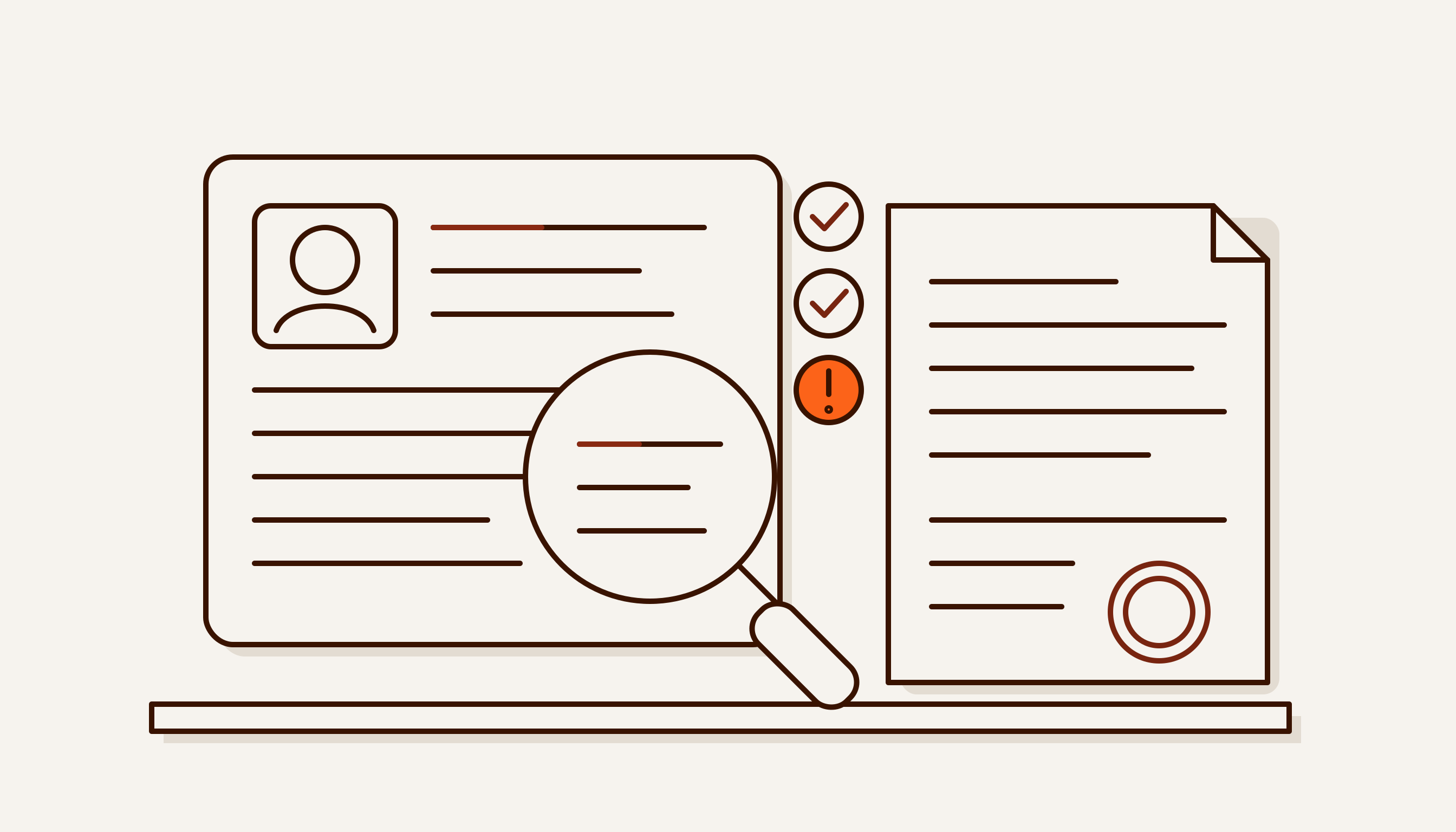
Start with the tax authority. my.soliq.uz has a section called “Lozim darajadagi ehtiyotkorlik”, or due diligence, with three tabs: debtors, suspicious entities and “Business without risk”. By INN it shows tax debts, VAT registration status, bankruptcy and whether the company is on the suspicious list. The same INN then goes into several more registries; the order and the red flags are in the table below. The interfaces are mostly in Uzbek. All addresses were checked on 27 October 2026.
From 2026 a single check before signing is not enough: the Tax Committee rates every e-invoice for risk, and the rating decides whether you can claim the VAT.
What the law requires and what the buyer risks
Article 15 of the Tax Code is titled “Due diligence”. When choosing a counterparty, a taxpayer must check five things: tax registration, business reputation, production facilities and staff, financial condition and the ability to perform the deal.
The second part of the same article sets the price of skipping it. If the counterparty fails to perform and you did not exercise due diligence when you signed, your expenses on that deal are not recognised for tax purposes.
The second price is VAT. Under Article 266-1 of the Tax Code a buyer cannot claim VAT on supplies from a company whose VAT certificate has been suspended, terminated or cancelled. If the certificate is later restored, the credit is restored from the date of suspension.
A 15-minute check: order and red flags
Almost every service searches by INN. For a sole trader, also have their PINFL (personal identification number) ready: the Ministry of Justice registry accepts both, in separate fields.
| Step | Where | What to look at | Red flag |
|---|---|---|---|
| 1 | Ministry of Justice registry, search by INN or PINFL | The company exists, details match the contract | Different director, address or name |
| 2 | Ministry of Justice notices | Lists of dormant companies and liquidation candidates | The company is on any of them |
| 3 | my.soliq.uz, “Business without risk” tab | Entity details, VAT payer status, bankrupt and deregistered entities | VAT is charged in the contract, but there is no certificate or it is suspended |
| 4 | my.soliq.uz, debtors and suspicious entities | Tax debts; whether the company is on the suspicious list | The company is on the suspicious list. That is a serious risk: under Resolution No. 830, e-invoices of taxpayers in the register of suspicious taxpayers automatically get a high risk rating |
| 5 | my.gov.uz, service 721 | Certificate of insolvency (bankruptcy) | Bankruptcy proceedings |
| 6 | garov.uz and mib.uz | Pledges; debts with the Bureau of Compulsory Enforcement | Assets under pledge, enforcement proceedings |
| 7 | Register of unfair contractors and court decisions | Failed public contracts, litigation | Recent rulings on breach of contract |
The tax services need no account, but ask you to solve a simple sum from a picture before searching. Service 721 is provided by the State Assets Management Agency: free, automatic, after you log in to the state services portal. The register of unfair contractors shows the INN, the director’s name, the number and date of the court ruling and the date the company leaves the list. So that you can show the check to the tax office, save every results page as a PDF via the browser’s print dialog: the header keeps the address and the date.
From 2026: the risk rating of an e-invoice
Cabinet of Ministers Resolution No. 830 of 26 December 2025 introduced an automatic assessment of every electronic invoice from 1 January 2026. The regulation is published in Uzbek on lex.uz. The matching amendments to the Tax Code came with Law ZRU-1108 of 25 December 2025. What matters to a buyer:
- Two categories. Risk is either low or high (clause 8 of the regulation). The Tax Committee’s system scores it in points. It looks at the taxpayer’s history, finances and assets, founders and director, the nature of transactions and how invoices are issued (clauses 6, 9).
- The rating is visible on issue. The risk rating is shown when the invoice is issued and submitted, and it is not a tax secret (clause 11). A low rating does not change after you accept the invoice, unless the invoice is corrected (clause 12).
- Who gets a rating automatically. Low goes to “good-faith taxpayers”: the top 1% of companies by taxes paid, turnover and assets over the past year, and companies with 500 or more employees paid at least twice the minimum wage (clauses 3, 10). High goes to every invoice of companies in the register of suspicious taxpayers (clause 10).
- What happens to your VAT. On a high-risk invoice the buyer cannot claim the VAT until the tax has been paid to the budget in full (Art. 267 of the Tax Code, clause 14). The supplier can pay it. So can the buyer, acting as a tax agent, through their own taxpayer account, quoting the invoice ID (Art. 266-1, clauses 14–15). If only part is paid, only that part is credited.
- The 10% ceiling. Under clause 4, high-risk invoices should not exceed 10% of all invoices issued by VAT payers in a reporting period. It is a target for the rating system itself. The regulation attaches no consequences for an individual buyer or supplier to this figure.
A hypothetical example. You buy goods for 112 million so’m, of which 12 million is VAT. The invoice arrives with a high risk rating. Until the supplier pays those 12 million to the budget, you have nothing to claim. If you pay it yourself, you can claim it, but the VAT money effectively leaves twice: to the supplier in the price and to the budget. If your payment leaves the supplier with an overpayment at the end of the period, clause 17 says it is refunded to the supplier or set off against the supplier’s future payments. The refund goes to the supplier, not to you.
What follows in practice:
- A trial delivery. Start a new supplier with a small order and look at the rating of their invoice. But the risk is assessed for each invoice separately: low on a trial delivery does not guarantee low on a large one.
- A contract clause before payment. State who pays the VAT on a high-risk invoice and by when, and what happens if the supplier does not: deferred payment, withholding the VAT amount or getting it back.
- Your own register. Incoming invoices with their risk ratings are listed in a register in your taxpayer account on my.soliq.uz (clause 25). The accountant reviews it every month before filing the VAT return.
A low rating does not save a sham transaction: the tax authority disregards it whatever the invoice’s rating (clause 20).
What the state registries will not show
Registries answer the question “does the company exist and does it owe money”. Article 15 also requires checking production facilities, staff and the ability to perform. Databases do not hold that, so ask the counterparty. A letter you can copy:
Document request for a counterparty check
Hello. Before we sign the contract for …, please send within three working days:
- A copy of the charter or a registry extract showing the current director.
- The order appointing the director, or a power of attorney for the person signing.
- The VAT certificate, if the contract charges VAT.
- The licence or permit, if the work is licensed.
- The address of the warehouse or production site with photos or a video; for a large delivery, consent to our visit.
- How many employees will work on our order and who is responsible for delivery.
- Contacts of two or three clients you have worked with over the past year.
We need these documents for our due diligence check (Article 15 of the Tax Code). Thank you.
Signs that call for a closer look. This is our practical list, not one from the law:
- the company was registered recently but takes on a large supply contract;
- its legal address is shared by many other companies (search the address on maps and the web);
- no warehouse, staff, website or office phone, only a messenger account;
- the director will not meet, or someone signs for them without a power of attorney;
- you are asked to pay into the account of another company or a private person;
- the price is lower than three other suppliers’ and the company cannot explain why.
How to keep the evidence and make checks routine
A check you cannot show is, for the tax office, almost the same as no check. Keep a folder for each major counterparty:
- PDF copies of every service page from the table, dated in the header;
- the result from service 721, also as a PDF;
- the documents received in reply to the request letter;
- photos or video of the warehouse, messages about the visit;
- a short check memo: who checked, when, what they found, the decision. The director or chief accountant signs it.
So that checks do not depend on one person’s memory, write a rule for the accounting team. New counterparties are always checked before signing. Existing ones are checked every quarter and before every large payment: VAT status and debts change within months, while a contract runs for years. Unscheduled checks happen when an invoice arrives with a high risk rating or a supplier misses a deadline. Each check goes as a row into a shared counterparty sheet: date, who checked, outcome.
When to automate the check
With five counterparties, a spreadsheet and 15 minutes each are enough. With hundreds, manual checks become a job of their own, and people start skipping them.
The Tax Committee offers a free integration with its Central Database. It returns open data on all registered companies and sole traders: name, registration date, tax regime, founders, bankruptcy, mandatory audit, administrative penalties. You apply through my3.soliq.uz. With that integration the check can live in your own accounting system or spreadsheet: the accountant enters an INN, the data comes in by itself and is saved with a date.
Where else machines take routine off accountants, and where they do not, is covered in “AI in accounting”. For regular reports without manual consolidation, see “How to automate business reports”.
Where we stand, honestly
We do not offer counterparty checks as a service and we do not give legal opinions: the decision on the deal and on the VAT credit stays with your accountant and lawyer. We automate the routine around accounting. For example, for accounting firms we build a robot that takes client requests in Telegram and asks for the counterparty, INN and amount. One process end to end is the “Pipeline” package: from $1,200 plus $300 a month.
We have no client case studies with numbers yet. If counterparty checks or document collection have turned into manual routine for you, describe the process in the quiz on the home page: the first review is free, with an answer within 48 hours.