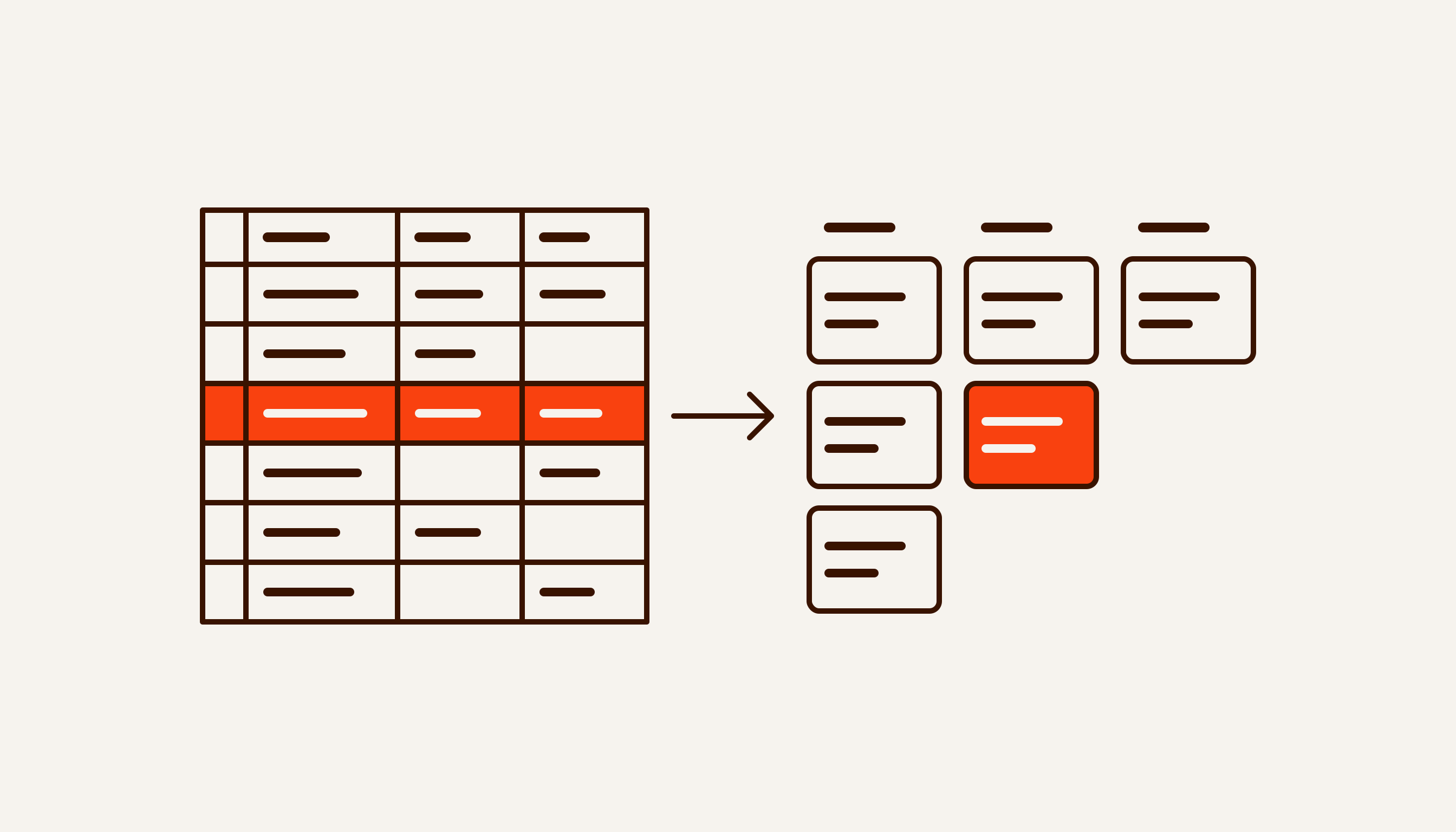
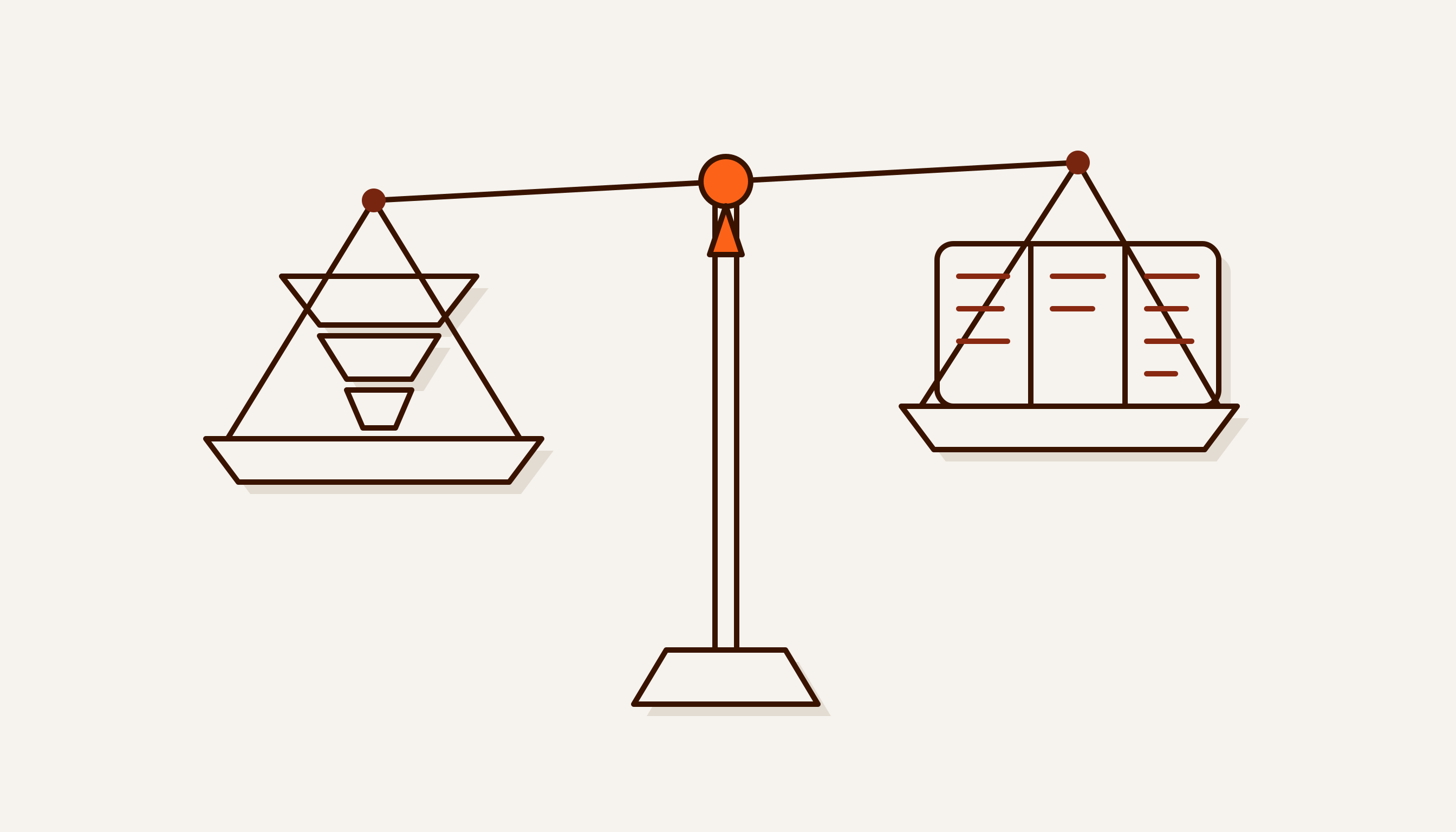
For five users, amoCRM Advanced costs 895,000 so’m a month and Bitrix24 Basic costs 288,000. We compare this pair on purpose: robots, triggers and document templates come with Bitrix24 Basic, while amoCRM only adds them from Advanced. The products are also built differently. amoCRM is a sales pipeline with customer chats inside each deal. Bitrix24 is a CRM plus tasks, projects, file storage and an internal company chat.
Prices are taken from the official pages of amoCRM and Bitrix24 for Uzbekistan as of 29 October 2026. Vendors change them without notice, so check again before you pay. Plan names below are our translations of the Russian-language pages.
Prices in so’m as of 29 October 2026
| amoCRM | Per user per month | Contacts and companies per user | Open deals per user |
|---|---|---|---|
| Basic | 79,000 so’m | 5,000 | 500 |
| Advanced | 179,000 so’m | 10,000 | 1,000 |
| Professional | 259,000 so’m | 20,000 | 3,000 |
amoCRM’s pricing page says plainly that there is currently no monthly payment: prices are set for subscriptions of six months or more. For two people there is a “Micro-business” package at 999,000 so’m a year, roughly 83,000 a month for both, against 158,000 on Basic. It has the Basic feature set, 5,000 contacts and 1,000 open deals for the whole account, and no access permissions. It works if two people sell and do not need to hide customers from each other.
| Bitrix24 | Users | Per month, paid monthly | Per month, paid yearly |
|---|---|---|---|
| Free | unlimited | 0 | 0 |
| Basic | up to 5 | 288,000 so’m | 230,400 so’m |
| Standard | up to 50 | 875,000 so’m | 700,000 so’m |
| Professional | up to 100 | 1,750,000 so’m | 1,400,000 so’m |
| Enterprise | from 250 | from 4,300,000 so’m | from 3,440,000 so’m |
What it costs for your team
All figures are so’m per month. For amoCRM the monthly figure is notional, since you pay six months upfront. The first invoice for five users is 2,370,000 so’m on Basic and 5,370,000 on Advanced; Bitrix24 Basic is 288,000 for a month or 2,764,800 for a year.
| Users | amoCRM Basic | amoCRM Advanced | Bitrix24, paid monthly | Bitrix24, paid yearly |
|---|---|---|---|---|
| 3 | 237,000 | 537,000 | Basic: 288,000 | Basic: 230,400 |
| 5 | 395,000 | 895,000 | Basic: 288,000 | Basic: 230,400 |
| 6 | 474,000 | 1,074,000 | Standard: 875,000 | Standard: 700,000 |
| 10 | 790,000 | 1,790,000 | Standard: 875,000 | Standard: 700,000 |
| 25 | 1,975,000 | 4,475,000 | Standard: 875,000 | Standard: 700,000 |
Where the lines fall:
- amoCRM Basic vs Bitrix24 Basic. amoCRM is cheaper for up to three users if you pay Bitrix24 monthly, and up to two if you pay yearly.
- amoCRM Basic vs Bitrix24 Standard. amoCRM is cheaper for up to 11 users against monthly billing and up to 8 against yearly.
- amoCRM Advanced. More expensive than the smallest Bitrix24 plan that fits, for any team of two or more. Three times more for five users, 1.2 times more for six, over five times more for 25.
Count everyone who will log in, not just the sales staff. A manager who only reads reports is a user too. Five salespeople plus their manager make six seats, which no longer fit in Bitrix24 Basic. In amoCRM, the manager is the sixth line on the invoice.
Licences are not the whole budget. Setting up the pipeline, connecting the website, telephony and messengers, syncing with 1C and training the team are paid separately, either to a contractor or in your own staff’s time. Ask for a quote on each of these before you pick a system, not after.
What the entry plans leave out
amoCRM Basic. You get the pipeline, deal cards, tasks, automatic deal creation from messengers, web forms, Google Sheets and telephony, duplicate control, live chat, manager reports by email or Telegram, a REST API and more than 500 ready-made integrations. You do not get the Salesbot visual bot builder, event triggers, automatic contracts and invoices from templates, automated mailings, required fields per stage, KPIs or sales plans. All of that starts on Advanced. Deal scoring, the amoAI features and search across deal history are Professional only.
Bitrix24 Free. Unlimited users, but one pipeline, five robots and triggers, one open channel for chats, and CRM search limited to 1,000 deals and 1,000 contacts. No telephony, CRM forms, CRM documents or WhatsApp. At ten new leads a day you reach a thousand deals in about three months, and from then on filtered search no longer sees the whole base.
Bitrix24 Basic. Up to five pipelines, robots and triggers, webhooks in robots, telephony with call recording, CRM forms, CRM documents, WhatsApp and Telegram, two open channels. There is no separate “Leads” entity until Standard: an enquiry becomes a deal straight away, which is simpler for a small team. Business processes and smart processes, meaning approvals and custom document types, start on Professional.
| Task | amoCRM | Bitrix24 |
|---|---|---|
| Telegram and website leads in one pipeline | from Basic | Telegram from Free, CRM forms from Basic |
| Scripted bot with buttons | Salesbot, from Advanced | no separate line in the plan table |
| AI replies to customers in chat | neural network for common questions, Professional only | AI replies in open channels, from Basic |
| Contract or invoice from a template | from Advanced | CRM documents from Basic |
| Approvals, payment requests, custom processes | not in the plan table | business processes from Professional |
| Tasks, projects, shared storage | tasks on deals; no projects or company drive in the table | tasks and chat on every plan, projects from Basic, company drive from Standard |
| Data exchange with 1C | no separate line in the table | “1C integration” and “Inventory in 1C mode” from Professional |
If 1C is your main system, budget for the integration separately: through the API, a ready-made module or a bot. What a bot can do on top of 1C and where database access becomes the limit is covered in our article on 1C and Telegram bots.
Paying from Uzbekistan and the paperwork you get
Bitrix24 issues a local closing document. amoCRM’s page does not say what document your accountant will receive.
Bitrix24. Cloud plans in Uzbekistan are sold by 1C-BITRIX24 LLC in Tashkent; the address is in the footer of the pricing page. Plans are bought for 1 or 12 months. You can pay by bank invoice or by Visa or MasterCard, as an individual, a sole trader or a company. The contract is a public offer that you accept by paying. Within 5 working days Bitrix24 uploads an electronically signed “Licence” document to your portal, but only for sole traders and companies; an individual paying by card gets a receipt. If your accountant needs a contract signed by both parties, you buy through a partner, and the vendor says the licence price does not go up. Auto-renewal is on only if you tick the box. Payments are not refunded once access has started. The exceptions are refunds required by Uzbek law, erroneous, duplicate or unauthorised charges, and cases where the seller failed to provide access.
amoCRM. The page shows prices in so’m, but the FAQ terms are written for Russia. It says the company does not sign contracts with other companies; the service runs under a licence agreement. Listed payment methods are card, YooMoney, WebMoney and bank transfer. It does not say how to pay in so’m as an Uzbek company or what closing document you will get. Ask support or a partner before you pay, because the answer decides whether your accountant can book the expense.
Kommo, the international version of amoCRM, charges $25, $35 and $45 per user per month, also with a six-month minimum. At the Central Bank rate for 29 October 2026 (12,004.02 so’m to the dollar) the entry plan is about 300,000 so’m per user, almost four times amoCRM Basic in so’m. It only makes sense if you need to pay in dollars or want the English-language product.
Which one fits
This is our view, not a vendor rule.
amoCRM, if up to three people or six to 11 people use the system, customers write in messengers, and accounting, tasks and documents live elsewhere: in 1C, Telegram, a shared drive. A salesperson works in one window: the pipeline, the deal card, and the chat with the customer inside it. For a team that size, Basic is cheaper than Bitrix24 paid monthly (against yearly billing: one or two users, or six to eight), as long as you do not need bots, triggers and document templates. If you do, compare Advanced instead, and it loses on price.
Bitrix24, if more than the sales team will work in it: you need tasks and projects, approvals, a shared drive, an internal chat instead of five Telegram groups. Also if you have four or five users, or 12 and more (with yearly billing: three to five, or 9 and more), where Bitrix24 is cheaper than even amoCRM Basic. The price you pay is complexity: there are many sections, and without setup the team gets lost in menus.
Neither, if one or two people handle leads and each one is visible in a spreadsheet with a next step and a date. Bitrix24 Free is fine for trying a CRM, but with five robots, no CRM forms and search capped at 1,000 deals it is a trial, not a working system.
What decides the outcome is not the feature list but whether salespeople log deals every day. Why leads go cold in the first hours, and how to measure that before buying a CRM, is covered in How long a lead stays alive.
When a Google Sheet is enough
A spreadsheet works while one or two people handle leads, every lead has a next step with a date, and overdue items are visible at a glance. The template, website leads through Apps Script and six signs it is time to move are in Google Sheets as a CRM.
It is time for a CRM when a manager cannot say within a minute how many leads came in this week and how many are still unanswered. “Everyone has a CRM” is not a reason. The move is easier if the sheet uses the same fields from day one that the CRM will have: source, stage, owner, next step, date.
What to check during the trial
amoCRM offers a 14-day trial with every feature. Bitrix24 has a 15-day demo mode with the top plan’s features. During the trial you see more than you will buy, so test only what your plan will include.
- Run 20 real leads from last week through the pipeline. Time how long a salesperson spends on each. If it is more than a couple of minutes, remove unnecessary required fields.
- Connect your Telegram or website widget and message yourself. Check where the message landed and who was notified.
- Check the interface language. If some staff read Uzbek more easily, open the language list in profile settings and see what is there. This does not affect the language of customer chats: a salesperson or a bot replies to the customer.
- Build a manager report: leads for the week by source and those unanswered for more than an hour. Then check that every tool you used to build it is in your plan’s table.
- Import part of your base from the spreadsheet: companies first, then contacts, then deals. Fifty rows are enough to see how the system merges duplicates.
- Ask about paperwork: what contract and closing document your accountant will get, the invoice currency, and what happens when you change plans.
If after two weeks salespeople open the system on their own in the morning, you have your answer. If only the manager opens it, look at the setup: usually the deal card has too many fields, or leads are entered by hand instead of arriving automatically.
Where we stand, honestly
We implement amoCRM and Bitrix24 around your process: pipelines, integrations with the website, 1C and messengers. You pay the vendor for licences directly; we earn nothing on them and pick the plan to fit the team size, not the most expensive one. We do not sell an off-the-shelf CRM of our own. We launch the first pipelines with integrations and training in 2 weeks. We agree the success metric in writing before we start: if we miss it, that stage is not paid. If you already bought a CRM that nobody uses, we start by fixing the setup rather than replacing the system.
We do not yet have client case studies with numbers, so this article contains only vendor prices and our calculations based on them.
If you cannot decide which system to take, describe how leads reach you today in the form on the home page: two questions, an answer within 48 hours, no call needed. The answer will say which system fits your process and what to set up first.