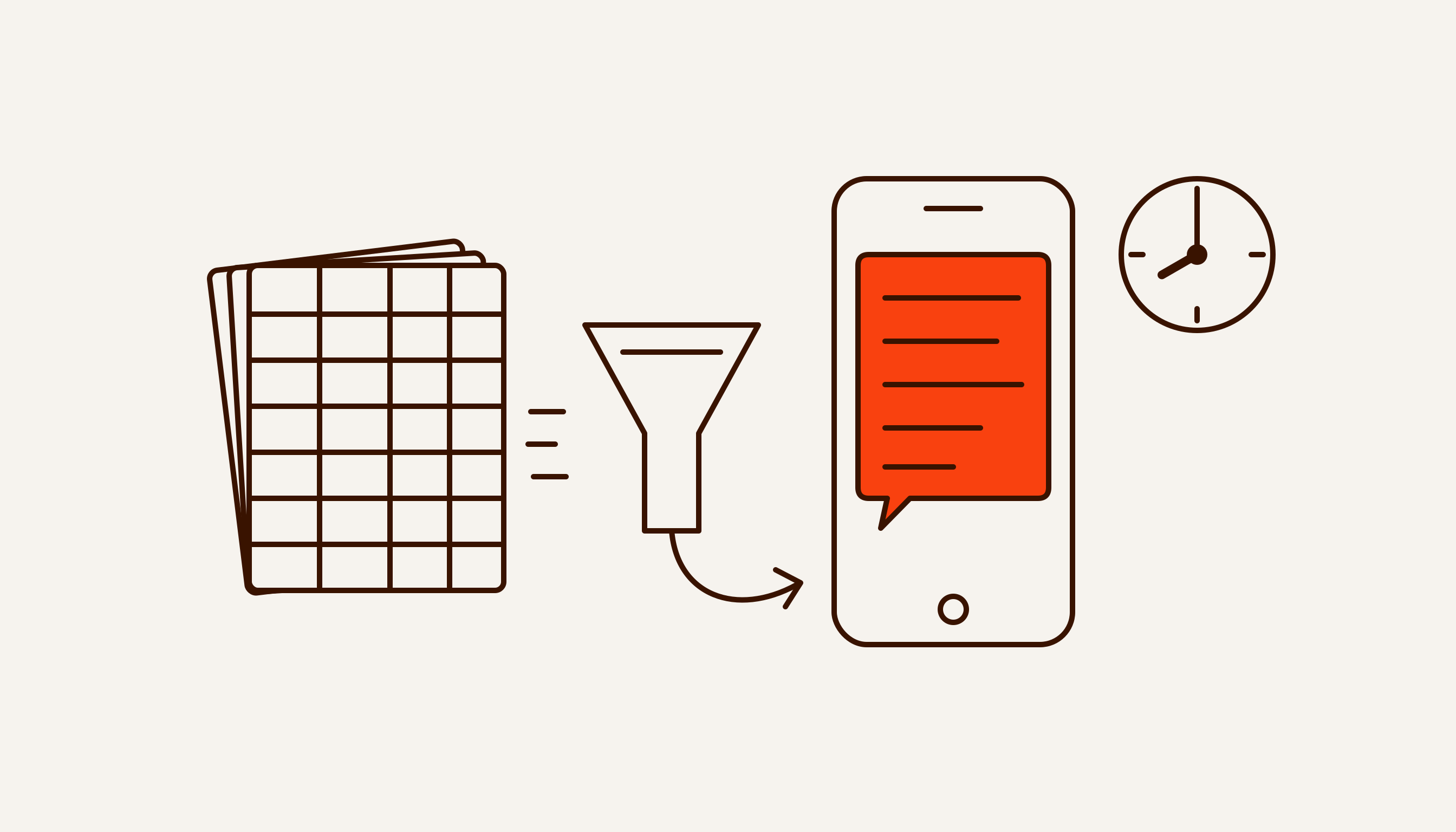
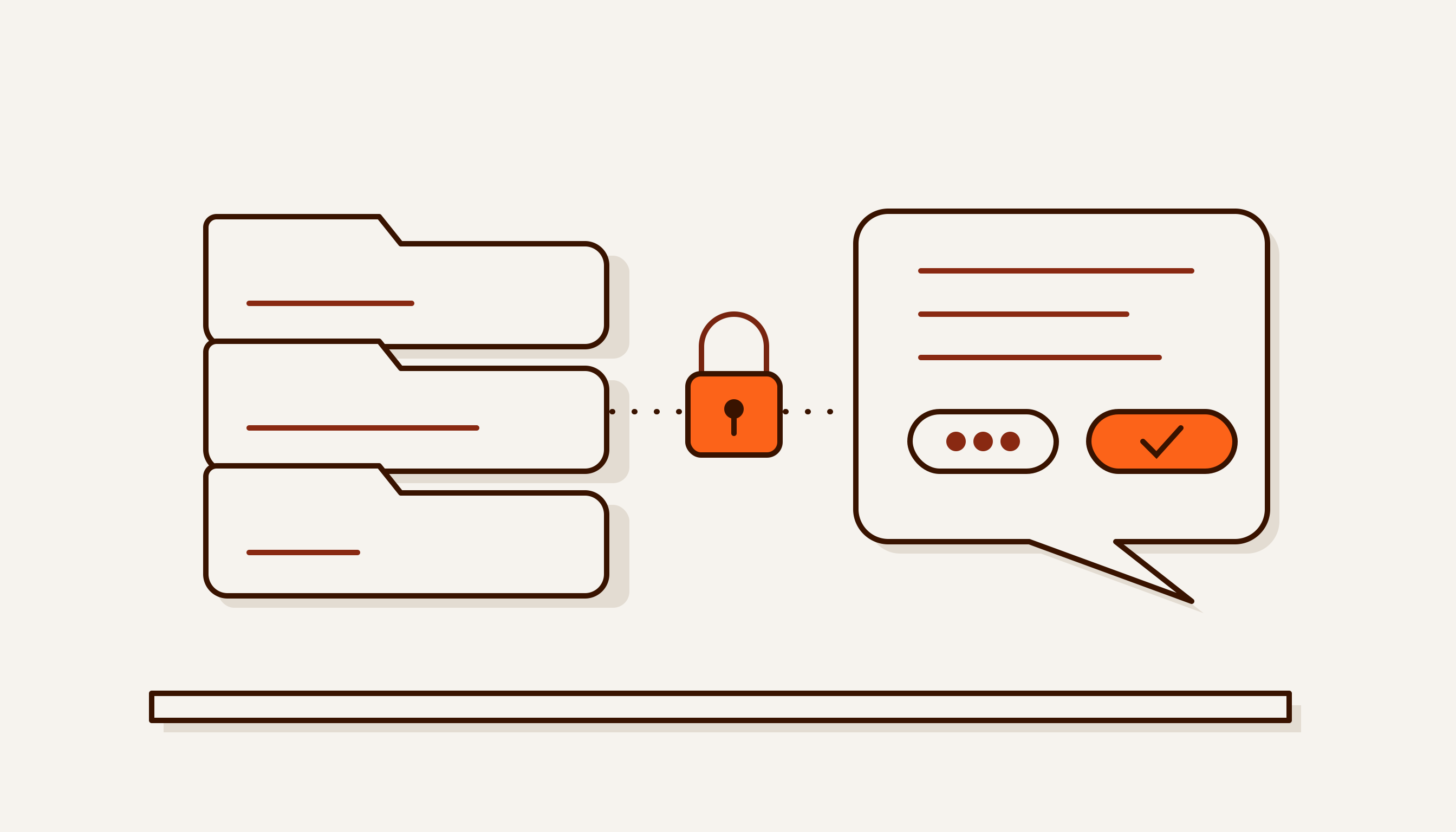
A link between 1C and a Telegram bot works in two directions. In one, 1C itself tells people about events in the database. In the other, a person asks the bot a question and gets an answer from the database. A 1C developer builds the first direction inside the database. The second needs a server for the bot, a web publication of the database and carefully planned access rights. Before you order anything, decide three things: which events and questions you need, which people get access, and which data the bot is allowed to see at all.
What a bot can do with 1C data
Six typical jobs. The right-hand column shows the connection method; the methods themselves are described in the next section.
| Job | Direction | Who uses it | Method |
|---|---|---|---|
| Alert about an order or payment | 1C → Telegram | Sales manager, director | 1 |
| Morning summary | 1C → Telegram | Director | 1 |
| Stock level | Telegram → 1C → Telegram | Salesperson, wholesale client | 2 |
| Order status | Telegram → 1C → Telegram | Client | 2 |
| Payment approval | 1C → Telegram → 1C | Director | 2, or 1 with polling |
| Order intake | Telegram → 1C | Client, sales agent | 2 |
Alerts and summaries only read the database and post to a chat, so they are the cheapest. Answering questions requires a server for the bot. Approvals and orders change data in 1C. They need write rights, a check of who pressed the button, and protection against a second tap so a payment is not approved twice.
Here is what the messages could look like (the figures are made up):
Summary for 28.10, 9:00
Sales yesterday: 86,400,000 so'm, 41 invoices
Client payments: 63,900,000 so'm
Cash in accounts: 214,700,000 so'm
Largest client debts:
1. LLC "X" — 38,200,000 so'm, 47 days
2. PE "Y" — 21,500,000 so'm, 15 days
Salesperson: 1102
Bot: VVG cable 3×2.5, item 1102
Main warehouse — 37 coils, Chilanzar warehouse — 0.
Reserved for orders: 12 coils.Start with the one job that eats the most time today. Often that is “check the stock” calls to sales and the warehouse, or a summary someone builds by hand for the director. How to pick the first process is covered in “What to automate first”.
Three ways to connect 1C and Telegram
| Method | How it works | What you need |
|---|---|---|
| 1. 1C writes to Telegram itself | A scheduled job or a document-posting handler sends text to the Telegram Bot API | A 1C developer, internet access on the 1C server |
| 2. A separate bot works with 1C | The bot runs on its own server and reads and writes 1C data over OData or an HTTP service | A web publication of 1C, a server for the bot (an office machine will do) |
| 3. The built-in collaboration system | The 1C platform links 1C discussions to Telegram through a bot | A configured collaboration system, platform 8.3.17 or later |
Method 1 is the cheapest. On a schedule or when a document is posted, 1C builds the text and sends it to the bot. The 1C server does not have to be exposed to the internet: it only makes outgoing calls to Telegram. Receiving such messages is convenient; asking the bot questions with this method is not. 1C can also pull questions from Telegram every few seconds (this is called polling, getUpdates), but that is not usually done for a client-facing bot under load. Ready-made processing modules and code samples are published on Infostart, a developer community, not the 1C company. Show any third-party module to your own developer before installing it.
Method 2 is for a bot that answers questions and creates documents. 1C can expose data at a standard address on its own; this is called OData. You switch it on with the “Publish standard OData interface” checkbox when publishing the database to a web server, on platform 8.3.5 and later (1C’s own blog on Habr). The alternative is an HTTP service: a 1C developer writes an endpoint that returns one specific answer, such as the stock for one item. Why that is often better is explained in the access section below.
Method 3 works at platform level. The 1C:Enterprise 8.3.17 developer guide has a section called “Integration with instant messaging systems” with a Telegram subsection (its.1c.ru). In the 8.3.24 guide the section is titled “Integration with various systems” and covers Telegram, VK, WhatsApp and webhooks (its.1c.ru). This method suits conversations: a client writes in Telegram, an employee replies from 1C. It will not produce a summary or a stock answer without a developer. The documentation text is open only to ITS subscribers, so ask your 1C partner for setup details.
There is also a workaround through an intermediary. 1C exports data to a spreadsheet or passes it to a workflow tool such as n8n, and the bot talks to that instead. This is common when 1C numbers have to be combined with a CRM. More in “Report automation”.
Rollout plan in seven steps
The timings below are our estimate for a typical job, not market statistics.
- One job. Pick one from the table above and write down who will use it and how often.
- Know your database. Find out the platform version, the configuration name and where the database lives: file-based or client-server, in your office or with a hosting provider. You can see the platform version in 1C under Help → About. That decides whether it can be published and whom to ask for access. If your 1C partner or a cloud provider hosts it, ask them about publication before you talk to a bot developer.
- The bot is yours. Create the bot yourself in @BotFather with the /newbot command (Telegram tutorial) and keep the token. The contractor gets the token, but the bot stays yours.
- A 1C user for the bot. A separate one, with a role limited to the objects it needs (the rules are in the access section).
- Pilot with 3–5 employees. Alerts and a summary via method 1 usually take a developer days. A bot that answers questions via method 2 takes weeks; approvals and order intake take longer. Two weeks of pilot show whether people read the messages and which questions the bot does not understand.
- Monitoring. If the bot has not responded for an hour, whoever maintains it gets an alert.
- Clients last. Launch a client-facing bot only after the internal one has run without failures.
The bot’s server: polling or webhook
A bot receives messages in one of two ways, and only one can be active at a time (Bot API).
- Polling (getUpdates). The bot’s server keeps asking Telegram for new messages. No public IP address or certificate is needed, so the server can sit in the office next to 1C. Good for an internal staff bot.
- Webhook. Telegram pushes every message to your address. You need an SSL certificate and one of the ports 443, 80, 88 or 8443 (Bot FAQ). A self-signed certificate also works if you upload its public key to Telegram. Webhooks are the usual choice when the bot runs on a cloud server and hundreds of clients use it at once.
If the bot’s server is down, Telegram keeps messages for no longer than 24 hours (Bot API). A bot that was off from Friday evening to Monday morning will never see Saturday’s messages.
For a webhook, the contractor should set a secret string (the secret_token parameter; this is not the bot token). Telegram sends it in a header with every request, and the bot’s server rejects requests that lack it (setWebhook). If a contractor cannot answer “how do you check that a request came from Telegram?”, find another one.
Telegram limits people discover after launch
A bot cannot write first. The user has to open the bot and press Start, or add it to a group (Telegram). With employees this takes a day: everyone presses Start and the bot stores their ID. Clients are harder. An “order shipped” alert reaches only those who have already opened the bot. A link with a parameter such as t.me/bot_name?start=z245 helps: print it as a QR code on the invoice or delivery note. The client scans it, presses Start, and the bot knows which order to attach them to (deep linking). The parameter can be up to 64 characters: Latin letters, digits, underscores and hyphens.
Sending limits. Telegram advises no more than one message per second to a single chat; a group gets at most 20 per minute; bulk sending is capped at about 30 per second (Bot FAQ). If 1C fires 150 shipment alerts into a shared group at day close, Telegram will refuse some of them (error 429). If the program does not retry, those messages are lost. Combine them into one summary or spread them across private chats.
In a group, the bot does not see everything. By default it receives only commands, replies to its own messages and messages addressed to it. The exception is a bot made a group admin: it sees everything (Privacy Mode). If the idea is for the bot to read a work chat and enter things into 1C, discuss it with the contractor up front.
Database access: where people usually go wrong
The bot is just another 1C user, except it answers anyone who knows its Telegram handle. Hence five rules.
- A separate 1C user for the bot with a role that includes only the objects it needs. Not the chief accountant’s account and not “Administrator”.
- Read-only wherever writing is not needed. Stock, statuses and summaries are reads. Write rights only for approvals and orders, and only on those documents.
- An allow list of people. An internal bot answers only Telegram IDs on the list and tells everyone else “access denied”. A departing employee’s ID is removed the same day their 1C login is disabled.
- Do not publish the whole database. Over OData, everything included in the publication is visible from outside. If the bot needs one answer, an HTTP service for that one action is safer. Protect the publication with a password and serve it over HTTPS only.
- Treat the bot token like a password. The token is issued when the bot is created, and the bot is controlled through it (Bot API). If it leaks or is lost, @BotFather’s /token command revokes the old one and issues a new one (Telegram).
A client-facing bot handles personal data: names, phone numbers, debt amounts. Since 27 March 2026, law ZRU-1125 has been in force: only certain categories of data, such as biometric data, must now be stored in Uzbekistan, and the rest may be stored abroad under the conditions the law sets. Ask your contractor where the bot’s server and its logs will be, and whether data from those categories ends up there. If the bot also answers through an AI model with database access, read “When an AI agent is dangerous”: it sets out three conditions under which such a bot leaks data to outsiders.
Common questions
Can it be done without a 1C developer? Almost never: someone has to write the job or module and give the bot its rights. A ready-made module from Infostart is also installed and checked by a developer.
What happens after a 1C update? An update can affect the web publication and custom changes. Agree in advance who checks the bot after each update and what that costs.
Does it work with 1C:Document Management? We did not find a dedicated Telegram bot for Document Management in 1C’s public materials. Task alerts can be sent through method 1 or 3.
What to ask a contractor before paying
- Which connection method they propose and why not another.
- Where the bot will run: on the 1C server, on a separate office machine, in the cloud. Who pays for the server and how much per month.
- Which 1C objects the bot will see and with what role. Ask for the list.
- Who checks the bot after 1C updates.
- How the bot checks who is writing to it, and how to add or remove an employee.
- What the bot does when 1C is unavailable: stays silent or replies “the database is unavailable, try again in 10 minutes”.
- Who holds the bot token and server access after handover.
- Which languages the bot uses with clients (Russian, Uzbek) and who writes and translates the texts.
The template in “A technical brief for a chatbot” helps put all of this into one document. What a bot costs in Uzbekistan is broken down in “How much a chatbot costs”.
Where we stand, honestly
We build bot-to-1C links as part of business automation: alerts, summaries, answers to questions from your data, passing on requests. 1C stays yours; we do not replace or rewrite it. A chatbot linked to a CRM and 1C is our “Pipeline” package: one process end to end, up to three integrations, from $1,200 to launch plus $300 a month, with 2 weeks to launch one process. How to connect to your database is decided during the review, once we have seen your configuration.
We don’t have client case studies with numbers yet. If your staff spend hours on “check the stock” and hand-made summaries, describe the process in the quiz on the home page: the first review is free, with an answer within 48 hours.