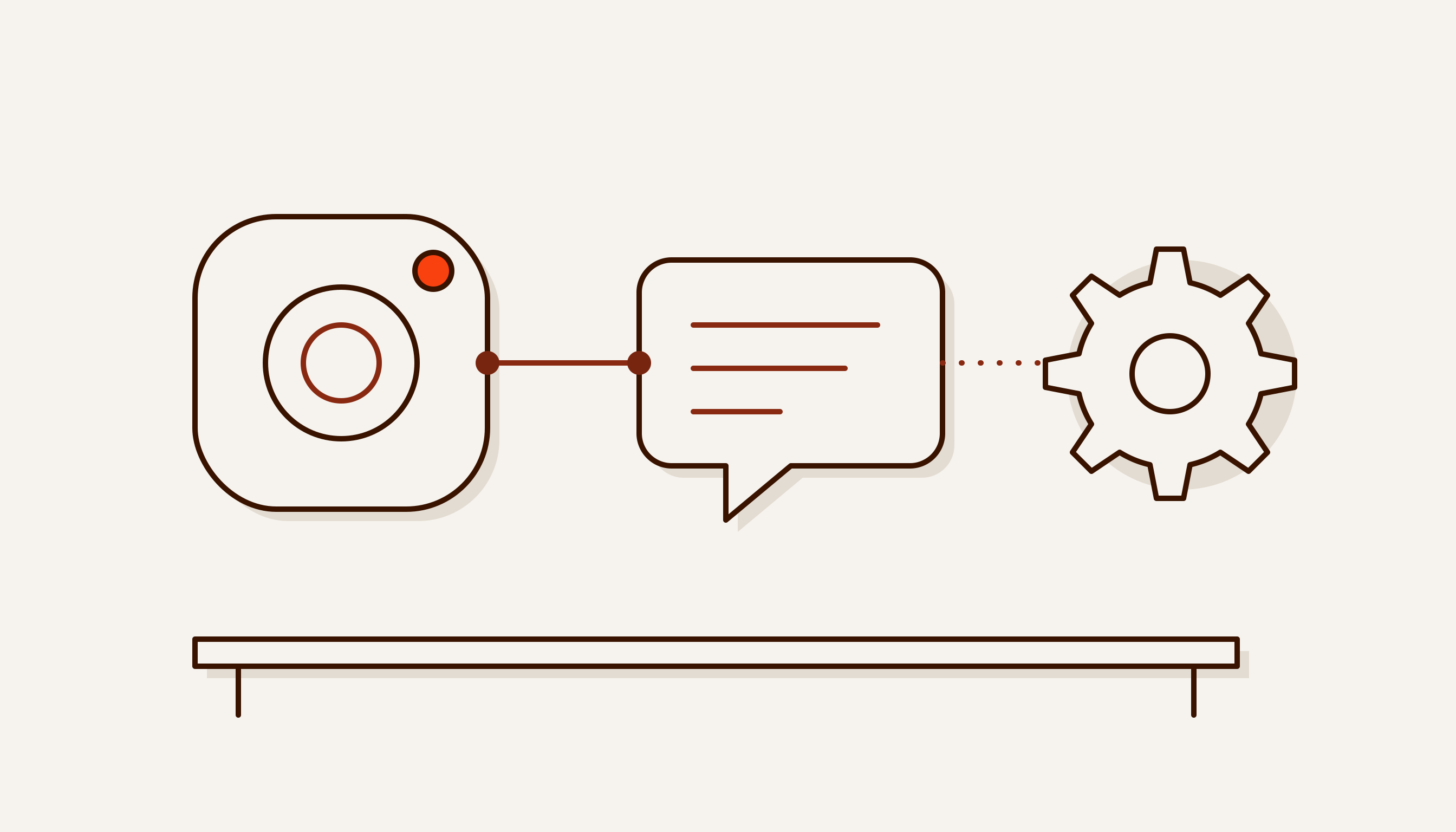
If all you need is a greeting, opening hours and an address, Meta Business Suite’s free automated replies are enough. They can also send a DM to anyone who comments with a hashtag such as #price. If you want to react to any word in a comment and run a conversation of several steps, use ManyChat or SendPulse. If the bot has to read prices and free appointment slots from your own system, and Instagram DMs have to reach your CRM together with Telegram, you need a bot built for your business by a contractor — a custom build. Third-party services and custom builds connect only through Meta’s official login, never with your account password.
The audience figures come from DataReportal’s “Digital 2026: Uzbekistan”: Instagram reaches 37.9% of the population and 42.6% of internet users.
Free, with no third-party service
Meta offers a free DM auto-responder itself. The Meta Business Suite inbox has automations for Instagram business accounts connected to Business Suite (Meta help):
- an instant reply to the first message;
- an away message outside business hours;
- preset answers to questions about location, contact details and hours;
- a reply to a message containing a keyword — desktop Business Suite only;
- a DM reply to a comment containing a specific hashtag — also desktop only.
Inside Instagram itself you can also set up to four frequently asked questions with automatic answers; people see them when they open a chat with you.
There are catches. If a message matches both a keyword and the away message, the away message is sent. Turn on Meta Business Agent, Meta’s AI assistant in the inbox, and your instant replies and away messages are paused. Most importantly, this is an auto-responder, not a bot: it does not ask questions one by one, book a time or pass a lead to a spreadsheet.
Meta’s rules in one table
ManyChat, SendPulse or a contractor build multi-step flows on the Messaging API, Meta’s programmatic access to DMs. The rules below come from the Instagram Platform documentation and the Messaging API section, checked on 04.11.2026.
| What | Rule | What it means for a business |
|---|---|---|
| Account | Professional only: business or creator | Switch a personal account in Instagram settings first |
| Facebook Page | Not needed with Instagram Login, needed with Facebook Login | Both logins are official. A service asking you to link a Facebook Page is normal |
| Reply window | 24 hours after the person’s action | The bot cannot message first someone who has been silent for more than a day. There is no free broadcast to your whole base: outside the window you can only message people who opted in to marketing messages, a separate Meta tool |
| Click-to-Direct ads | After the first message from such an ad, the window lasts up to 7 days | People who wrote from an ad can be answered for a week |
| Staff reply | With the Human Agent tag the window is 7 days | A manager can close a complex question after more than a day, if the service applies this tag. Check with the service |
| Message length | Text up to 1,000 bytes in UTF-8 | A Cyrillic letter takes 2 bytes, a space or Latin letter 1. That is about 500 letters in Russian and almost 1,000 characters in Uzbek |
| Attachments | Up to 10 images at once; png and jpeg up to 8 MB, video and PDF up to 25 MB | Send a long price list as a PDF |
| Group chats | Not supported | The bot only talks one to one |
| Requests folder | Messages from non-followers land there; threads inactive for 30 days are not returned by the API | After a month of silence the bot no longer sees that thread. Check Requests: customers are there too |
| Handover to a person | The app must have an escalation path to a human agent (Meta overview) | A bot with no way to call a staff member breaks the rules |
For developers: a bot in Python or any other language works with standard API access for your own account; Advanced Access is needed for client accounts.
Why a “login and password” bot will let you down
Next to the official services, search results show tools that ask for your Instagram login and password and log in like a person. That way they get around the 24-hour window and message anyone. Instagram’s Terms of Use explicitly forbid accessing or collecting information in an automated way without express permission, and collecting or requesting other people’s logins, passwords and access tokens.
What this puts at risk:
- The account. Breaking the terms can lead to restrictions or a disabled profile, and the followers and conversations go with it.
- Access. Your company profile’s password sits with an outside service. Change it and the bot stops working. Don’t change it and strangers keep access.
- Customer data. Conversations are personal data. If the service leaks them, you answer to your customers. What Uzbek law requires is covered in our article on personal data for websites, bots and CRMs.
The test is simple. An official service sends you to an Instagram or Meta login page where you grant permissions yourself. It never asks for your password.
ManyChat, SendPulse or a custom build
Below are two services that show up most often in search results for this query. Prices come from their pricing pages as of 04.11.2026, converted to so’m at the Central Bank rate of 11,911.71 so’m per dollar; taxes are not included.
| ManyChat | SendPulse | Custom build | |
|---|---|---|---|
| Free | 25 active contacts a month, up to 4 live triggers, ManyChat branding in messages | 3 bots, up to 500 subscribers, up to 10,000 messages a month across all bots | — |
| First paid plan | Essential: 250 contacts, 2 channels, $17 a month (≈202,500 so’m), $14 when paid yearly | PRO for 500 subscribers: $12 a month (≈142,900 so’m), $9.60 when paid yearly | One-off build plus support; our prices are at the end of the article |
| Plan with AI | Pro: 2,500 contacts, 3 channels, $39 a month (≈464,600 so’m), Manychat AI | ChatGPT integration already on PRO | Any model, paid to the provider at its rates |
| Channels | Instagram, Telegram, WhatsApp, Messenger, TikTok and more | Instagram, Telegram, WhatsApp and more | Whatever you need |
| Payment | Visa, Mastercard, Amex, Discover cards (pricing) | Prices in dollars (pricing); check payment methods before buying | In so’m under a contract with the contractor |
ManyChat warns that the price depends on the billing country: you will see the price for Uzbekistan on the checkout page. Humo and Uzcard are not on ManyChat’s card list, so check in advance that your Visa or Mastercard goes through.
An “active contact” in ManyChat is a person the bot or a staff member messaged with this month, however many messages there were. A giveaway with 400 responses uses up the 25 free contacts within the first hour. On paid plans the bot keeps working past the limit: ManyChat charges a fee for each extra contact, and you can set an overage cap in advance. The pricing page does not say what happens on the free plan after the limit — check before a giveaway.
A custom build is needed when:
- DMs must reach your CRM next to Telegram and calls, with the source and the responsible manager;
- the answer depends on live data: stock levels, free appointment slots, order status from 1C;
- the bot must take prices from your accounting system, not from a text someone once uploaded to a service and forgot to update.
Comment to DM: how “comment a word” works
A common Instagram flow: under a Reel you write “comment PRICE”, and everyone who does gets the price list by DM. If you are happy to use a hashtag instead of a word, the free Meta Business Suite auto-reply can do it. Technically this is a private reply to a comment, and Meta has its own rules for it:
- One comment — one message. The bot can send a second one only if the person replies, and no later than 24 hours after that reply.
- It has to be sent within 7 days of the comment. During a live broadcast — only while it is live.
- A follower gets the message in the Inbox, a non-follower in Requests, where it is easy to miss.
The limit is 750 such replies per hour per account. You can only hit it in a giveaway where thousands of comments appear under one Reel within an hour.
So the first message needs something useful and a question worth answering. The customer’s reply opens the 24-hour window, and the bot can take them to a booking or order. If the first message is just a link, the conversation ends there. Send files after the reply: the single allowed message fits text with a link. Illustrative examples:
| Business | First DM |
|---|---|
| Clothing store | “The new collection price list is at the link. What size do you need? I’ll check availability” |
| Beauty salon | “Colouring prices are at the link. Which day suits you: today, tomorrow or the weekend?” |
| Clinic | “Prices for appointments and tests are at the link. Shall I book you with a doctor? Tell me a convenient day” |
For a clinic, keep the flow to prices and bookings. To questions about symptoms the bot has one answer: passing you to a doctor or the front desk.
Instagram and Telegram in one bot
Customers don’t care where they write, but you need one set of answers and one lead queue. Otherwise you end up with two bots quoting different prices, and the manager doesn’t know the customer already asked in another channel. Telegram is among the channels in both ManyChat and SendPulse. ManyChat Essential’s two channels cover exactly Instagram and Telegram; adding WhatsApp needs Pro.
In a custom build it works like this:
- One core. The flow, the price list and the answer base live in one place; channels only receive and send messages.
- Different channel rules. In Telegram the bot can message a customer later if they started it, while Instagram has the 24-hour window. A booking reminder two days later cannot be sent through Instagram — it goes via Telegram or SMS.
- One customer record. Someone leaves a phone number on Instagram and later writes on Telegram — the CRM merges the requests by phone number.
How such a bot works in Telegram is covered in our article on Telegram for business. WhatsApp plugs into the same logic, but messages there are paid — see the separate guide to the WhatsApp Business API.
Step-by-step launch
A checklist for any service:
- Switch the account to professional.
- Connect the bot only through the Instagram or Meta login window (see above for why).
- In the Instagram app open Settings → Messages and story replies → Message controls → Connected tools and turn on Allow access to messages. Item names may differ between app versions. Without this step the API cannot reach your messages (Meta guide).
- Write a greeting: who is answering, what it can do, how to reach a person. Meta recommends telling people they are talking to an automated chat even where the law does not require it. For example: “Hello, this is the salon’s automated assistant. I can tell you prices and book a convenient time. To reach the front desk, write ‘administrator’.” Most customers in Uzbekistan will expect the same in Russian and Uzbek.
- Set up frequently asked questions — up to four, in Russian and Uzbek. Customers on a computer will not see them.
- Set up handover to staff: the bot should understand “administrator”, “manager”, “admin”, and the person on duty should get a notification.
- Test the flow from two other accounts, one following you and one not, from a comment and from a DM.
Three mistakes that are easy to make in the first week. A contractor promises a broadcast to your whole base, which Instagram does not allow (see the rules table): mass messaging is easier in Telegram. Nobody checks Requests. The bot answers in circles to a question that isn’t in the flow instead of calling a person.
Choosing who to hire for the bot? Start with the brief: how to write a chatbot spec.
Being honest about where we fit in
We build chatbots for business in Telegram and WhatsApp. We connect Instagram as one of the channels in sales automation: DMs land in the same queue as leads from Telegram and the website, instead of staying on the phone of whoever runs the account. There is no separate price for an Instagram channel on our site; we quote after a review.
For reference: a Telegram chatbot costs from $300 (≈3.6 million so’m at the 04.11.2026 rate), takes 2 weeks, and from the second month there is a subscription of 700,000 so’m a month for up to 1,000 customers. A bot that passes leads to a CRM or 1C is our Pipeline package: from $1,200 (≈14.3 million so’m) plus $300 a month, up to three integrations. In Uzbekistan you can pay in so’m at the Central Bank rate on the invoice date. When Meta’s free auto-reply or ManyChat does the job, there is no reason to pay us for a build — we’ll tell you so.
We don’t have client case studies with numbers yet: the company has been operating since August 2026. Not sure what you need? Start with a free review: two questions in the quiz on the home page, an answer within 48 hours, no call required to start.