An animated business video is a short piece made from graphics rather than filmed footage that explains a product, service or process in 30 to 90 seconds. The most common kind is the explainer video: the customer’s problem, how you solve it, and what to do next. The price depends mainly on length, the type of graphics (2D or 3D), the voice-over and how many versions you need for different platforms. Below we go through each of these and give you a script template you can fill in before talking to any studio.
Types of animated video
| Type | What it shows | Typical length | Where it works |
|---|---|---|---|
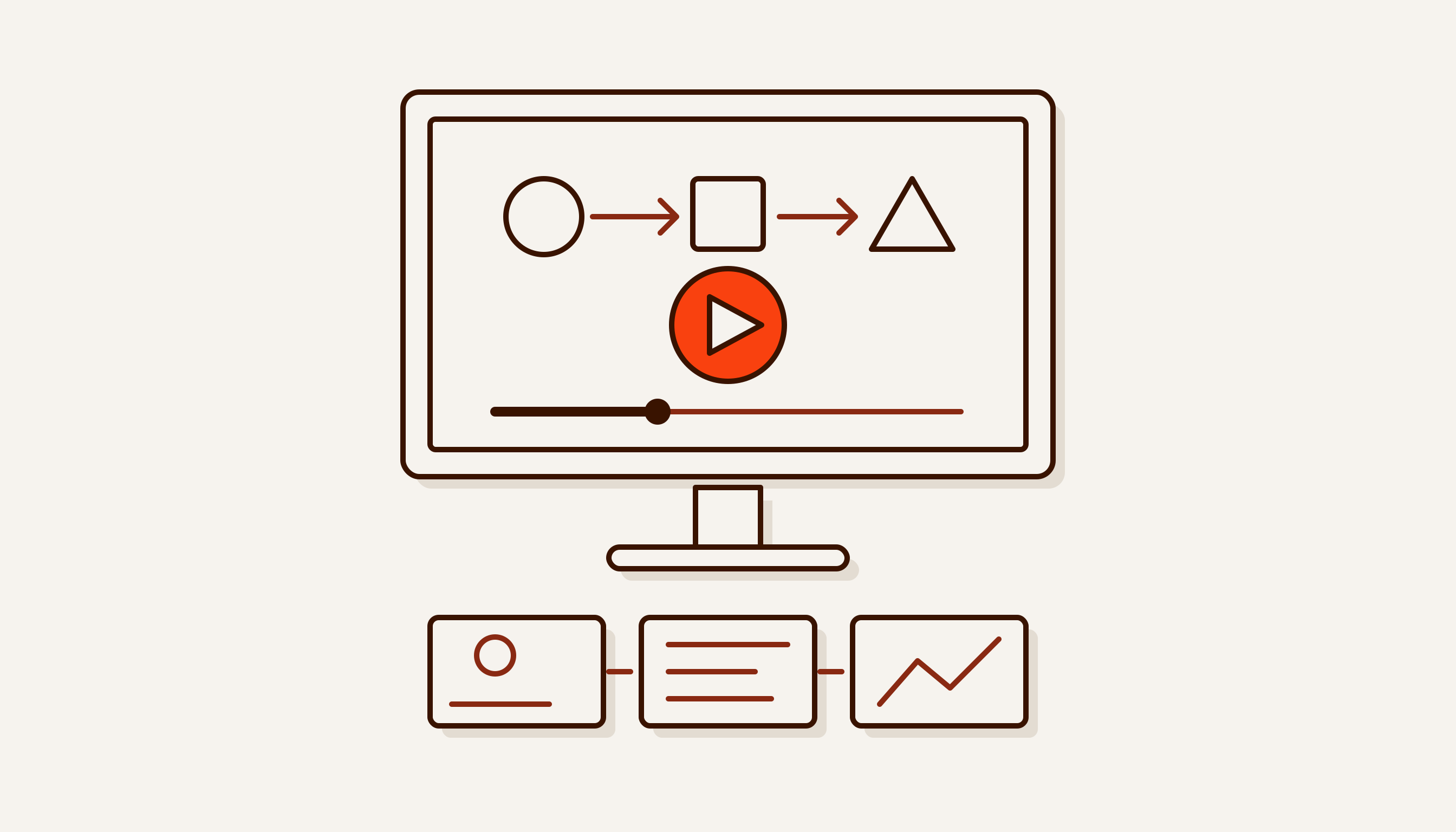
| Explainer | The customer’s problem and how the product solves it | 60–90 s | Website, pitch deck, Telegram |
| Product video | How a service works: screens, steps, result | 30–60 s | Website, sales demos |
| Infographic | Numbers, a report, a process diagram | 20–60 s | Social media, investor deck |
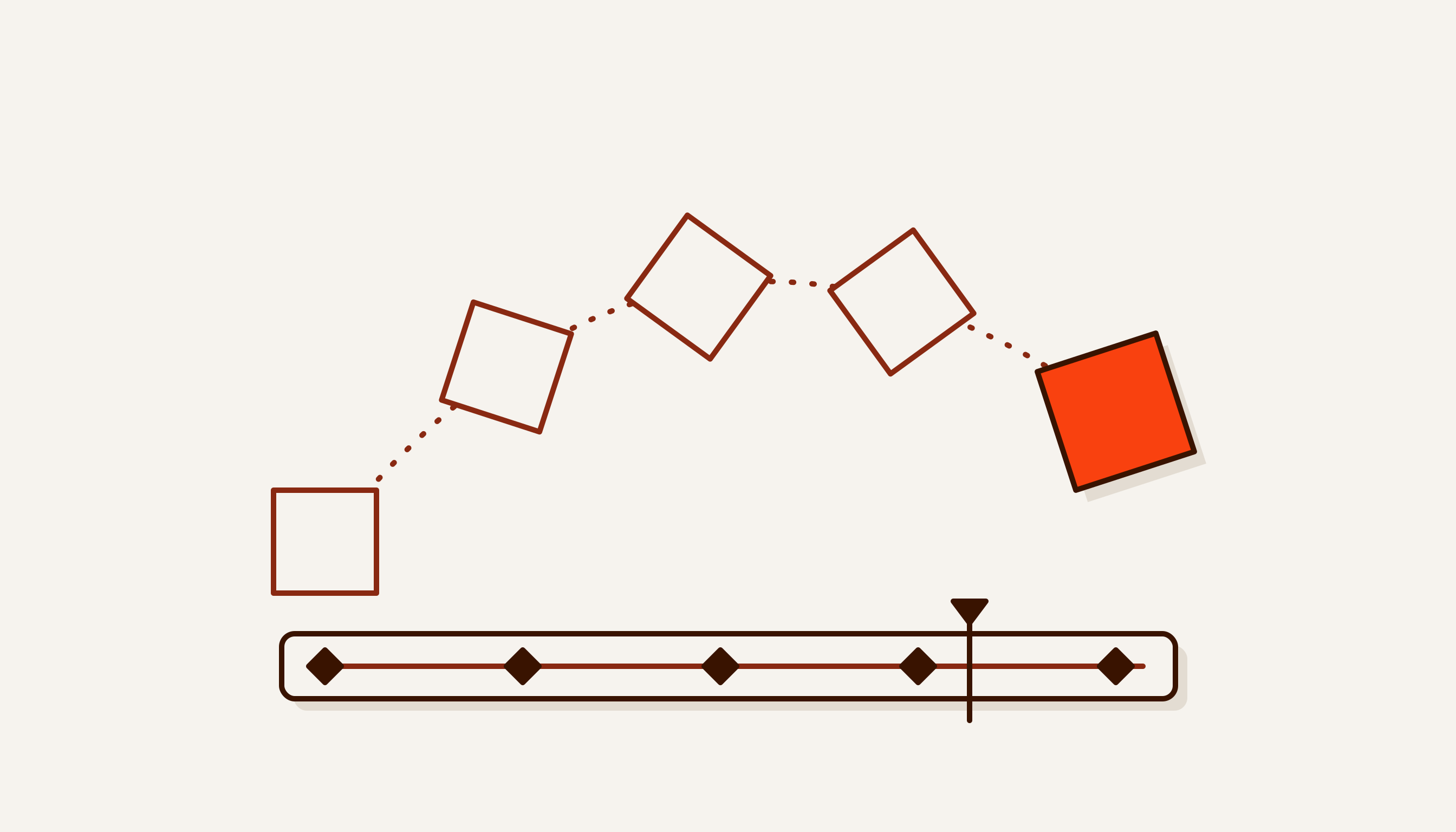
| 3D product presentation | An object from every angle: a machine, an apartment, packaging | 20–45 s | Website, trade show, sales team |
| Screen or trade-show loop | One idea, large, silent, on repeat | 10–30 s loop | Stand, venue screen, shop window |
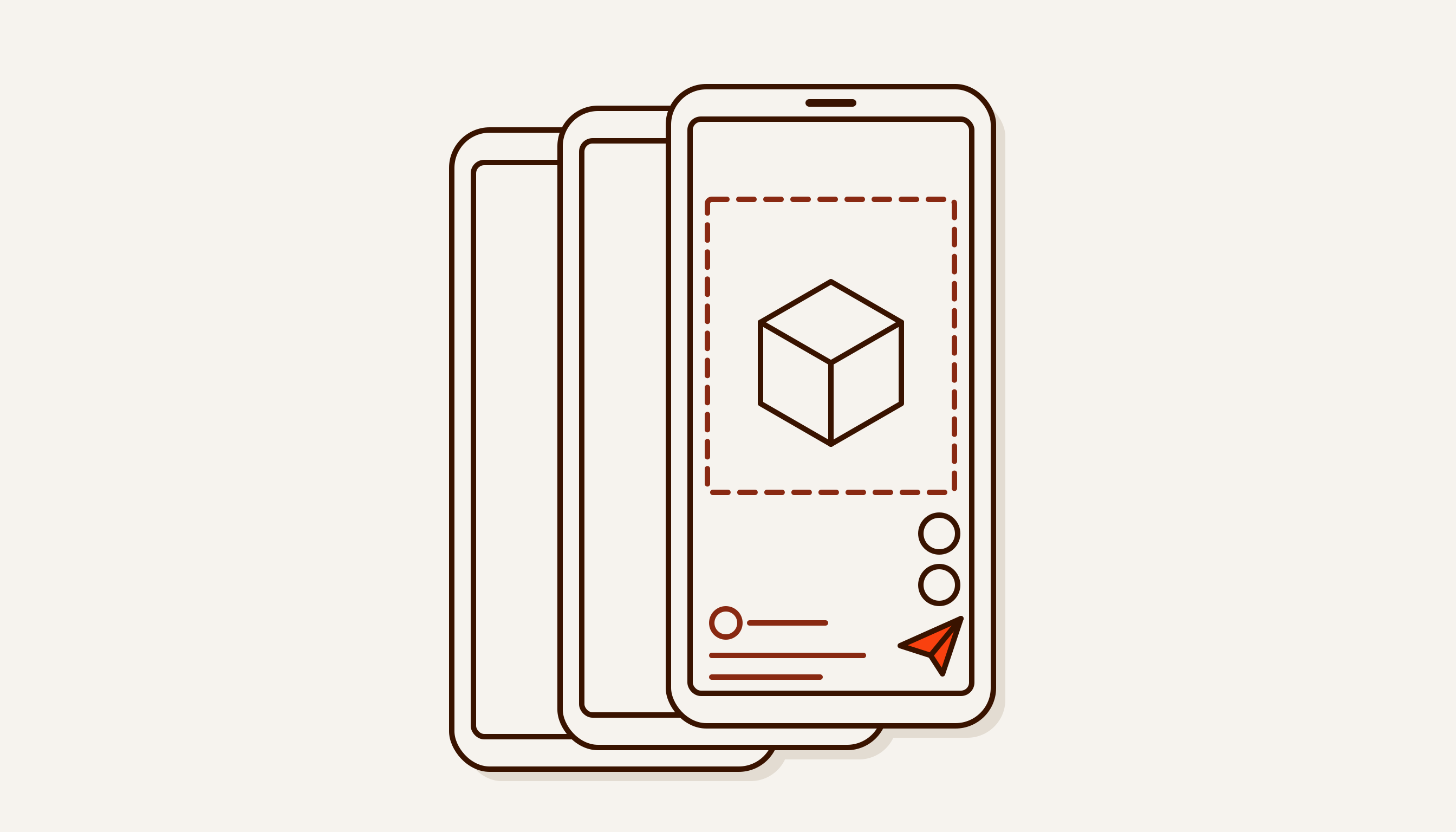
| Reels and stories | One idea, vertical, 9:16 | 15–30 s | Instagram, Telegram |
The lengths are our working practice, not platform rules. Vertical video has its own article: Reels for business.
3D earns its cost when the object does not exist yet or is hard to film: the building is not finished, the machine sits in a factory abroad, the service has no physical form. Otherwise 2D is usually cheaper and faster.
How long should an animated video be
There is no single standard, and it is more honest to work from the script than from an “optimal length”. For reference, there is the Wyzowl survey State of Video Marketing 2026: 71% of respondents consider videos between 30 seconds and 2 minutes the most effective. Bear in mind that this is a survey of 266 people, marketers and consumers, carried out in late 2025, and that Wyzowl itself sells explainer videos.
How to work out length from the script
We count the narrator’s words. In the six videos on our motion design page, the voice-over runs from 50 to 70 words over 23 to 32 seconds of speech. That comes to about 120–140 words a minute, roughly two words a second. This is Russian at our pace, not an industry standard. It gives a simple table:
| Video length | Voice-over words (Russian) |
|---|---|
| 15 s | 25–30 |
| 30 s | 55–65 |
| 60 s | 120–130 |
| 90 s | 180–200 |
Two adjustments. The last 2–3 seconds usually go to the logo and call to action without voice, so subtract them. And do not carry the Russian rate over to an Uzbek or English script: read it aloud with a stopwatch, at your narrator’s pace. If the text does not fit, cut ideas rather than speeding up the voice.
A one-page script template
Fill this in before your brief with a studio. If you cannot answer the first four lines, it is too early to make the video.
Video: … Company: … Date: …
- Audience. Who is watching and what they know about you beforehand: …
- One idea. What the viewer should remember, in one sentence: …
- Action. What they do afterwards: message you on Telegram, leave a request, visit your stand: …
- Where it will be shown. Platforms, frame format (16:9, 9:16, 1:1), whether there will be sound: …
- Length and language. … seconds; voice-over in Russian / Uzbek (Latin or Cyrillic script) / English / no voice, captions only.
- Storyboard as text. A four-column table: seconds, what is on screen, what the narrator says, on-screen caption.
- Off limits. What must not appear: prices that will change, promised deadlines, other companies’ logos: …
- Assets. Vector logo, fonts, colours, interface screenshots, product photos: …
Sample storyboard rows for a 30-second video for a hypothetical water delivery service:
| Seconds | On screen | Narrator | Caption |
|---|---|---|---|
| 0–3 | Empty water cooler, the clock shows 21:40 | “Out of water in the evening?” | Out of water? |
| 3–12 | A phone, a Telegram chat, three taps | “Message us on Telegram — ordering takes a minute” | Order on Telegram |
| 12–24 | City map, a van driving along a route | “We’ll deliver tomorrow before ten” | Tomorrow by 10:00 |
| 24–30 | Logo and link | — | @bot_name |
The process and how long it takes
Most studios follow the same order; what differs is where you sign off. The timings below are how we plan a 30–60 second video. We give the exact timeline after the brief and put it in the contract.
- Brief: 1 day. Answers to the template above and examples of videos you like.
- Script: 1–2 days. Text by the second. You approve it before any graphics.
- Style frames and storyboard: 2–3 days. Two or three finished frames in your colours, sketches for the rest.
- Animation: from 3 days in 2D, longer in 3D, where a Blender scene has to be built, lit and rendered.
- Sound: 1–2 days. Voice, music, effects, loudness.
- Formats: 1 day. 16:9, 9:16 and 1:1 versions, subtitles, cover image.
The main rule: a change at the script stage costs minutes, a change after animation costs days. So argue with the script, not with the finished video.
What drives the price of an animated video
- Length. Every second is frames that have to be drawn and approved.
- 2D or 3D. 3D costs more: models, lighting, materials, rendering.
- Custom graphics or a template. A library template is cheaper, but viewers have already seen it in other people’s videos.
- Characters. An animated figure with facial expressions is the most labour-intensive part of 2D.
- Voice-over. The narrator, the number of languages, re-recording after changes.
- Versions. Each extra frame format means recomposing the shots, not just cropping.
- Changes after animation. Best to fix their number in the contract.
With us, a 30–60 second product video starts at 4.9 million so’m (about $415), a 3D scene at 6.9 million (about $584), and a Reels video at 1.5 million (about $127), at the Central Bank rate of 11,808.76 so’m to the dollar on 1 October 2026. Payment is 50% upfront and 50% on delivery; the exact price comes after a free brief. Everything is in our price list (PDF, in Russian).
Where the video works
Website. A video at the top of the page only starts by itself without sound: Chrome always allows muted autoplay and allows sound only under conditions such as earlier interaction with the site. So the message has to come across through pictures and captions. Subtitles for a website video go in a separate file in WebVTT format. And watch the file size: heavy video slows down the first screen. How to add video and animation to a site without slowing it down is covered in Animation on a website.
Telegram. Use the video as a pinned channel post and as a reply in chats. You can save it as a Telegram Business quick reply (part of Premium) and send it with one command; setup is in Telegram Business explained.
Instagram. It needs its own vertical 9:16 version, not a horizontal video with bars above and below.
Investor presentations. Embed the video in a slide and also send it as a separate file: decks sent by email are often opened on a phone. For investors outside Uzbekistan, add English subtitles or a separate English voice-over.
Trade shows and venue screens. Sound barely carries and people walk past in a few seconds. Make a 10–30 second loop with large text and one idea. Before work starts, ask the venue for the screen’s resolution in pixels: LED screens come in all proportions.
Voice-over in Uzbek and Russian
In Uzbekistan a video often needs both languages, and Uzbek itself is written in two scripts, Latin and Cyrillic, which matters for captions.
A professional narrator brings intonation and trust, especially if the voice is the company head’s own. The downside: every script change means a new recording.
A synthesised voice can be edited in minutes, but the choice of Uzbek voices is narrow. Microsoft Azure has two, Madina and Sardor; some other services have no Uzbek synthesis at all. We compared providers in AI in the Uzbek language.
Nobody can tell you in advance how your particular script will sound. Before the full voice-over, ask for a 10–15 second sample done both ways.
Subtitles
For social media, subtitles are usually burned into the picture so they look the same everywhere. Instagram can generate subtitles automatically, but check the text, and we have not tested the feature with Uzbek. A website needs a separate .vtt file. For an Uzbek audience, decide on Latin or Cyrillic in advance. We do not recommend two lines in two languages in one frame: two versions of the video work better.
What to do next
- Fill in the script template above, at least the first five lines.
- Count the words and check them against the length table.
- Pick the two platforms where the video will be shown first, and let them decide the frame format and sound.
- Take this page to any studio: the estimate will be more accurate and the timeline shorter.
If you would like to discuss a video with us, our work and prices are on the motion design and 3D video page. A couple of messages on Telegram is enough for us to reply with the brief questions.